Let’s cut right to the chase: Instagram is designed so that when you watch someone’s Story, they can see you did. Your username gets added to their viewer list, plain and simple. It’s a core feature that encourages genuine interaction.
But that’s not the whole story, is it? You’ve probably heard whispers about workarounds and special tools that let you view someone’s instagram story without it showing. While some of these methods exist, they all come with some pretty big catches.
Can You Really Watch Stories Anonymously?
So, can you do it? The official answer from Instagram is a hard no. The platform is built on transparency—creators are meant to see who’s engaging with their content. It’s how they get feedback and connect with their audience. The moment you tap on a Story, your name is logged.
This viewer list is more than just a vanity metric; it’s a key part of how the app functions. For brands and creators, it provides crucial engagement data. If you’re curious about what that data looks like, you can learn more in our guide on how to turn on insights on Instagram.
Understanding the Limitations
Even though Instagram doesn’t officially support anonymous viewing, a whole ecosystem of workarounds has appeared. These fall into two categories: in-app tricks and third-party tools. Neither is reliable, and both come with clear risks.
Public vs Private Accounts: Anonymous viewers only work for public accounts. Private accounts can’t be viewed anonymously unless your secondary account is approved. Scrapers can’t bypass Instagram’s privacy protections, so private accounts stay off-limits.
In-App Techniques: Methods like the old Airplane Mode trick relied on pre-loading Stories and going offline. Instagram has patched most of these loopholes, making them highly unreliable today. If you prefer to stick to official features instead, here’s how to share someone’s post on an Instagram Story without depending on risky workarounds.
Third-Party Tools: Many sites and apps claim to offer anonymous viewing by scraping public Instagram data. While they may work occasionally, they operate in a legal gray area and can put your account and personal data at risk.
This viewer list is more than just a vanity metric; it’s a key part of how the app functions. For brands and creators, timing and engagement matter too, which is why knowing the best time to post an Instagram Story can play a major role in your results.
The Bigger Picture of Online Privacy
The urge to browse privately isn’t just an Instagram thing; it’s part of a much bigger conversation about our digital footprints. Before you try any platform-specific tricks, it’s helpful to understand the fundamentals of digital privacy. For a deep dive, this guide on how to stay truly anonymous online is a great resource.
The bottom line is that there are no legitimate, safe, or officially supported ways to watch an Instagram Story without showing up on the viewer list. The best approach is always to respect user privacy and stick to the platform’s guidelines.
Stories are a massive deal on Instagram. The feature is used by over 500 million people every single day. On top of that, a staggering 70% of users watch Stories daily. This huge scale is exactly why Instagram keeps a tight grip on viewer data—it’s all about protecting its users and maintaining trust.
If your goal is to interact without feeling awkward, it helps to engage in a low-pressure way. Leaving a simple, friendly reply is often better than trying to view Stories anonymously. A free Instagram comment generator can help you come up with natural comments and conversation starters without overthinking it.
Stories are a massive deal on Instagram. The feature is used by over 500 million people every single day. On top of that, 70% of users watch Stories daily. If you’re managing content regularly, you may also want to learn how to schedule an Instagram Story to keep your posting consistent without doing everything manually.
Manage all your social media in one place with Postiz
Another related question competitors always address is whether Instagram notifies users if you screenshot their Story. The answer: No, Instagram does not notify users of Story screenshots. This applies to photos and videos. (They do notify for disappearing photos in DMs, but not Stories.) This is important because many users assume screenshotting risks exposure, but it doesn’t.
Using Third-Party Tools for Anonymous Viewing
Let’s be honest, when you want to peek at an Instagram Story without leaving a trace, your first instinct is probably to google a solution. You’ll immediately find a ton of websites and apps that promise exactly that: total anonymity. They seem like a quick, easy fix.
These services all work in a similar way. They use a bot or a server to access Instagram’s public data on your behalf. You pop in the username of a public account, and the tool fetches the Story. Since the request comes from their server, their digital footprint shows up in the viewer list—not yours. It sounds simple, but you’re stepping into murky water.
RSS-Style IG Viewers Explained
Competitors also point out that many “anonymous viewers” are basically RSS-style web tools. They don’t log into Instagram at all; they just scrape public data that IG temporarily exposes. These tools cannot access highlights, archived Stories, Close Friends, or anything behind a private account. Their limitations are much greater than users assume.
The Hidden Risks of Anonymous Viewers
Using these tools is risky. You’re trusting an unknown service, and many free “viewer” sites are actually data harvesters or security traps.
The biggest red flag is any site asking for your Instagram password. Never share your login details, it gives complete access to your account, including DMs and personal info.
Even tools that don’t require a login can be dangerous. Their pop-up ads often lead to malware or phishing scams.
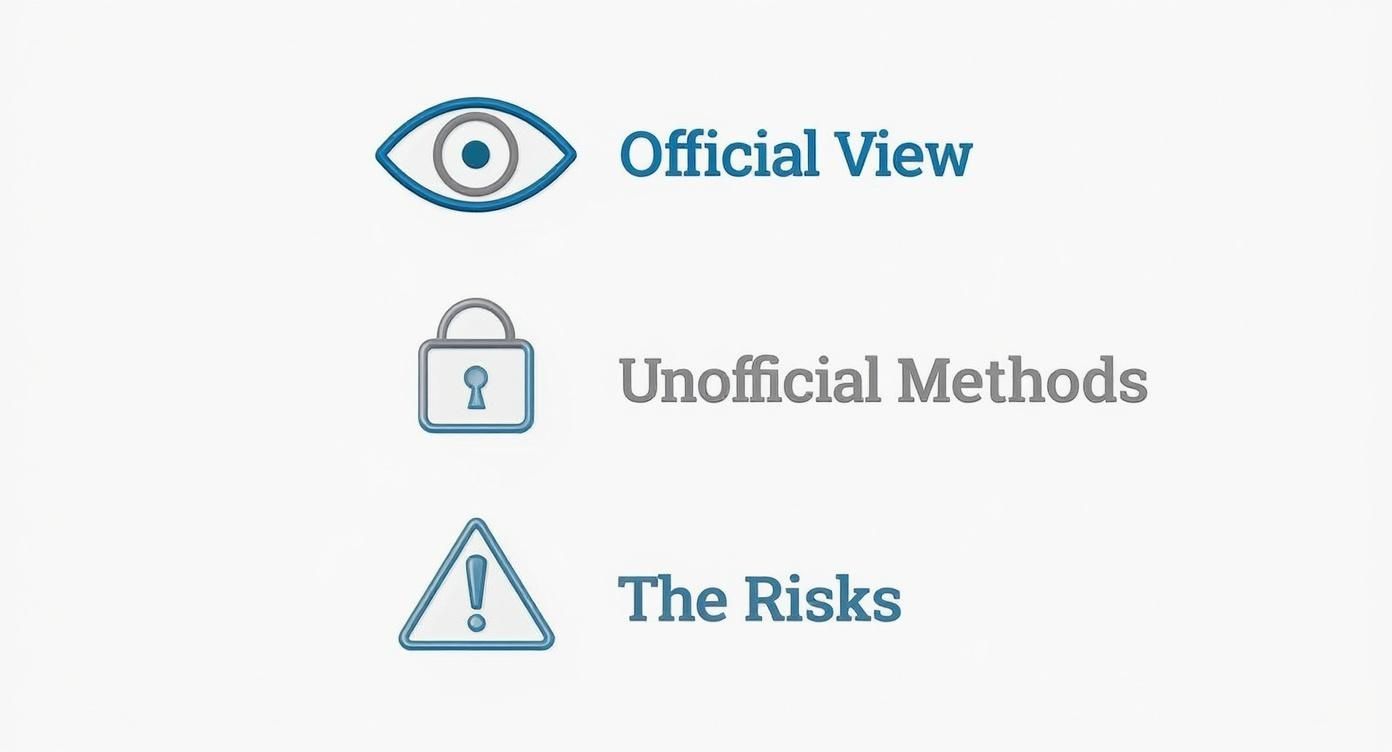
These services operate outside Instagram’s rules, and using them can put your account at serious risk. This tension between official methods and risky shortcuts is central to the anonymous viewing problem.
As the graphic shows, sticking to official viewing keeps you safe. The moment you step outside those lines, you introduce risks that just aren’t there otherwise.
Risk vs Reward of Anonymous Story Viewers
It’s easy to focus on the immediate “win” of seeing a Story unseen, but weighing that against the potential long-term consequences is critical. Let’s break down what you’re really trading.
Feature/Aspect
Potential Benefit
Associated Risk
Anonymity
Your username doesn’t appear in the Story’s viewer list.
The third-party service’s server might be logged, potentially linking back to you anyway.
Data Security
None.
High risk of your personal data being collected, sold, or exposed in a breach.
Account Safety
None.
High risk of account suspension, permanent ban, or having your credentials stolen if you log in.
Malware Exposure
None.
High risk of encountering malware, spyware, or phishing scams through malicious ads on the site.
Cost
Usually free to use.
The “payment” is often your data, security, and exposure to ads. Nothing is truly free.
At the end of the day, the benefit is fleeting, while the risks—from losing your account to compromising your personal information—are very real and can have lasting effects.
The Airplane Mode Trick
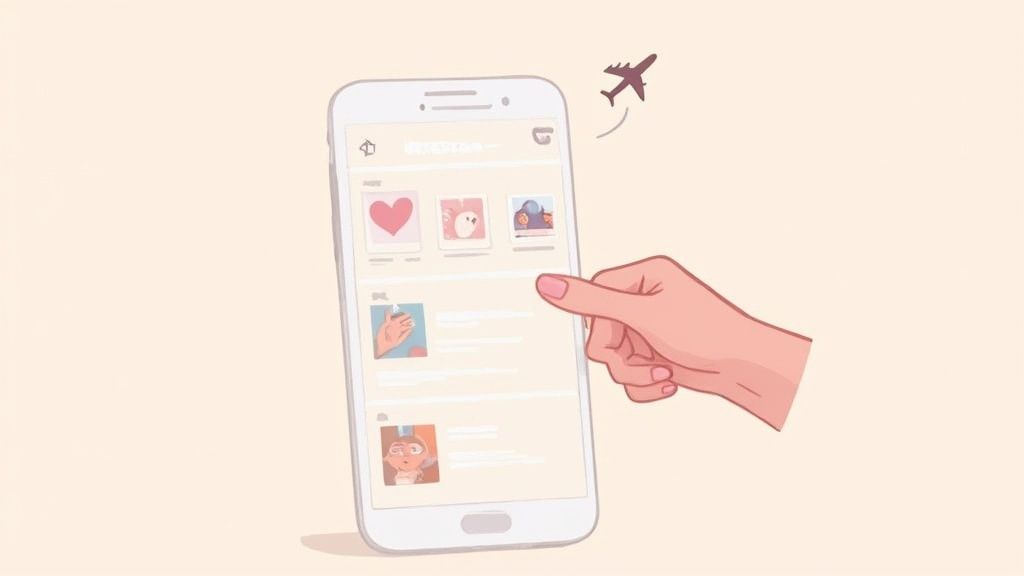
You’ve probably heard of this one. The whole idea behind the Airplane Mode method is to let the Instagram app pre-load Stories into your phone’s memory (the cache) while you’re online. Then, you cut the connection and watch the cached content without Instagram’s servers ever knowing you were there.
Here’s how you can try to pull it off. Think of it as a mini-heist for your phone; timing is everything.
Load ’em up: First, open the Instagram app and let the Story tray at the top of your feed fully load. You need to see those colorful rings around the profile pictures you’re interested in.
Go dark: Once they look loaded, swipe down your control center and hit that Airplane Mode button. This kills your Wi-Fi and cellular data instantly.
Watch the Story: Now that you’re offline, tap the Story you want to see. Since it was pre-loaded, it should play right from your phone’s cache.
Force quit (this is the most important part!): Before you even think about turning your internet back on, you have to completely close the Instagram app. I mean fully close it—swipe it away from your recent apps list. Just going back to your home screen won’t cut it.
That last step is what prevents the app from snitching on you. If you don’t close it properly, the second your phone reconnects to the internet, the app will sync up and tell Instagram’s servers you viewed the Story.
But Does It Actually Work?
Honestly? Not really, at least not anymore. While this trick sounds solid in theory, its reliability has tanked. Instagram is constantly pushing updates, and those updates have gotten much smarter about how data is cached.
Most of the time, the app only pre-loads the very first photo or maybe a few seconds of a video. You’ll likely tap the Story only to see a fraction of the content before it freezes, making it a pretty frustrating and hit-or-miss option.
Understanding the technical side, like the official Instagram video aspect ratio guidelines for Stories, gives you a sense of how content is formatted. This helps explain why that partial loading is such a common roadblock with this method.
My take: The Airplane Mode trick is a loophole, not a feature. Instagram is always working to make sure its platform runs as designed, which means these kinds of workarounds usually have a very short shelf life.
The “Peek” Method (High Risk, Low Reward)
Another in-app technique people talk about is the “half-swipe” or “peek.” This involves carefully swiping to an adjacent Story and holding your finger on the screen to get a little preview of the one you want to see without fully opening it.
You do this by tapping the Story next to your target, and then, without lifting your finger, slowly swiping back. You might get a quick, static glimpse of the Story you’re curious about.
The problem? It’s incredibly easy to accidentally swipe too far and register a full view. Plus, it only really works for still images, not videos. It’s a high-risk, low-reward move that I generally don’t recommend.
These privacy-focused tricks are all about managing how you appear to others on the platform. It’s a similar mindset to other Instagram features. For instance, if you’re concerned about engagement metrics, you might also want to learn how to hide the likes on Instagram to create a more low-pressure experience for yourself. It’s all about controlling your visibility.
What to Do If You Already Entered Your Password
If you’ve already logged into a tool that asked for your Instagram password, you must act immediately:
Change your Instagram password right away.
Revoke access to any suspicious apps in Instagram’s “Apps and Websites” settings.
Enable two-factor authentication.
Check your login history for unknown devices. Competitors emphasize this section because many readers search for help after falling for a phishing site.
Potential Consequences For Your Account
If Instagram’s systems catch you using an unauthorized service, it can trigger a few different responses to protect the platform and its users.
Here’s what you could be looking at:
Temporary Action Blocks: Suddenly, you can’t like posts, leave comments, or follow anyone. This is basically Instagram putting your account in a “time out” for a few hours or days.
Account Suspension: For more serious or repeated offenses, they might just disable your account for a while, locking you out entirely.
Permanent Ban: This is the worst-case scenario. Instagram can completely delete your account. You’d lose everything—all your photos, your messages, your followers. Gone for good.
You have to ask yourself: is a moment of anonymous curiosity really worth risking the account you’ve put time and effort into? For most people, the answer is a hard no. The safest and most respectful way to use the platform is the way it was designed—by viewing content openly and respecting the privacy of others.
What to Do When These Methods Fail
It’s definitely frustrating when you try a trick like the Airplane Mode method, and it just doesn’t work. Or worse, you plug your information into a third-party website and get that sinking feeling, wondering if your account is now compromised.
When these unofficial methods let you down, it’s not because you did something wrong. The truth is, they’re inherently flawed and unreliable from the start.
Instagram is constantly tweaking its app. These updates aren’t just for adding new filters; they’re for patching security holes and, you guessed it, closing the very loopholes that allow these tricks to exist. A workaround that was popular last month could be totally obsolete after the next app update.
Why Workarounds Are So Unpredictable
At the heart of the issue, you’re trying to sidestep a system that’s built on transparency. Ever since Instagram launched Stories back in 2016, its features have evolved, but one thing has remained constant: there is no official way to watch anonymously.
The platform is designed so creators can see who engages with their content—it’s a core metric for building a community. This isn’t just an accident; it’s a fundamental part of the ecosystem. If you want to dive deeper, you can explore more about how Instagram’s engagement algorithm works and see just how central viewer data is to the whole platform.
Because these methods operate in a grey area, they’re always going to be shaky. They’re a temporary, unpredictable fix at best.
“The cat-and-mouse game between users finding loopholes and Instagram patching them means that no unofficial method for viewing Stories will ever be a long-term, reliable solution. It’s a fundamental conflict with the platform’s core design.”
Recognizing and Avoiding Red Flags
If you’re still tempted to use a third-party service, you absolutely need to know what to look for. Protecting your account should always be your number one priority.
A few clear warning signs should make you slam that browser tab shut immediately:
It asks for your password. This is the biggest red flag imaginable. Never give your Instagram login credentials to any other website or app. Doing so hands over complete control of your account.
The site is plastered with ads. If a site is drowning in aggressive pop-ups and sketchy ads, its real business is probably not providing a service but harvesting your data or serving you malware.
It requires a download. Be extremely cautious of any tool that prompts you to install software. These downloads can easily hide malware or spyware designed to steal your information.
Ultimately, the safest bet is to steer clear of these services entirely. The fleeting satisfaction of viewing a Story anonymously just isn’t worth the massive risk of losing your account or having your personal data compromised.
Got Questions? We’ve Got Answers.
Chances are, if you’re curious about watching Instagram Stories on the down-low, you’ve got some questions. Let’s clear up a few of the most common ones so you know exactly what you’re dealing with.
Will They Know I Used an App to Watch Their Story?
Nope, they won’t. The person who posted the Story will never get a notification saying, “John Doe used a third-party viewer.” When one of these services accesses the Story, it’s the service’s digital footprint that gets logged, not your personal username. You stay off their viewer list completely.
But here’s the real catch: the risk isn’t about them finding out, it’s about Instagram finding out. Using these tools is a clear violation of Instagram’s Terms of Service. It could get your account flagged, temporarily locked, or even permanently banned. Instagram is always on the lookout for automated activity and shuts it down.
Does the Old Airplane Mode Trick Still Work?
Honestly, this method is more myth than reality these days. It used to be a decent workaround, but it’s incredibly unreliable now.
The whole idea was that your phone would pre-load the Stories, and then you could disconnect from the internet to watch them without getting registered as a viewer. The problem is, Instagram has gotten much smarter. The app no longer caches entire Stories. Instead, it might just load the first photo or a few seconds of a video, leaving you with a frozen screen. It’s a frustrating and pretty useless trick in modern versions of the app.
The Bottom Line: While the Airplane Mode method won’t get you in trouble with Instagram, it’s not a dependable way to view a Story anymore. Think of it as a relic from an older, simpler time on the app.
Is It Actually Against the Rules to View Stories Anonymously?
Using third-party websites to view or download content definitely is. It’s not illegal in a court-of-law sense, but it’s a direct violation of Instagram’s platform rules, and that can lead to penalties for your account.
Tricks you can do within the app itself, like the “peek” method, don’t break any rules, but they’re also clumsy and don’t really work. From an ethical standpoint, it’s worth thinking about why the feature exists in the first place. People share Stories with the expectation that they can see who’s watching. Bypassing that is a bit of an invasion of that assumed privacy.
So, What’s the Safest Way to Do It?
There is no 100% safe and reliable method. Period.
The lowest-risk options are the ones that don’t involve logging into sketchy websites, like the half-swipe or “peek.” But even those are awkward and one clumsy thumb-slip away from accidentally registering a full view.
The only genuinely safe approach is to just watch Stories the way they were meant to be watched. It keeps your account secure, respects the other person’s privacy, and ensures you’re playing by the rules.
Ready to manage your social media the right way? Postiz offers powerful, secure tools for scheduling content, analyzing performance, and engaging your audience without ever putting your account at risk. If you want to manage your content more efficiently without relying on risky tools, an Instagram post scheduler can help you plan and publish posts safely and consistently.
Discover how white label marketing software helps agencies scale. Learn to choose, implement, and monetize a branded platform to accelerate your growth.