You post a Story, people react, a few send DMs, and then the trail goes cold. That’s the gap most Instagram workflows have. Attention is there, but the handoff to your site, booking page, product page, or signup form is weak.
If you’re searching for how to add link on instagram story, the button clicks are the easy part. The part that matters is making the link visible, clear, trackable, and usable inside a real publishing workflow. That’s where most basic tutorials stop too early.
From Views to Visits Why Links in Stories Matter
Stories are often the fastest way to get eyes on something timely. A launch, a waitlist, a discount, a new article, a webinar reminder. But views alone don’t move a campaign forward. You need a clean path from Story view to site visit.
Instagram changed that in a meaningful way when it expanded the Link sticker to all accounts in December 2021, removing the old 10,000-follower requirement. That shift opened direct traffic from Stories to a much wider group of creators and businesses, and Hootsuite notes that Stories with clear CTAs can see average click-through rates of 10 to 20% in this format, with the broader update affecting over 1 billion monthly active Stories users worldwide, as covered in Hootsuite’s overview of Instagram Story links.
That’s why Story links matter now. They’re no longer a feature for large accounts only. They’re a standard traffic tool.
What changes when you use them well
A Story link works best when the creative and the destination match. If the Story promises a checklist, the landing page should open to that checklist. If the Story teases a product drop, the link should go straight to the product page, not your homepage.
Practical rule: Don’t ask viewers to figure out the next step. The Story should tell them exactly what they’ll get after the tap.
For teams making Story creatives quickly, tools that speed up ad-style visuals can help. If you need a quick way to turn an offer into short-form visual assets before adding the sticker, the ShortGenius AI ad generator is a useful option to test.
Adding Your First Link to an Instagram Story
The actual setup takes less than a minute once you know where Instagram hides it.
Open Instagram and go to the Story creator. You can tap your profile photo, or swipe right from the home screen. Start with the media first. Add the photo, video, graphic, or even a text-only background before you touch the sticker tray, because the design context affects where the link should sit.
Once your Story visual is in place, tap the sticker icon at the top right. It’s the square smiley. In the sticker tray, choose Link. If you don’t see it immediately, use the search bar and type “link.”
Paste the destination URL into the field. Then customize the sticker text. That part matters more than people think. According to Hey Marvelous on adding Story links, using custom text such as “Book Session” instead of showing the raw URL can produce 20 to 30% higher tap-through rates.
Manage all your social media in one place with Postiz
Don’t hit publish yet. First, drag the sticker somewhere people can notice it.
Good placement usually means:
Visible: Keep it away from busy corners and cluttered backgrounds.
Tap-friendly: Don’t shove it too close to the bottom where Instagram’s reply area competes for attention.
Contextual: Put it near the product, headline, or offer it refers to.
If you’re also learning the publishing side of Stories, this guide on how to post a Story on Instagram pairs well with the link workflow.
A simple example works like this. Say your Story says, “Spots close tonight.” The sticker text should read something like “Register Now,” not your domain name. The visual should support the action, not fight it.
Here’s a quick video walkthrough if you want to see the interface in motion.
The small checks that prevent sloppy posts
Before publishing, check three things:
Open the link once on mobile: Make sure the page loads correctly on a phone.
Read the sticker text aloud: If it sounds vague, it will perform vaguely.
Preview the full frame: Look for overlap with faces, product details, captions, or other stickers.
Publish, then immediately watch your own Story and tap the sticker yourself. It’s the fastest quality check you can do.
Beyond the URL Customizing Your Link for Clicks
Most low-performing Story links aren’t failing because the offer is bad. They fail because the sticker looks generic, sits in the wrong place, or gives no reason to tap.
Weak CTA versus clear CTA
A raw URL tells people where the link goes. It doesn’t tell them why they should care.
Compare these:
Weak: example.com
Better: Read the Guide
Better for commerce: Shop the Drop
Better for services: Book a Call
Custom sticker text gives the tap a purpose. That’s what raises clicks in practice. The Story should answer one question fast: what happens when I tap?
Placement changes behavior
A link sticker shouldn’t float randomly on the canvas. Put it where the eye naturally lands after reading the Story’s main message. Usually that means the lower middle area or near the focal object, without covering it.
Avoid these common layout mistakes:
Placement choice
What happens
Too close to the bottom
It competes with the message bar
On top of a face or product
It looks messy and distracts
Tiny and tucked into a corner
People miss it
Over a noisy background
It loses contrast
Resize the sticker until it looks intentional. Not oversized, not hiding.
Design it like part of the Story
Tap the sticker to cycle through color options and choose one that contrasts with the background. If your Story is dark, use a lighter sticker version. If the frame is bright, use a darker one. This is basic visual hierarchy, but it’s often skipped.
Add a text overlay above or near the sticker when the action needs a push. A short line like “Tap to get the checklist” works because it removes ambiguity.
A good Story link doesn’t interrupt the creative. It finishes it.
The best-performing Story links usually feel like the natural next move, not an extra sticker dropped in at the end.
Tracking Your Success with UTMs and Insights
Clicks are nice. Attributed clicks are what you can report on.
If you manage Instagram for a business, a client, or multiple campaigns, you need to know which Story drove the visit. Otherwise all traffic gets lumped together and your Story work looks less valuable than it is.
Bitly points out a gap most tutorials miss. They cover posting, but not the operational side of scheduling and tracking. It also notes that Instagram’s 2024 updates boosted Story link CTR by 25%, and highlights the need for proper UTM structure such as ?utm_source=igstory, especially in scheduled workflows, in Bitly’s guide to Instagram Story links.
A simple UTM setup that works
You don’t need a complex naming system. You need a consistent one.
Use a URL builder and set fields like these:
Source: igstory
Medium: social
Campaign: spring_launch
Content: story_frame_2
That gives you a link that tells analytics platforms exactly where the visit came from. If you publish several Story frames across a campaign, change only the content value so you can compare them later.
What to check inside Instagram
Instagram’s own Story Insights tell you whether people tapped. Your analytics platform tells you what they did after they tapped. You need both views.
Frame-to-frame drop-off: Did people leave before reaching the linked slide?
On-site behavior: Did visitors bounce, browse, sign up, or buy?
Where scheduling fits in
For agency and team workflows, scheduling tools become important. If you’re planning multi-channel publishing, Postiz is one option that supports scheduling workflows across social channels, which helps when Story campaigns need to align with other posts and tracked URLs.
If you don’t add UTMs before publishing, you can still count taps. You can’t cleanly prove which Story drove the result.
That’s the difference between activity and reporting.
Common Link Sticker Problems and How to Fix Them
The link sticker is simple, but the failure points are familiar. Most are easy to fix once you know where to look.
You can’t find the link sticker
Update the Instagram app first. Then reopen the Story creator and search “link” in the sticker tray instead of scrolling for it. If it still doesn’t appear, log out and back in.
Viewers say the link doesn’t work
This is usually a bad URL, a pasted typo, or a messy redirect chain. Test the exact link on your phone before posting. If the page opens slowly or oddly on mobile, fix the destination before blaming Instagram.
Nobody is tapping
The issue is rarely “people don’t like links.” More often, the Story gave weak context.
Try this checklist:
Tighten the CTA: Replace generic text with a specific action.
Improve placement: Move the sticker away from busy edges or overlays.
Match the frame to the destination: If the Story promises one thing and the page shows another, people hesitate.
The Story looks fine but feels off
Design quality affects taps. If the Story is blurry, cluttered, or hard to read, viewers won’t trust the click. This guide on why your Instagram Story looks blurry helps diagnose one of the most common quality issues.
Clean design builds confidence. Confusing design kills taps before the offer even has a chance.
Exploring Other Link Sharing Methods on Instagram
Story links are great for timely promotions. They’re not your only option.
The main alternative is the link in bio. That works better when you want one evergreen hub for multiple destinations, such as your store, newsletter, latest article, booking page, and lead magnet. A Story link is narrower and more immediate. It’s best when the content and the destination belong together right now.
Here’s the practical split:
Use Story links for launches, event reminders, flash offers, and single-purpose promotions.
Use link in bio for always-on navigation and broader discovery.
If you’re building a commerce-focused Instagram setup, this walkthrough on how to create a shop on Instagram is a useful companion to your traffic plan.
A note on the old swipe-up
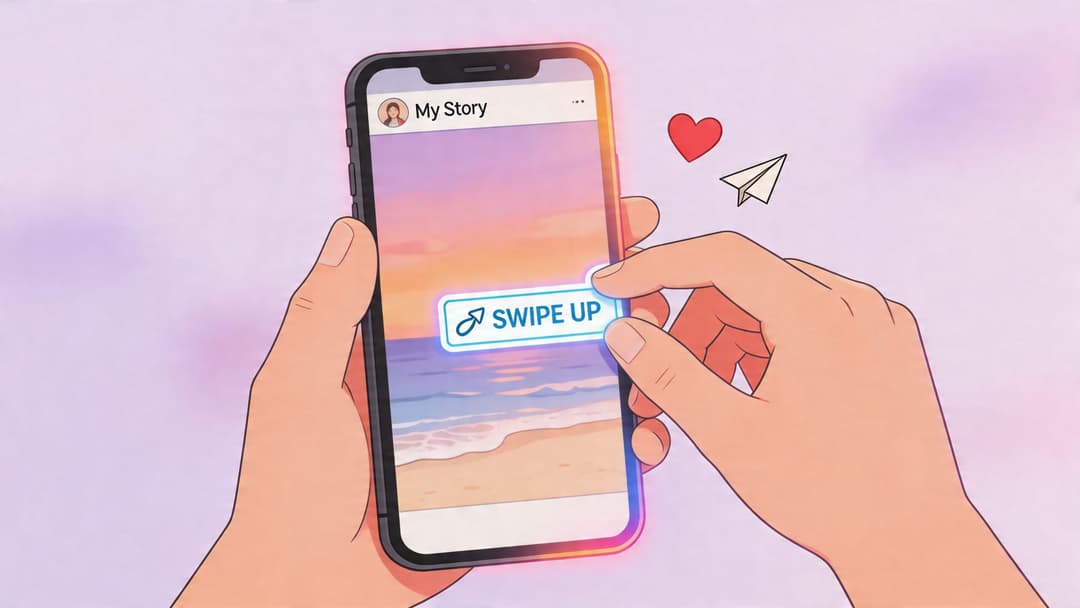
If you still think in terms of “swipe up,” that’s normal. A lot of people still search that phrase. Instagram replaced that older behavior with the sticker-based version, so the tap target is now visible on the Story itself instead of hidden behind a gesture.
For most accounts, that’s easier to design around and easier to explain in the creative.
Frequently Asked Questions About Instagram Story Links
Can any account add a Story link now?
Yes. If you don’t see the sticker, the issue is usually app version or account setup, not follower count.
Should I use the raw URL as the sticker text?
Usually no. A clear action phrase gets better response because it tells viewers what they’ll get.
Can I use more than one link strategy on Instagram?
Yes. Use Story links for time-sensitive promotions and keep your bio link as your evergreen hub.
What should I link to?
Send people to the most relevant page for that specific Story. Product page for a product Story. Registration page for an event Story. Article page for a content teaser.
Do I need tracking parameters?
If you care about reporting, yes. UTMs make Story traffic easier to identify inside your analytics platform.
If Instagram Stories are part of your publishing workflow, it helps to manage them in the same place you plan the rest of your social content. Postiz gives teams an agent-ready way to organize scheduling, collaboration, and performance tracking across channels, which makes Story links easier to run as part of a real campaign instead of a last-minute post.