Level Up Your Social Media Game
Creating a successful social media presence starts with a clear social media marketing plan. Without defined goals, platforms, content types, and performance metrics, even the best scheduling tools fall short.
A social media marketing plan template helps you map out your strategy before publishing a single post. It defines what to post, where to post, how often, and how success is measured.
In this guide, you’ll find:
-
A practical social media marketing plan template
-
Real examples and sample structures
-
The best tools to plan, organize, and execute your strategy efficiently
Whether you’re a solo creator, a marketing team, or an agency, this resource will help you plan smarter and grow faster.
What Is a Social Media Marketing Plan?
A social media marketing plan is a documented strategy that outlines how a business uses social platforms to achieve specific marketing goals. It acts as a roadmap that connects content creation, publishing, and performance tracking into one cohesive system.
Instead of posting randomly, a social media marketing plan defines what to post, where to post, why it matters, and how success is measured.
A complete plan typically includes the following core elements:
Goals
Clear, measurable objectives that align with your business priorities. Common goals include increasing brand awareness, driving website traffic, generating leads, improving engagement, or boosting conversions.
Target Audience
A defined audience profile that includes demographics, interests, pain points, and preferred platforms. Understanding your audience ensures your content speaks to the right people with the right message.
Platforms
The social networks you focus on based on where your audience is most active, such as Instagram, LinkedIn, TikTok, X (Twitter), or Facebook. Each platform should have a clear role within your strategy.
Content Pillars
The main content themes you consistently publish around, such as educational posts, product updates, behind-the-scenes content, customer stories, or industry insights. Content pillars keep your messaging focused and consistent.
KPIs and Metrics
Key performance indicators used to measure success, including reach, engagement rate, clicks, conversions, and follower growth. Tracking KPIs helps you evaluate performance and refine your strategy over time.
A well-defined social media marketing plan provides clarity, consistency, and direction, making it easier to scale your efforts and achieve predictable results across all social platforms.
Social Media Marketing Plan Template (Example)
A social media marketing plan template helps you translate strategy into action. Instead of starting from scratch, this framework ensures every post, campaign, and platform supports a clear business goal.
Use the example below as a starting point and adapt it based on your brand, audience, and resources.
Manage all your social media in one place with Postiz
 Instagram
 Youtube
 Gmb
Gmb Dribbble
 Linkedin
 Reddit
 TikTok
 Facebook
 Pinterest
 Threads
 X
X Slack
Slack Discord
 Mastodon
 Bluesky
 Lemmy
Lemmy Warpcast
 Telegram
 Nostr
Nostr Vk
Vk Devto
Devto Medium
 Hashnode
 Wordpress
Social Media Marketing Plan Template
| Section | What to Define |
|---|---|
| Business Objectives | What you want to achieve through social media (brand awareness, leads, sales, community growth) |
| Target Audience | Audience demographics, interests, pain points, and preferred platforms |
| Primary Platforms | Social networks you will actively use (e.g., Instagram, LinkedIn, TikTok, X) |
| Content Pillars | Core themes you publish around (educational, promotional, user-generated, thought leadership) |
| Posting Frequency | How often you publish on each platform |
| Content Formats | Post types such as images, videos, carousels, Reels, Stories, or long-form posts |
| Brand Voice & Tone | The style and personality of your messaging (professional, casual, playful, authoritative) |
| KPIs & Metrics | Metrics to track success (reach, engagement rate, clicks, conversions, follower growth) |
| Tools & Workflow | Tools used for planning, collaboration, scheduling, and analytics |
| Review & Optimization | How often performance is reviewed and the plan is adjusted |
Best Tools to Execute Your Social Media Marketing Plan
1. Hootsuite’s Social Media Content Calendar
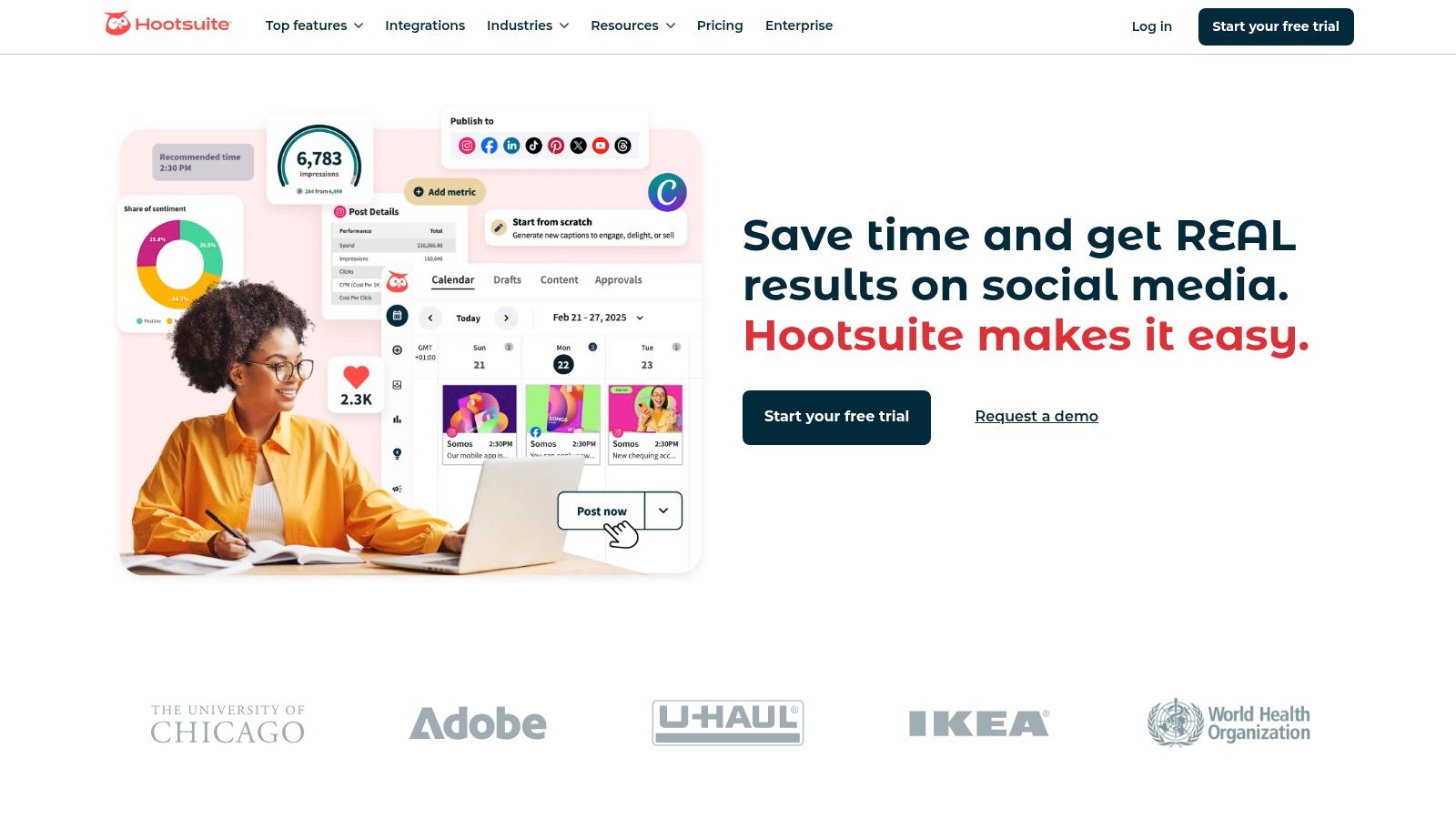
Hootsuite is a strong pick if you manage multiple platforms and need planning + scheduling + analytics in one place.
Best for
-
Teams and businesses managing multiple accounts and campaigns
Key features
-
Multi-platform planning (Instagram, Facebook, LinkedIn, X, Pinterest, YouTube)
-
Tags/labels to organize content by topic or campaign
-
Campaign tracking + hashtag tools
-
Team collaboration + approval workflows
-
Scheduling and publishing inside the same dashboard
Pros
-
All-in-one workflow (plan → schedule → analyze)
-
Great for teams and approvals
Cons
-
Can feel overwhelming for solo users
-
Advanced features require a paid plan
Quick setup
-
Create an account → connect your social profiles → start building the calendar → use tags + approvals → track performance.
In conclusion, Hootsuite’s Social Media Content Calendar deserves its spot on this list for its comprehensive features, seamless integration with the Hootsuite platform, and strong team collaboration tools. While potentially overwhelming for smaller operations, its power and versatility make it an invaluable asset for businesses seeking to elevate their social media presence through strategic content planning. You can explore their offerings further on their website: https://www.hootsuite.com.
2. Buffer’s Content Planning Template
Buffer is a simple, beginner-friendly option that focuses on easy planning and consistent posting.
Best for
-
Solo creators and small to mid-sized teams
Key features
-
Drag-and-drop calendar
-
Color-coding for post types
-
Content idea prompts to help you brainstorm
-
Basic analytics (reach, engagement, clicks)
-
Free plan available
Pros
-
Clean and easy to use
-
Great if you want something lightweight
-
Good value with the free tier
Cons
-
Not as powerful as enterprise tools
-
Limited customization and deeper reporting
Quick setup
-
Connect accounts → plan posts in the calendar → use prompts for ideas → monitor performance in analytics.
In summary, Buffer’s social media content planning template stands out for its simplicity and user-friendliness. It’s an excellent choice for those new to social media planning or small teams seeking a straightforward solution. While its features may not be as extensive as some enterprise-level platforms, its clean interface, content ideation tools, and basic analytics make it a valuable resource for creating and maintaining a consistent social media presence. The free version also allows users to test the platform and experience its benefits before committing to a paid subscription. You can explore the tool further at https://www.buffer.com. If you’re looking for an accessible, easy-to-use social media content planning template, Buffer is a strong contender.
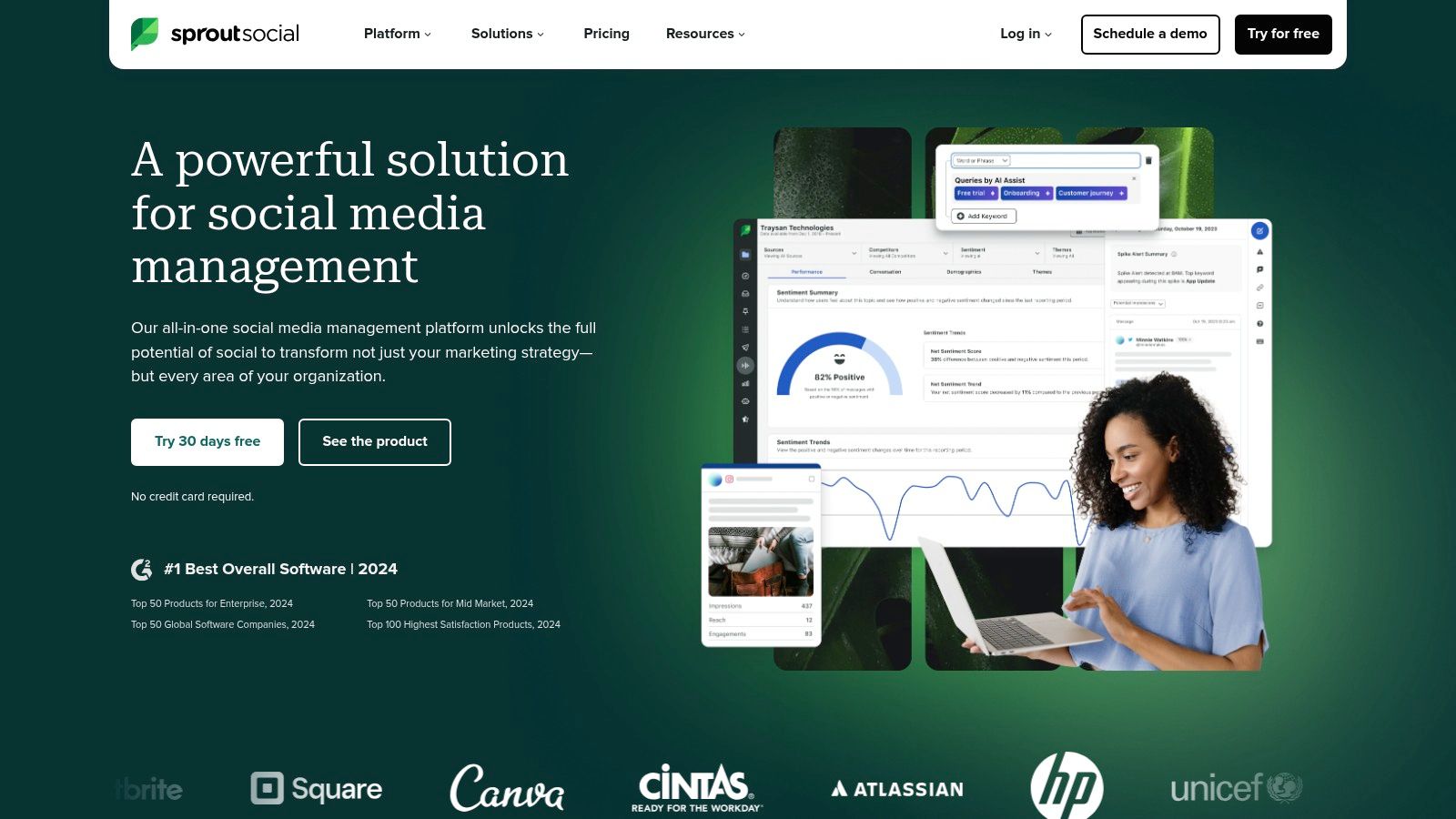
3. Sprout Social’s Content Calendar Template
Sprout Social is built for teams who need enterprise-level planning, plus social listening and reporting.
Best for
-
Agencies and larger brands managing multiple accounts
Key features
-
Approval workflows and role permissions
-
Social listening (brand mentions, trends, competitors)
-
Advanced analytics + custom reports
-
Multi-brand and multi-account management
-
AI suggestions to optimize content
Pros
-
Very powerful analytics + listening
-
Great collaboration and governance
Cons
-
Expensive for smaller teams (starts around $249/month)
-
Higher learning curve
Quick setup
-
Define goals/KPIs → connect accounts → set roles → plan content → use listening insights → optimize via reporting.
4. CoSchedule’s Marketing Calendar Template
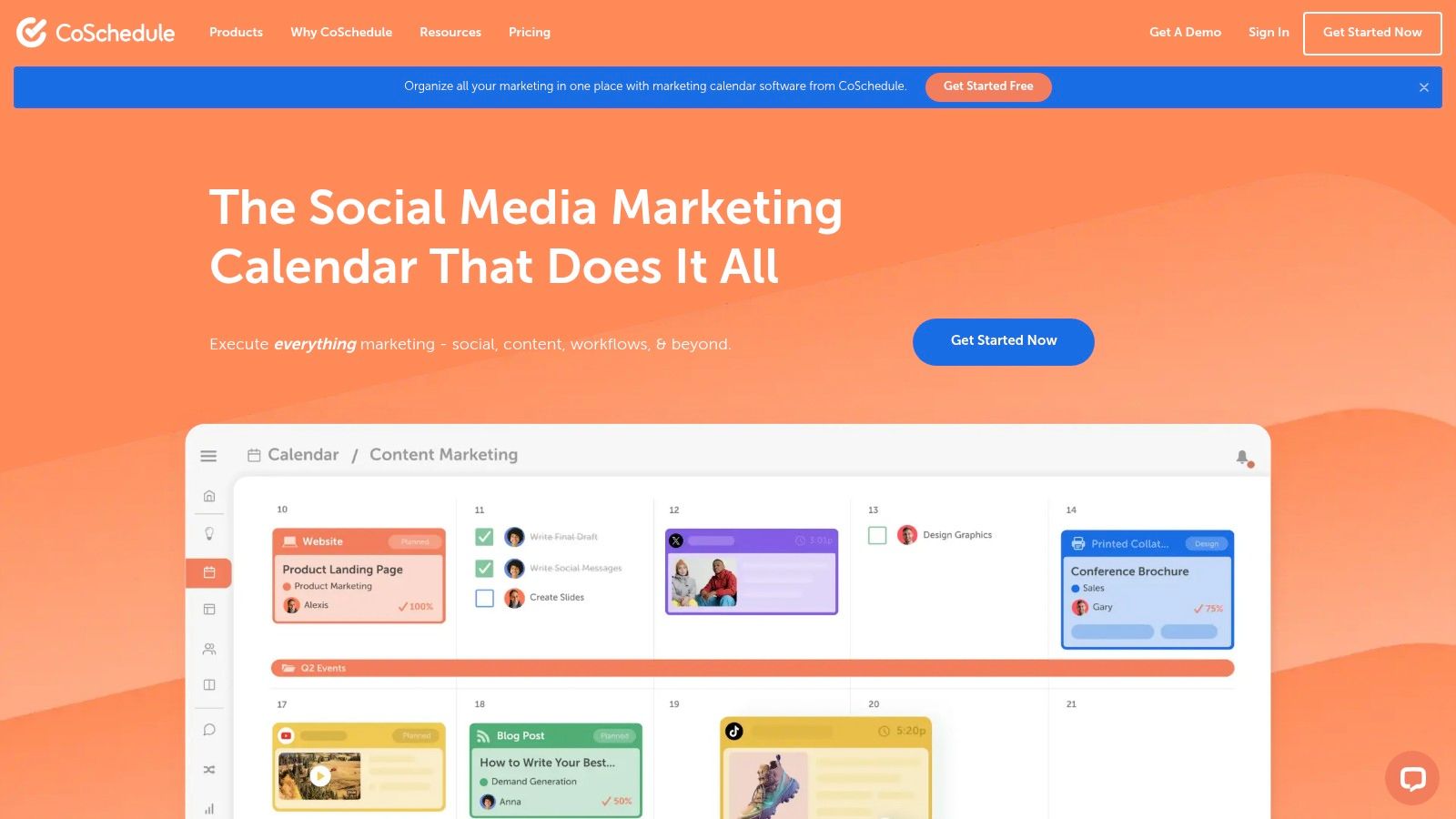
CoSchedule is more than a social tool. It’s for managing your entire marketing calendar (social + blog + email + campaigns).
Best for
-
Marketing teams running multi-channel campaigns
Key features
-
Unified marketing calendar (social, blog, email, ads)
-
Task assignments, deadlines, and progress tracking
-
Campaign templates + automation workflows
-
Real-time collaboration and commenting
-
Integrations (WordPress, Mailchimp, Google Analytics)
Pros
-
Great for cross-channel coordination
-
Strong project management features
Cons
-
Overkill if you only need social scheduling
-
Can take time to learn and set up
Quick setup
-
Choose your channels → set up campaign templates → assign tasks → connect integrations → manage everything from one calendar.
Despite its complexity and cost, CoSchedule’s Marketing Calendar template offers a powerful solution for teams seeking a truly unified marketing approach. Its ability to integrate social media content planning with broader marketing efforts provides invaluable insights and streamlines workflow, making it a worthy investment for those who need more than just a basic social media content planning template. You can visit their website https://www.coschedule.com for more detailed information.
5. Later’s Visual Content Calendar
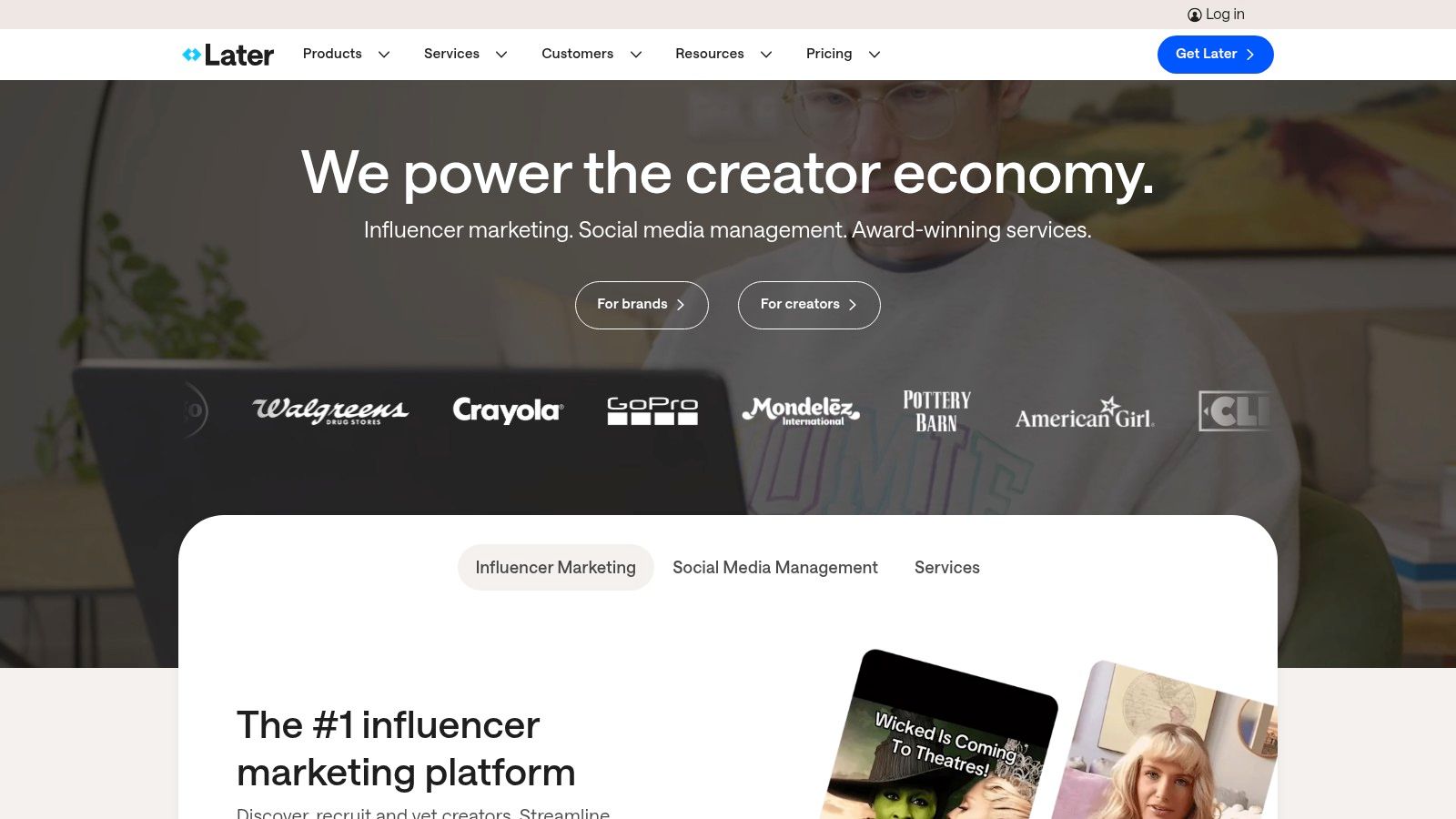
Later is ideal if you care about how your feed looks, especially on Instagram and other visual platforms.
Best for
-
Instagram-first creators and visual brands (TikTok, Pinterest)
Key features
-
Drag-and-drop visual planner with feed preview
-
Instagram planning (Stories, Reels, etc.)
-
Hashtag tools + UGC management
-
Free plan available
For teams managing multiple platforms, combining a visual planner with reliable Facebook content scheduling helps ensure posts are published consistently without manual work.
Pros
-
Best-in-class visual planning
-
Strong Instagram-focused workflow
Cons
-
Weaker for text-first platforms (LinkedIn, X)
-
Analytics not as deep as enterprise suites
Quick setup
-
Connect accounts → plan posts visually → schedule key formats → use hashtags/UGC tools → review analytics.
In conclusion, Later’s Visual Content Calendar is a valuable tool for anyone focused on visual social media platforms. Its drag-and-drop interface, Instagram-specific features, and hashtag research tools make it a strong contender in the realm of social media content planning templates. While it may not be a perfect fit for everyone, particularly those heavily reliant on text-based platforms, its strengths in visual planning and Instagram management make it an excellent choice for many content creators, influencers, and businesses looking to elevate their visual storytelling on social media.
6. Trello’s Social Media Content Board Template
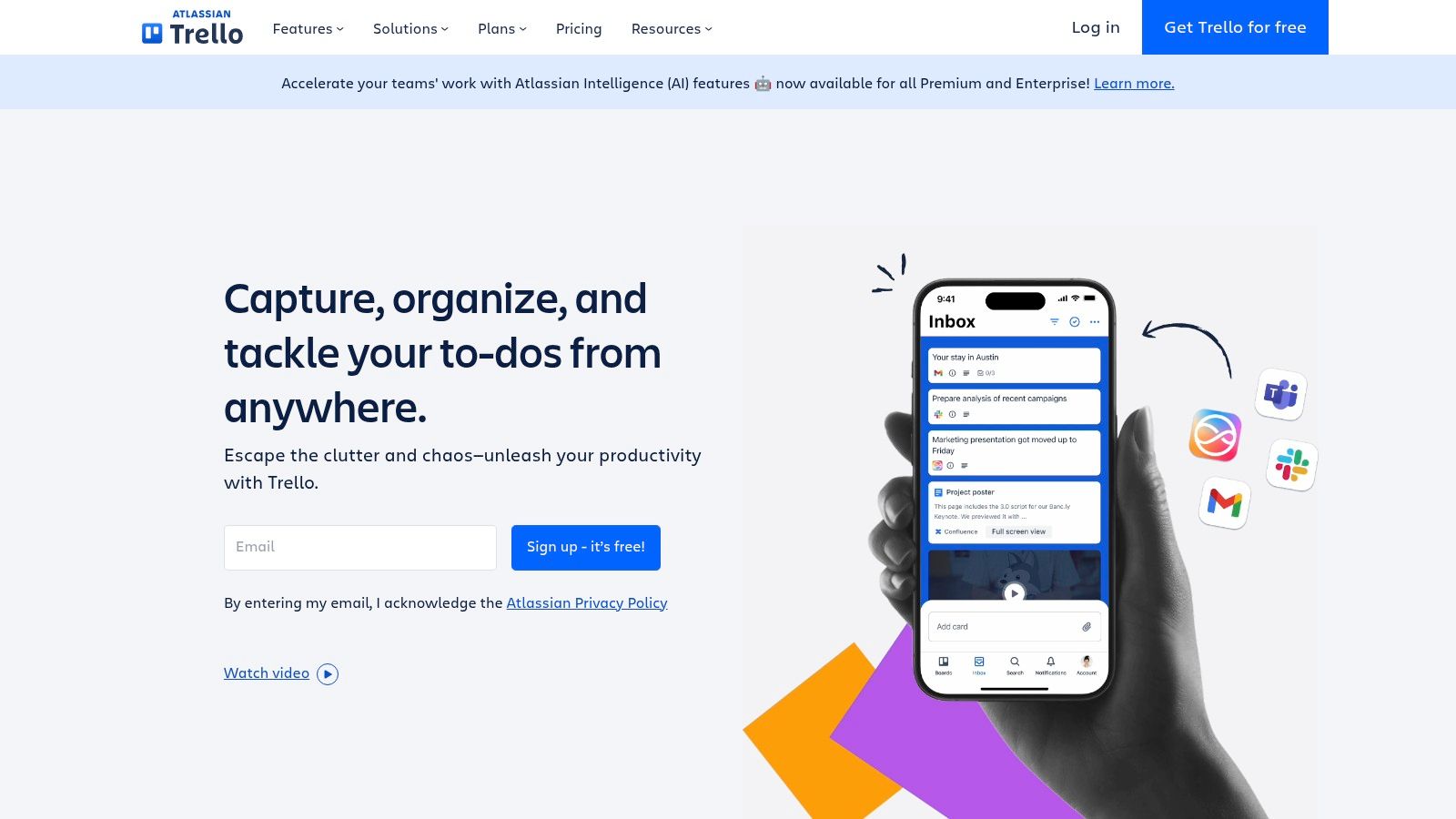
Trello is great if you want a custom workflow for planning content, especially with teams.
Best for
-
Teams that want flexible content production workflows (not just scheduling)
Key features
-
Kanban-style workflow (Ideas → Draft → Review → Scheduled → Published)
-
Cards with due dates, files, checklists, owners
-
Labels for platforms, content types, campaigns
-
Strong collaboration (comments, mentions)
-
Power-Ups for integrations (Drive, Calendar, scheduling tools)
Quick setup
-
Build your workflow columns → create labels → assign owners + deadlines → add files/checklists → integrate with a scheduler if needed.
Pricing and Technical Requirements:
Trello offers a free version with generous features, making it accessible to individuals and small teams. Paid plans offer additional features like advanced checklists, custom fields, and larger file attachment limits, catering to the needs of larger teams and businesses. Trello is a web-based application and also offers mobile apps for iOS and Android, ensuring accessibility from virtually anywhere.
Comparison with Similar Tools:
Compared to dedicated social media management platforms like Hootsuite or Buffer, Trello lacks native scheduling and analytics capabilities. However, its strength lies in its flexibility and customization options, making it ideal for content planning and team collaboration. Tools like Asana offer similar project management functionalities but may not be as visually intuitive for managing social media content workflows.
Implementation and Setup Tips:
- Customize the lists: Adapt the default lists to match your specific content creation process.
- Utilize labels: Create a clear and consistent labeling system for content types, platforms, and status.
- Integrate Power-Ups: Connect with other tools like Google Drive and calendar apps to centralize your resources.
- Establish a consistent workflow: Define clear roles and responsibilities for each team member.
- Regularly review and update: Keep your board organized and up-to-date to ensure optimal efficiency.
Pros:
- Highly flexible and customizable workflows.
- Free version available with robust features.
- Familiar interface for teams already using Trello.
- Strong collaboration and file-sharing capabilities.
Cons:
- Lacks built-in social media scheduling and publishing (though integrations are possible).
- No native analytics or performance tracking.
- Requires manual setup and customization to match specific needs.
Website: https://trello.com
Trello’s social media content planning template earns its place on this list due to its adaptability, collaborative features, and free access to core functionalities. While it may not replace a dedicated social media management tool for scheduling and analytics, its strength lies in providing a centralized hub for organizing, planning, and collaborating on social media content, making it a valuable asset for individuals and teams of all sizes. It truly shines as a powerful social media content planning template.
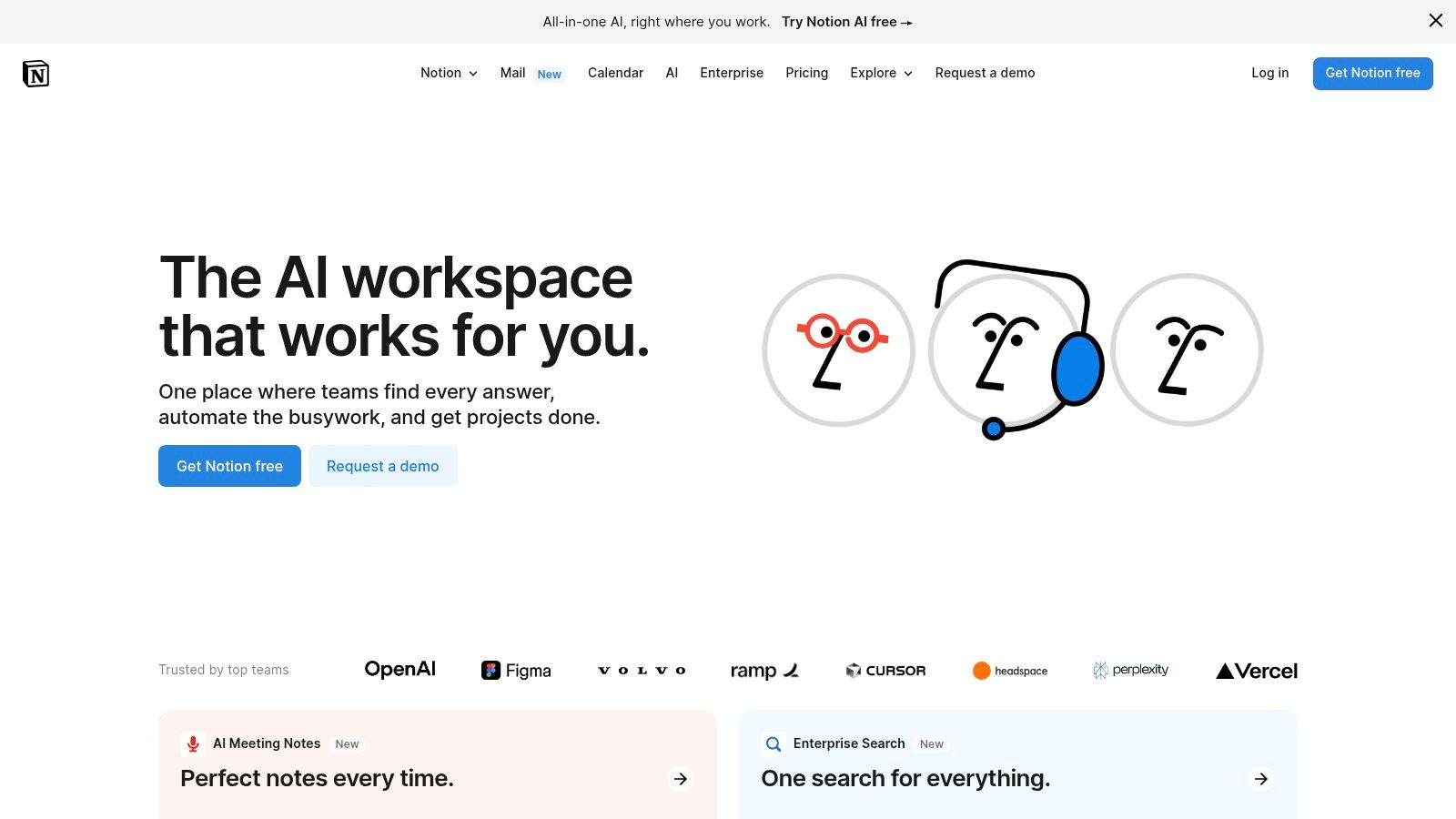
7. Notion’s Social Media Content Planner Template
Notion is a powerful option if you want full control over your social media planning workflow and prefer an all-in-one workspace over a traditional scheduling tool.
Best for
-
Content creators, startups, and teams that want deep customization
-
Users who already work in Notion and want everything in one place
What makes it stand out
-
Combines a database + calendar for structured planning
-
Acts as a central hub for your entire social media strategy
-
Highly adaptable as your workflow evolves
Key features
-
Database-driven planning
Create detailed entries for each post (platform, audience, content type, hashtags, campaign goals). -
Multiple views
Switch between Calendar, Kanban (idea → draft → scheduled → published), and Table views. -
Advanced filtering & sorting
Quickly isolate posts by platform, campaign, or performance. -
Template & snippet library
Maintain consistency and speed up content creation. -
Strong internal linking
Connect your content planner to strategy docs, project boards, and team calendars.
Pros
-
Extremely flexible and customizable
-
Ideal for structured, long-term content planning
-
Generous free plan for individuals and small teams
-
Great collaboration once workflows are defined
Cons
-
No built-in post scheduling or analytics
-
Steeper learning curve for new users
-
Requires an external tool for publishing
How it fits into your workflow
Think of Notion as your content brain:
-
Notion = planning, structure, documentation
-
Scheduler (Postiz, Buffer, etc.) = publishing and analytics
Used together, this setup gives you clarity + execution without chaos.
Implementation Tips:
- Start Simple: Begin with a basic version of the template and gradually customize it as your needs evolve. Avoid adding too many custom properties at the beginning.
- Utilize Templates: Leverage pre-built templates and content snippets to ensure consistency and save time.
- Establish a Clear Workflow: Define roles and responsibilities for content creation, approval, and scheduling.
- Integrate with other tools: Connect your Notion workspace with your preferred social media scheduling and analytics platforms.
- Explore the Notion Community: Take advantage of the wealth of resources, tutorials, and shared templates available online.
Notion’s social media content planner template is a powerful tool for anyone seeking a flexible, customizable, and all-in-one workspace for social media management. While it requires some initial investment to learn and configure, the long-term benefits in terms of organization, efficiency, and collaboration can be significant. Visit https://www.notion.so to explore Notion and its powerful template library.
Top 7 Social Media Content Planning Templates Comparison
| Product | Core Features & Unique Selling Points ✨ | User Experience & Quality ★★★★☆ | Target Audience 👥 | Value & Pricing 💰 | Highlights 🏆 |
|---|---|---|---|---|---|
| Hootsuite’s Social Media Content Calendar | Multi-platform planning, campaign tracking, team approval workflows | Professional design, strong collaboration | Businesses & marketers | Free & premium plans 💰💰 | Seamless Hootsuite integration 🏆 |
| Buffer’s Content Planning Template | Drag-and-drop, content ideation, mobile-friendly | Clean, intuitive, beginner-friendly | Small to medium teams & beginners | Free tier available 💰 | Simple & effective for small teams 🏆 |
| Sprout Social’s Content Calendar Template | Advanced approval, social listening, AI content optimization | Enterprise-grade, comprehensive analytics | Enterprise & multi-brand teams | Premium pricing 💰💰💰 | Robust analytics & AI suggestions 🏆 |
| CoSchedule’s Marketing Calendar Template | Unified marketing calendar, task assignments, marketing automation | Extensive features, strong project management | Marketing teams across channels | Higher price 💰💰 | All-in-one marketing planning 🏆 |
| Later’s Visual Content Calendar | Visual drag-and-drop, IG Stories & Reels planning, hashtag tools | Intuitive visual interface, good free plan | Visual-first platforms, Instagram users | Free & paid plans 💰 | Best for Instagram & visual content 🏆 |
| Trello’s Social Media Content Board Template | Kanban layout, customizable cards, integrations | Highly flexible, familiar interface | Agencies, creative teams | Free tier robust 💰 | Custom workflows with strong collaboration |
| Notion’s Social Media Content Planner Template | Database-driven, multiple views, template library | Flexible but complex, all-in-one workspace | Creators & small businesses | Affordable, generous free tier 💰 | Customizable & integrated workspace 🏆 |
Ready to Plan Like a Pro?
From Hootsuite’s comprehensive calendar to Later’s visual focus and Trello’s collaborative boards, we’ve explored a range of social media content planning templates to suit diverse needs. The key takeaway is that a well-structured template, combined with the right tools, empowers you to create engaging content, maintain consistency, and ultimately, achieve your social media objectives. Remember to consider factors like your team size, budget, content formats, and desired level of automation when selecting the best fit for your workflow.
Choosing the right tool can significantly impact your content planning process. For visually-driven creators, Later might be ideal. If you prioritize team collaboration, Trello or CoSchedule could be a better choice. For those seeking an all-in-one platform, Hootsuite or Sprout Social are worth exploring. Notion can be a powerful tool for social media planning, and there are numerous resources available to help you maximize its potential. For a comprehensive guide on using Notion effectively, check out this resource: Notion How To.
Efficient content planning isn’t just about creating great content; it’s about strategically delivering it to your audience. A well-chosen social media content planning template provides the foundation for that success.
A social media marketing plan is only effective if it’s executed consistently. Once your strategy is defined, you need a tool that helps you plan, collaborate, and publish without friction.
Ready to elevate your social media strategy with a powerful, agent-ready platform? Postiz offers AI-powered assistance, seamless collaboration tools, and flexible content scheduling features to complement your chosen template. Discover how Postiz can streamline your workflow and amplify your social media presence. Visit Postiz today and start planning like a pro!