A Developer Grew an iOS App to 100+ Downloads Using Fully Automated TikTok Slideshows
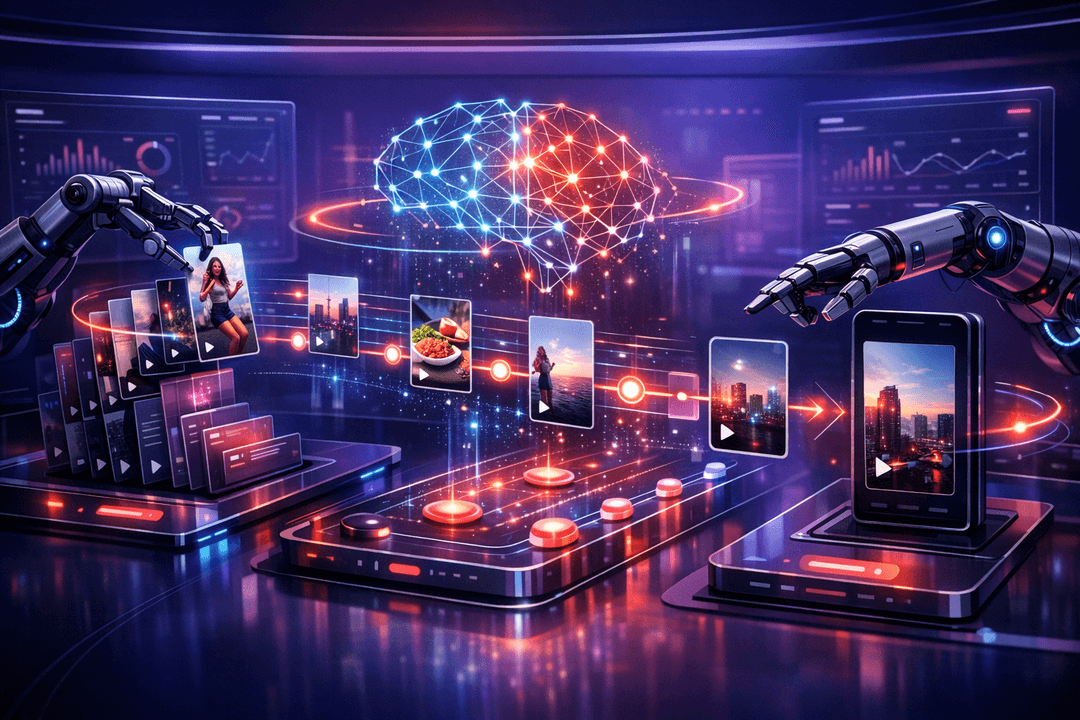
TikTok slideshow marketing has quietly become one of the most effective ways to drive app downloads without spending a dollar on ads. A developer who goes by ashen recently shared how they took a vibecoded iOS app from zero to over 100 downloads and 1,000+ likes on TikTok, all without manually touching a single post. The entire operation runs on autopilot: three posts per day, every day, for the entire month of April, already scheduled and ready to go.
What makes this story interesting is not the download numbers themselves. It is the system behind them. By combining an AI agent, Postiz for scheduling, and a cheap Android phone for the final posting step, ashen built a repeatable pipeline that handles content creation, scheduling, and publishing with almost no human intervention.
Here is a breakdown of how the system works, what tools are involved, and how you can set up something similar for your own app or product.

Why TikTok Slideshows Work for App Marketing
If you have not seen TikTok slideshow marketing in action, the concept is straightforward. Instead of producing AI-generated UGC videos, hiring influencers, or spending credits on synthetic talking heads, you create simple photo slideshows with text overlays. Each slideshow tells a short story across three or more slides, ending with a subtle call to action.
The results can be staggering. One account using a similar approach reported individual posts hitting 5.6 million, 7.2 million, and 4.9 million views, all generated entirely through automation. For indie developers or small teams, this type of marketing removes the biggest barrier: producing consistent content at scale without burning hours every day.
The reason slideshows work so well is that they feel native to TikTok. They look like organic content from a regular user, not polished ad creatives. And because TikTok’s algorithm rewards consistency and engagement patterns over production quality, posting three times daily with decent content beats posting once a week with a perfect video.
The Full Automation Stack
The system ashen built relies on four key components working together:
- An AI agent for generating slideshow images and managing the workflow. The specific model does not matter much. What matters is the skill file (a reusable instruction set) that teaches the agent how to generate on-brand content consistently.
- Postiz for scheduling and cross-posting. Postiz is an AI-powered social media management platform that connects to TikTok, Instagram, LinkedIn, and more. The real selling point for automation is the API: your AI agent can schedule posts programmatically without you ever opening a dashboard.
- An image generation API for creating the actual slideshow frames. Ashen used Google’s Gemini with Nano Banana 2, but any capable image model works.
- A cheap Android phone (around $50) for the final posting step. This is the piece most people skip, and skipping it is exactly why their accounts get shadowbanned.
Step 1: Building the Content Stockpile
Before anything gets scheduled, you need a library of slideshow images. The goal is to batch-create enough content for at least a week. For three posts per day with three slides each, that means 63 images per week.
The process starts with defining a template. Each set of three slides follows a formula:
- Slide 1 (The Hook): Introduces the concept and gives the viewer a reason to keep swiping. This is the most important slide because it determines whether someone engages or scrolls past.
- Slide 2 (The Expansion): Delivers the main piece of information or value. This is where you explain the thing your hook promised.
- Slide 3 (The Resolution): Wraps up the story with an emotional pull or a clear call to action, like downloading an app or visiting a site.
The key insight here is that you do not need to manually design these images. The AI agent generates them with text overlays included. You spend about an hour upfront working with the agent to define what a perfect image looks like for your brand, then save that as a skill file. After that, the agent can produce new sets on demand without further guidance.
For context, ashen’s Quran AI app used a softer marketing approach: verse quotes with anime-style backgrounds, AI-generated explanations, and emotional CTAs. If you are marketing a SaaS tool or consumer app, your slideshows will probably be even simpler to produce. Before-and-after shots, feature highlights, and user testimonials all work well in this format.
Step 2: Warming Up Your TikTok Account
This step is non-negotiable, and skipping it is the most common reason people fail at TikTok automation.
Before posting anything, you need to spend three days using TikTok like a real person. Scroll through your niche, bookmark posts, follow relevant accounts, and leave genuine comments. Do this on the same device you plan to post from.
Why? TikTok’s bot detection is aggressive. Brand new accounts that immediately start posting scheduled content get flagged and shadowbanned. The algorithm needs to see human-like behavior patterns before it trusts your account enough to distribute your content. Think of it as building a reputation score. This warmup period also doubles as market research. You get to study what competitors are posting, what styles of slideshows get engagement, and what hooks resonate with your target audience.
Step 3: Scheduling Everything Through Postiz
Once your account is warmed up and your content stockpile is ready, Postiz handles the scheduling layer. This is where the automation really comes together.
Postiz is not just another social media scheduling tool that you log into and click buttons. It is built for agent-driven workflows. The API lets your AI agent create, schedule, and manage posts across multiple platforms without any human interaction. You connect your TikTok account through OAuth, grab an API key, and hand it to your agent.

How the Postiz API Works for TikTok
For developers who want to understand the technical side, Postiz exposes a full REST API and an MCP (Model Context Protocol) server that AI agents can use natively. Here is a typical workflow:
First, your agent lists connected integrations to find the TikTok account ID:
GET /public/v1/integrations
Authorization: Bearer pos_your_api_key
Then it fetches the TikTok-specific settings schema to understand what parameters are available:
# TikTok post settings include:
{
  "__type": "tiktok",
  "title": "Video title (max 90 chars)",
  "privacy_level": "PUBLIC_TO_EVERYONE",
  "duet": true,
  "stitch": true,
  "comment": true,
  "autoAddMusic": "no",
  "content_posting_method": "UPLOAD"
}
Finally, it creates the scheduled post with media attachments:
POST /public/v1/posts
{
  "socialPost": [{
    "integrationId": "tiktok-account-id",
    "date": "2026-04-15T14:00:00.000Z",
    "type": "draft",
    "postsAndComments": [{
      "content": "Caption with #relevant #hashtags",
      "attachments": ["https://uploads.postiz.com/slide1.jpg", "..."]
    }],
    "settings": [
      {"key": "privacy_level", "value": "PUBLIC_TO_EVERYONE"},
      {"key": "duet", "value": "true"}
    ]
  }]
}
If you are using Postiz’s MCP server, the flow is even simpler. Your agent calls integrationList to discover accounts, integrationSchema to learn platform-specific rules, and schedulePostTool to create the post, all through natural language tool calls. The agent does not need hardcoded knowledge about TikTok’s API quirks because Postiz abstracts it away.
You can also use the Postiz CLI for quick operations:
# List your connected TikTok accounts
postiz integrations:list

# Upload media files (returns a trusted URL)
postiz upload slide1.jpg

# Schedule a post
postiz posts:create \
  -c "Your caption here #fyp" \
  -s "2026-04-15T14:00:00Z" \
  --settings '{"privacy":"PUBLIC_TO_EVERYONE"}' \
  -m "https://uploads.postiz.com/slide1.jpg" \
  -i "tiktok-integration-id"

The Critical Rule: Send to Drafts, Not Direct Post
This is the part that trips people up. Your agent should send every post to TikTok as a draft, not as a direct publish. Set the type to "draft" in your API calls and the content posting method to "UPLOAD".
Why drafts? Because the final publishing step needs to happen from a physical device to avoid detection. Posts that go directly through the API get flagged by TikTok’s systems. The draft approach means Postiz queues everything up, and your Android phone handles the actual publishing.
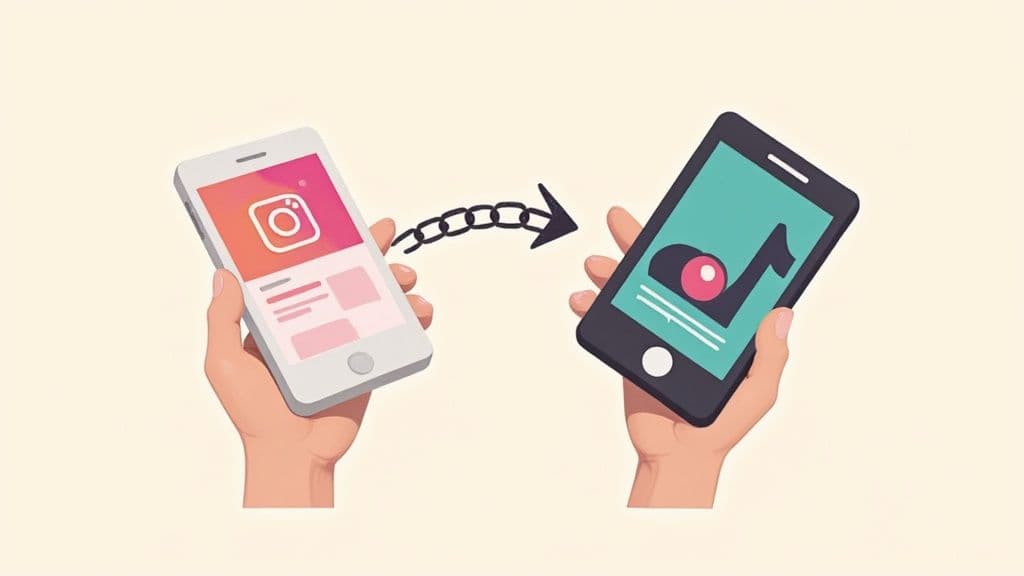
Ashen also uses Postiz for cross-posting to other platforms. Instagram, LinkedIn, and other channels can receive the same content simultaneously. For those platforms, direct posting works fine because they do not have the same aggressive bot detection as TikTok.
Step 4: The Secret Weapon, Posting From a Physical Phone
This is the step that separates successful TikTok automation from accounts that get immediately shadowbanned.
Posting directly from any scheduling platform’s API limits your reach across your entire TikTok account, not just individual posts. TikTok can detect API-based posting and will effectively suppress your content even if your account was properly warmed up.
The workaround is to have your AI agent control a physical Android phone over Wi-Fi. The agent connects to the phone via ADB (Android Debug Bridge), navigates the TikTok app, selects audio for each draft, and publishes it. From TikTok’s perspective, a real human on a real phone is posting the content.
Setting this up requires:
- A cheap Android phone (a $50 Samsung from Amazon works fine)
- The phone and your computer on the same Wi-Fi network
- USB debugging enabled on the phone
- A skill file that teaches your agent how to interact with the phone’s interface
The agent’s job at this stage is straightforward: monitor for when Postiz sends a draft to TikTok (set a cron job for 5 minutes after each scheduled time), open the draft on the phone, pick a trending audio, and hit publish. The entire process takes under a minute per post.
This pattern of using automation tools that preserve the appearance of human interaction is a principle that applies across many domains.
Bonus: Mixing Slideshows With AI UGC
While slideshows are the backbone of this strategy, Postiz also integrates with AI video generation tools. You can mix slideshow posts with AI-generated UGC (User Generated Content) videos to make your account look even more natural. These AI-created talking-head videos are getting remarkably good. Without faces, they are nearly impossible to distinguish from human-made content.
Postiz supports generating AI videos directly through its platform and scheduling them alongside your slideshow content. This diversity in content types helps signal to TikTok’s algorithm that your account is run by a real person with varied content habits.
The Ongoing Maintenance Loop
Once everything is configured, the daily operation is hands-off. Here is what the automated system handles:
- Content generation: Your agent creates new slideshow sets whenever the stockpile runs low (roughly once a month for three posts per day).
- Scheduling: Postiz queues posts at your specified times (e.g., 9 AM, 12 PM, and 5 PM EST) and sends them as drafts to TikTok.
- Publishing: A cron job triggers the agent to check the Android phone, select audio, and publish each draft five minutes after the scheduled time.
- Monitoring: The agent sends you a summary of what it posted and any issues it encountered.
Your only recurring task is reviewing the output occasionally and replenishing the content stockpile when it runs out. For ashen, that means about an hour of work once a month.
What to Keep in Mind Before You Start
A few practical notes before diving in:
Account warmup is not optional. Three days of genuine human interaction on TikTok before any automated posting. Skip this and your account is dead on arrival.
Audio selection matters. One of the biggest bottlenecks in TikTok slideshow automation is picking the right audio. TikTok does not allow audio selection through its API, which is exactly why the physical phone step exists. Trending audio can dramatically boost a post’s reach.
Hashtag discipline is important. Stick to a maximum of five relevant hashtags per post. Overstuffing hashtags is another signal TikTok uses to flag automated accounts.
Captions should feel natural. Each post caption should be unique, relevant to the specific slideshow, and under 1,000 characters. Your AI agent can generate these, but review the first batch to make sure they do not sound formulaic.

Getting Started With Postiz for TikTok Automation
If you want to replicate this system, Postiz is the central piece that ties everything together. Here is the quickest path to getting started:
- Sign up at postiz.com and connect your TikTok account through the OAuth flow in Settings.
- Grab your API key from the Postiz dashboard. This is what your AI agent will use to schedule posts.
- Set up the MCP server if you are using an AI agent that supports tool calling. Point it to
https://api.postiz.com/mcp/your-api-key and your agent can immediately start listing integrations and scheduling posts.
- Create your first batch of slideshow images using your preferred image generation tool.
- Schedule your first week of posts through the API, sending them as drafts to TikTok.
- Set up the Android phone for the physical posting step.
Postiz handles Instagram, LinkedIn, YouTube, Reddit, Facebook, Pinterest, Threads, X, and more from the same API. So once you have TikTok running, expanding to other platforms is just a matter of connecting accounts and adjusting your content format.
The full platform costs $29/month for API access, which covers unlimited scheduling across all connected platforms. For a system that replaces hours of daily social media work, the ROI is hard to beat.
Ready to automate your social media marketing? Try Postiz today and start building your own automated TikTok pipeline. Whether you are marketing an app, a product, or a personal brand, the combination of AI-generated content and smart scheduling can turn consistent posting from a chore into a fully hands-off system.