The rapid shift to remote and hybrid work has fundamentally changed how teams connect and create. While this flexibility offers significant benefits, it also creates hurdles in maintaining clear communication and project alignment. The right digital tools are no longer optional; they are the essential infrastructure for any productive and connected distributed workforce.
Without a central platform for communication, project tracking, and knowledge sharing, teams often face siloed information, missed deadlines, and a disconnected culture. This guide is designed to help you navigate this complex landscape and find the perfect solution. We have meticulously reviewed the best collaboration tools for remote teams, moving beyond generic feature lists to offer a practical, in-depth analysis of what truly works.
This comprehensive resource will help you:
Understand the specific strengths and weaknesses of each platform.
Identify the ideal tool for your team’s unique workflow, whether you're a creative agency, a software development team, or a small business.
Compare key features, pricing models, and real-world use cases.
We will explore 12 top-tier platforms, including communication hubs like Slack and Microsoft Teams, project management powerhouses like Asana and ClickUp, and all-in-one workspaces like Notion. Each review includes screenshots, direct links, and an honest assessment of limitations, providing you with the clarity needed to choose the toolkit that will empower your team to succeed. Let’s dive in and find the platform that will unify your remote operations.
1. Postiz
Postiz stands out as a powerful, agent-ready platform that masterfully blends social media management with robust team collaboration features. While primarily a scheduling tool, its architecture is engineered for remote marketing teams who need a centralized hub to plan, create, approve, and analyze social media campaigns. It transcends simple scheduling by integrating a complete creative and strategic workflow, making it one of the best collaboration tools for remote teams focused on digital marketing.
 to team members, ensuring everyone has access only to the features they need. This streamlines workflows and enhances security. You can delegate tasks, such as "draft a post for the new product launch" or "analyze last week's engagement," directly within the platform.
AI-Powered Creative Assistance: For remote teams facing creative blocks, Postiz's AI assistants are a game-changer. They can generate content ideas, draft copy, and even create unique images, providing a powerful starting point for campaigns and reducing the time spent on ideation.
AI Agent Access: Postiz gives your team’s AI agents an MCP server, a CLI, and a public API on every plan. This gives your team complete control over your data, a critical feature not commonly found in mainstream social media management tools.
Manage all your social media in one place with Postiz
Postiz delivers a feature set designed for efficiency and growth. Its automation capabilities, including auto-posting, auto-liking, and auto-commenting, help teams maintain an active presence and engage with their audience in a timely manner, even across different time zones. The comprehensive analytics dashboard provides actionable insights, allowing remote teams to make data-driven decisions and refine their strategy together.
Pros:
AI-powered content and image generation
Integrated Canva-like design editor
Advanced team collaboration with role assignments
AI agent access on every plan
Public API and webhooks for custom workflows
Cons:
The agent surfaces reward teams that already use an AI assistant.
The extensive feature set may have a slight learning curve for new users.
Pricing: Postiz offers a 7-day free trial to explore its capabilities. Paid plans are affordably structured to suit everyone from solo creators to large agencies, with a flexible cancellation policy.
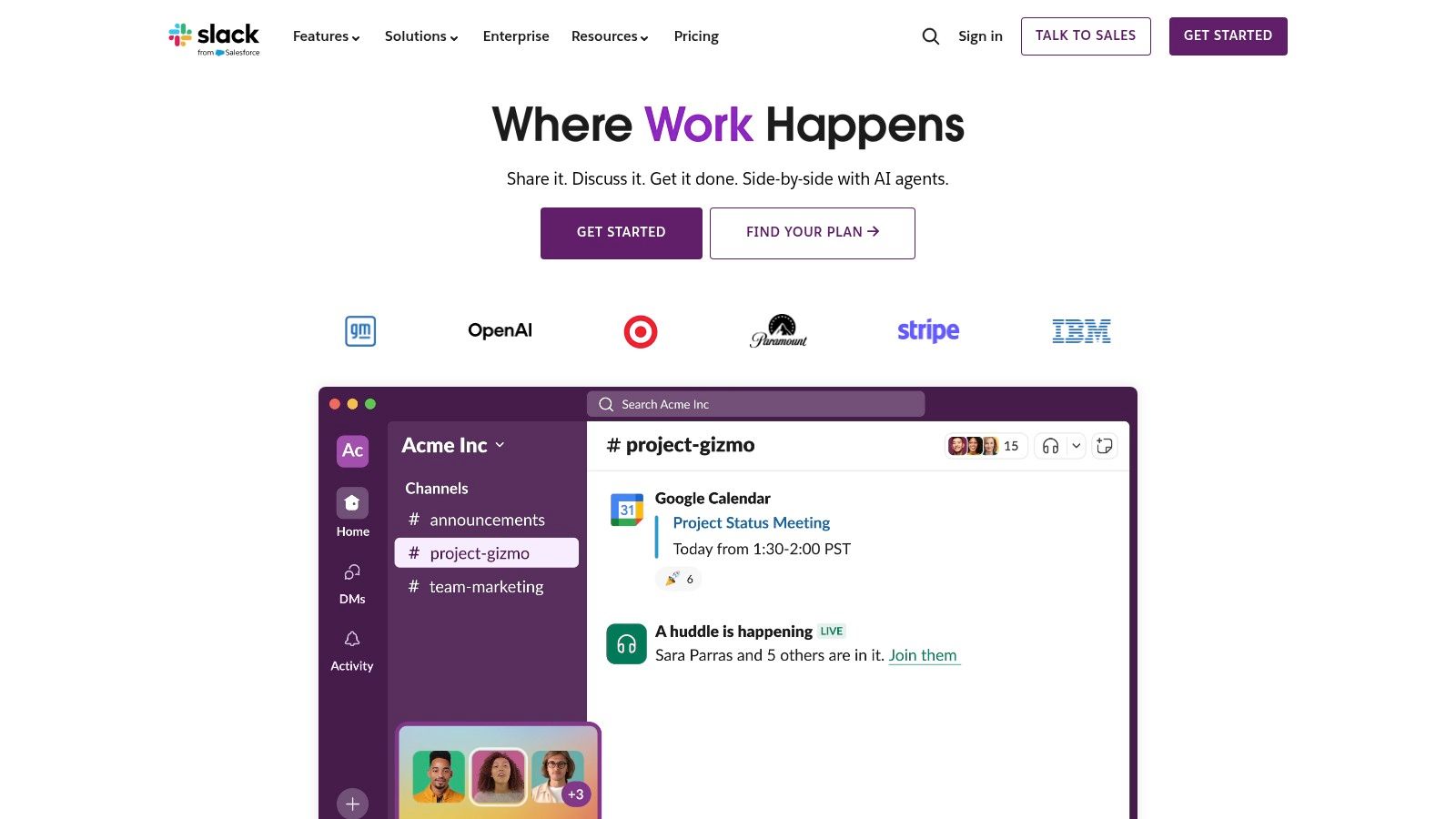
Slack is a powerhouse in the world of team communication, essentially creating a digital headquarters for remote teams. It organizes conversations into dedicated channels for projects, topics, or specific teams, which drastically reduces internal email clutter and keeps discussions focused. For remote teams, this channel-based structure is a game-changer, making it easy for everyone, regardless of their time zone, to catch up on conversations and find important information without needing to be online at the same time.
What makes Slack one of the best collaboration tools for remote teams is its massive integration ecosystem. With over 2,600 apps, you can connect tools like Google Drive, Asana, and Jira directly into your workflows, turning Slack into a central command center. Features like "huddles" for quick audio or video calls and Slack Connect for collaborating with external partners in a shared channel further solidify its position as an essential tool. It’s also a great option for marketing teams; you can explore additional ways to use Slack for social media management.
Key Features & Pricing
Slack offers a versatile pricing structure, including a free plan that is great for small teams. The paid plans unlock more advanced features.
Feature
Free Plan
Pro Plan ($8.75/user/mo)
Business+ Plan ($15/user/mo)
Message/File History
90-day access
Unlimited
Unlimited
Integrations
Up to 10 apps
Unlimited
Unlimited
Huddles (Audio/Video)
1:1 only
Group huddles (up to 50 people)
Group huddles (up to 50 people)
Security & Compliance
Standard
OAuth with Google
SAML-based SSO, data exports
Pros: The user interface is incredibly intuitive, making onboarding new team members a breeze. Its powerful search function and extensive app integrations allow for deep workflow customization.
Cons: The cost can escalate quickly as your team grows, and the free plan's 90-day message history can be a significant limitation. Key security features like SSO are reserved for more expensive tiers.
Best for: Tech-savvy teams, digital marketing agencies, and businesses of all sizes that rely on real-time communication and extensive software integrations to get work done.
For businesses already embedded in the Microsoft 365 ecosystem, Microsoft Teams is a natural and powerful extension for remote collaboration. It consolidates chat, video meetings, and file storage into a single, integrated platform, eliminating the need to juggle multiple applications. Its core strength lies in its deep integration with Office apps like Word, Excel, and PowerPoint, allowing teams to co-author and edit documents in real-time directly within a chat or channel.
What truly sets Microsoft Teams apart as one of the best collaboration tools for remote teams is its enterprise-grade security and comprehensive administrative controls. This makes it an ideal choice for organizations with strict compliance and governance requirements. Features like threaded conversations within channels keep project discussions organized and accessible, while its robust meeting capabilities, complete with calendars synced from Outlook, streamline scheduling and communication for distributed teams.
Key Features & Pricing
Microsoft Teams is included with most Microsoft 365 business plans, but also offers a free version and a standalone paid plan.
Feature
Free Plan
Teams Essentials ($4/user/mo)
Microsoft 365 Business Basic ($6/user/mo)
Max Meeting Participants
100
300
300
Max Meeting Duration
60 minutes
30 hours
30 hours
Cloud Storage per User
5 GB
10 GB
1 TB
Office App Integration
Web versions only
Web versions only
Web & Mobile versions, 1 TB OneDrive
Pros: It’s an all-in-one solution if you already use Microsoft 365, offering unbeatable integration with Office apps. The platform includes strong, enterprise-grade security, compliance, and device management features.
Cons: The platform's true value is unlocked when bundled with a Microsoft 365 subscription. For new administrators, the governance and setup can be more complex compared to simpler tools.
Best for: Organizations of any size heavily invested in the Microsoft ecosystem, enterprises with strict security needs, and remote teams that collaborate extensively on Office documents.
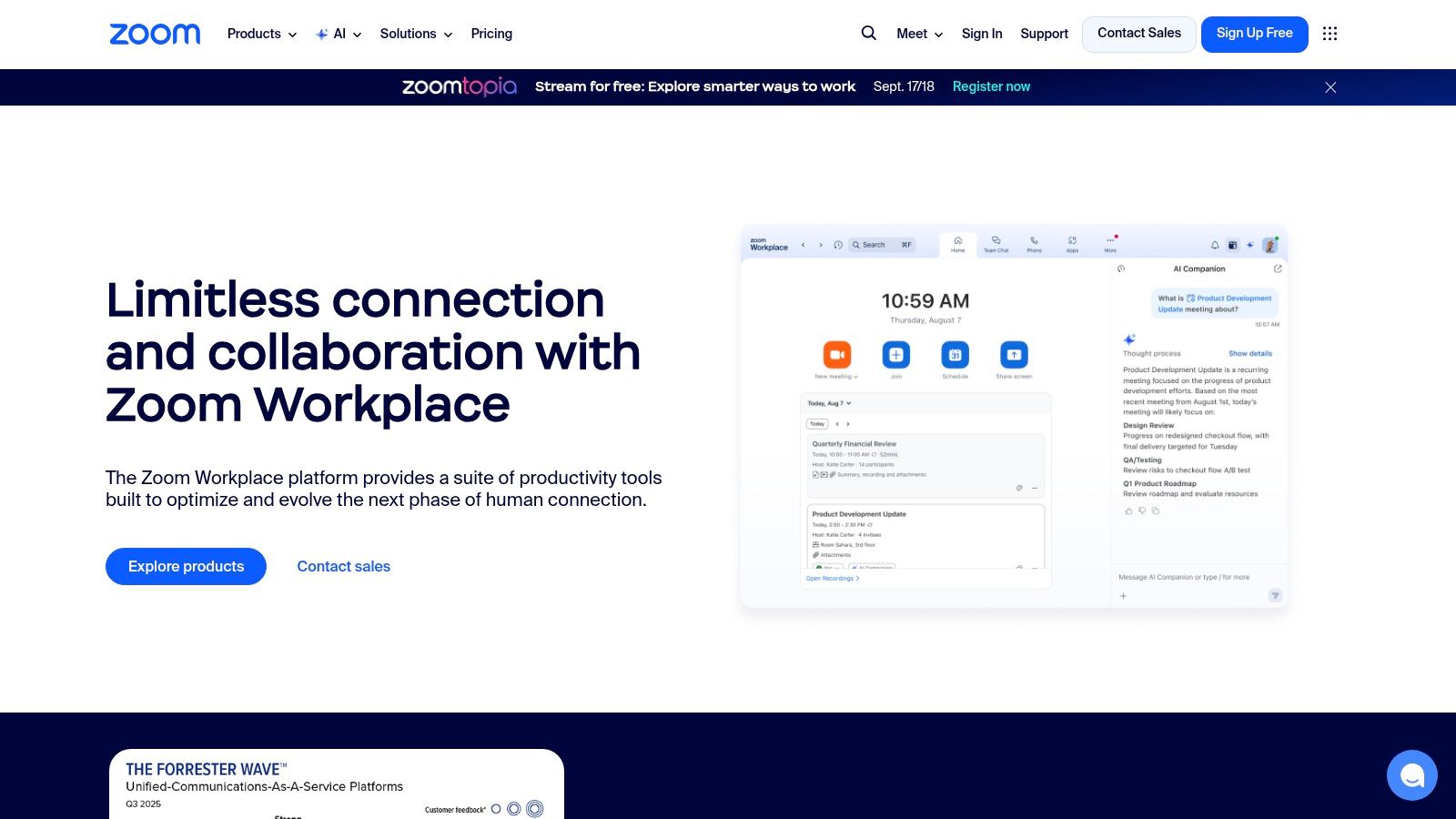
While often synonymous with video conferencing, Zoom has evolved into a comprehensive communication platform that excels in connecting distributed teams. It provides a reliable and high-quality video meeting experience that is incredibly easy for both internal team members and external guests to join, a critical factor for remote collaboration. Beyond just video calls, the Zoom One suite integrates persistent team chat, an interactive digital whiteboard, and even phone services, creating a unified hub for synchronous communication.
What makes Zoom stand out as one of the best collaboration tools for remote teams is its sheer simplicity and powerful performance. Features like cloud recordings with automated transcripts make it easy to catch up on missed meetings, while the extensive hardware ecosystem for Zoom Rooms allows companies to seamlessly connect physical office spaces with remote workers. This scalability, from a simple one-on-one call to a company-wide town hall, makes it a versatile choice for businesses of any size.
Key Features & Pricing
Zoom offers a free Basic plan ideal for short meetings, with paid plans that unlock longer meeting durations, cloud storage, and advanced features.
Feature
Basic Plan (Free)
Pro Plan ($15.99/user/mo)
Business Plan ($19.99/user/mo)
Meeting Duration Limit
40 minutes for group meetings
30 hours per meeting
30 hours per meeting
Participants
Up to 100
Up to 100
Up to 300
Cloud Recording
Local recording only
5 GB per license
10 GB per license
Whiteboards
3 editable boards
Unlimited editable boards
Unlimited editable boards
Pros: The platform is renowned for its low-friction user experience, making it exceptionally easy for guests and external partners to join calls without hassle. Its broad device compatibility and hardware integrations are top-notch.
Cons: Core features like telephony and dedicated room systems are add-ons that can significantly increase costs and complexity. The free plan's 40-minute group meeting limit can be disruptive.
Best for: Organizations that prioritize reliable, high-quality video communication for both internal and external meetings. It's a great fit for companies of all sizes, from startups to large enterprises needing a scalable solution.
Google Workspace is an all-in-one productivity suite that has become a cornerstone for countless organizations, especially those embracing remote work. It bundles essential tools like Gmail, Drive, Docs, Sheets, and Meet into a single, cohesive ecosystem. Its core strength lies in seamless, real-time collaboration, where multiple team members can co-author documents, spreadsheets, and presentations simultaneously, seeing each other's changes as they happen. This eliminates version control issues and fosters a dynamic, interactive workspace.
What makes Google Workspace one of the best collaboration tools for remote teams is its deeply integrated nature. You can start a video call in Google Meet directly from a document or chat thread, turning a static editing session into an active discussion. The powerful search capabilities across the entire suite mean finding a specific file or conversation is incredibly fast. With pooled cloud storage and robust admin controls for security and data protection, it provides a scalable and secure foundation for distributed teams. For a deeper look, you can find more information about Google Workspace's remote collaboration tools.
Key Features & Pricing
Google Workspace offers several plans tailored to different business needs, starting with a plan ideal for small businesses and scaling up to enterprise-level solutions.
Feature
Business Starter ($6/user/mo)
Business Standard ($12/user/mo)
Business Plus ($18/user/mo)
Cloud Storage
30 GB per user
2 TB per user (pooled)
5 TB per user (pooled)
Video Meetings
100 participants
150 participants + recording
500 participants + recording
Security & Management
Standard controls
Standard controls
Enhanced controls + Vault
AI Features (Gemini)
Add-on purchase
Add-on purchase
Add-on purchase
Pros: The platform offers best-in-class real-time document co-authoring and powerful universal search. The per-user pricing is straightforward and cost-effective for small to medium-sized businesses.
Cons: Advanced video conferencing features like breakout rooms and polling are reserved for higher-priced tiers. Managing data residency and large-scale migrations requires careful strategic planning.
Best for: Businesses of any size looking for an integrated, cloud-native suite for communication and document collaboration. It's particularly effective for teams that prioritize real-time co-creation.
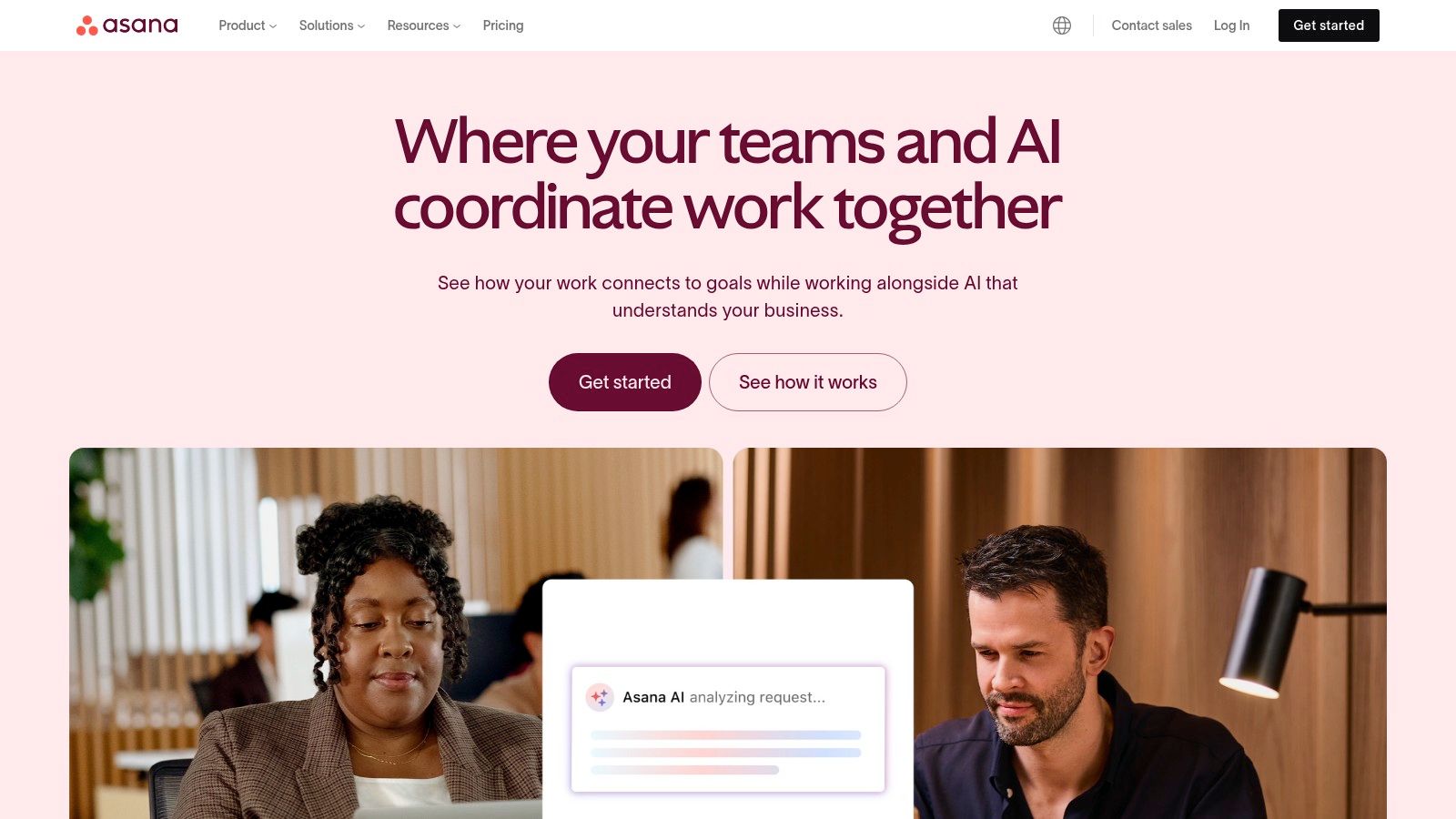
Asana is a leading work management platform that excels at bringing clarity to complex projects, making it one of the best collaboration tools for remote teams. It moves beyond simple task lists, allowing teams to plan, organize, and manage their work from start to finish. For distributed teams, Asana’s strength lies in its ability to provide a single source of truth for who is doing what, by when, eliminating confusion and ensuring everyone is aligned on priorities and deadlines, regardless of location.
What truly sets Asana apart is its flexibility and focus on goal alignment. It offers multiple project views-including lists, Kanban boards, timelines (Gantt charts), and calendars-so team members can visualize work in the way that suits them best. Features like Portfolios provide high-level visibility across multiple projects, and Goals help connect daily tasks to strategic objectives. With powerful integrations and the recent addition of Asana AI to automate workflows and surface insights, it centralizes work and streamlines processes effectively.
Key Features & Pricing
Asana provides a free forever plan for individuals or small teams, with paid tiers unlocking advanced workflow and portfolio management features.
Feature
Starter Plan (Free)
Advanced Plan ($13.49/user/mo)
Enterprise Plan (Custom)
Project Views
List, Board, Calendar
All views, including Timeline
All views, including Timeline
Automation
Basic Rules
Custom Rules Builder
Advanced Rules & Integrations
Reporting
Basic Dashboards
Advanced Reporting, Workload
Portfolio & Goal Reporting
Integrations
100+ Free Integrations
Integrations with Salesforce, Adobe
SAML, Advanced Admin Controls
Pros: It provides exceptional visibility into assignments, dependencies, and deadlines across entire projects. The platform is highly scalable, with robust templates and reporting that can support everything from small teams to large enterprise programs.
Cons: Many of its most powerful features, like Portfolios, Workload, and Goals, are locked behind the more expensive tiers. The per-seat pricing model can become costly, especially for teams that frequently collaborate with external guests.
Best for: Cross-functional teams, project management offices (PMOs), and organizations that need a structured system to manage complex projects with clear accountability and timeline visibility.
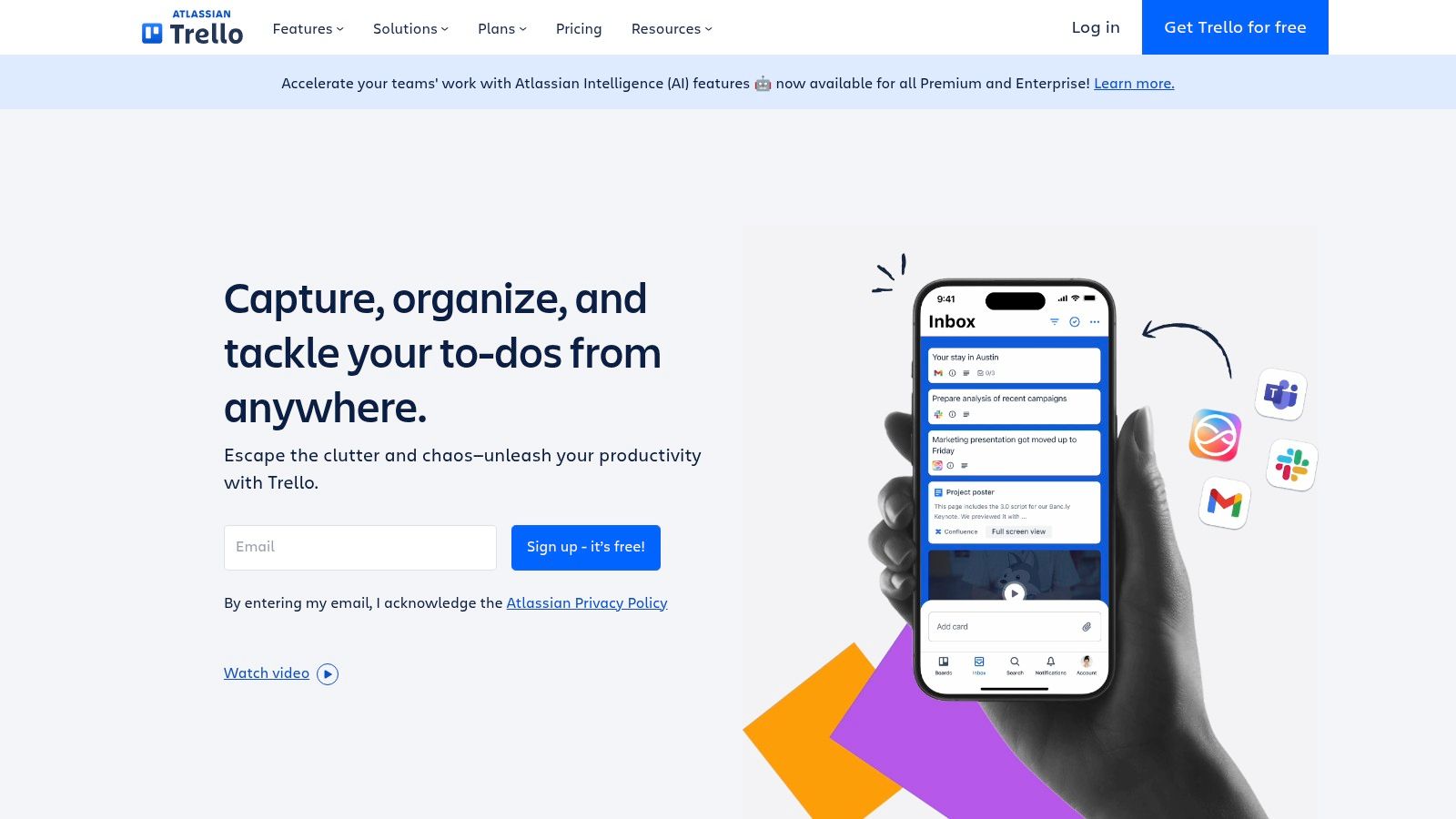
Trello champions a visual-first approach to project management, making it an incredibly intuitive and one of the best collaboration tools for remote teams. It operates on the Kanban system of boards, lists, and cards, allowing teams to visualize workflows, track task progress, and see who is working on what at a glance. This simple, card-based interface has a minimal learning curve, which is perfect for teams who need to get organized quickly without complex onboarding processes.
What makes Trello stand out for remote collaboration is its flexibility and powerful automation capabilities. Teams can customize boards for anything from marketing content calendars to software development sprints. With "Power-Ups," you can integrate other essential tools like Slack, Google Drive, and Jira directly into your boards, centralizing information. The Butler automation feature saves time by handling repetitive tasks, such as moving cards, setting due dates, or notifying team members, allowing everyone to focus on more critical work.
Key Features & Pricing
Trello’s pricing is accessible, with a generous free plan and affordable paid tiers that introduce advanced views and automation.
Feature
Free Plan
Standard Plan ($6/user/mo)
Premium Plan ($12.50/user/mo)
Boards
Up to 10 per Workspace
Unlimited
Unlimited
Automation
250 command runs/month
1,000 command runs/month
Unlimited
Board Views
Board view only
Board view only
Calendar, Timeline, Map, & more
Advanced Checklists
No
Yes
Yes
Pros: The user interface is extremely easy to learn and use, making it ideal for non-technical teams. Its visual nature provides instant clarity on project status, and the free plan is very capable for small teams or personal projects.
Cons: It can become cluttered and disorganized if not managed well, especially with large, complex projects. Advanced features like granular permissions and detailed reporting are locked behind the more expensive Premium and Enterprise plans.
Best for: Small to medium-sized teams, marketing and content creators, and anyone looking for a highly visual and flexible way to manage projects and daily tasks.
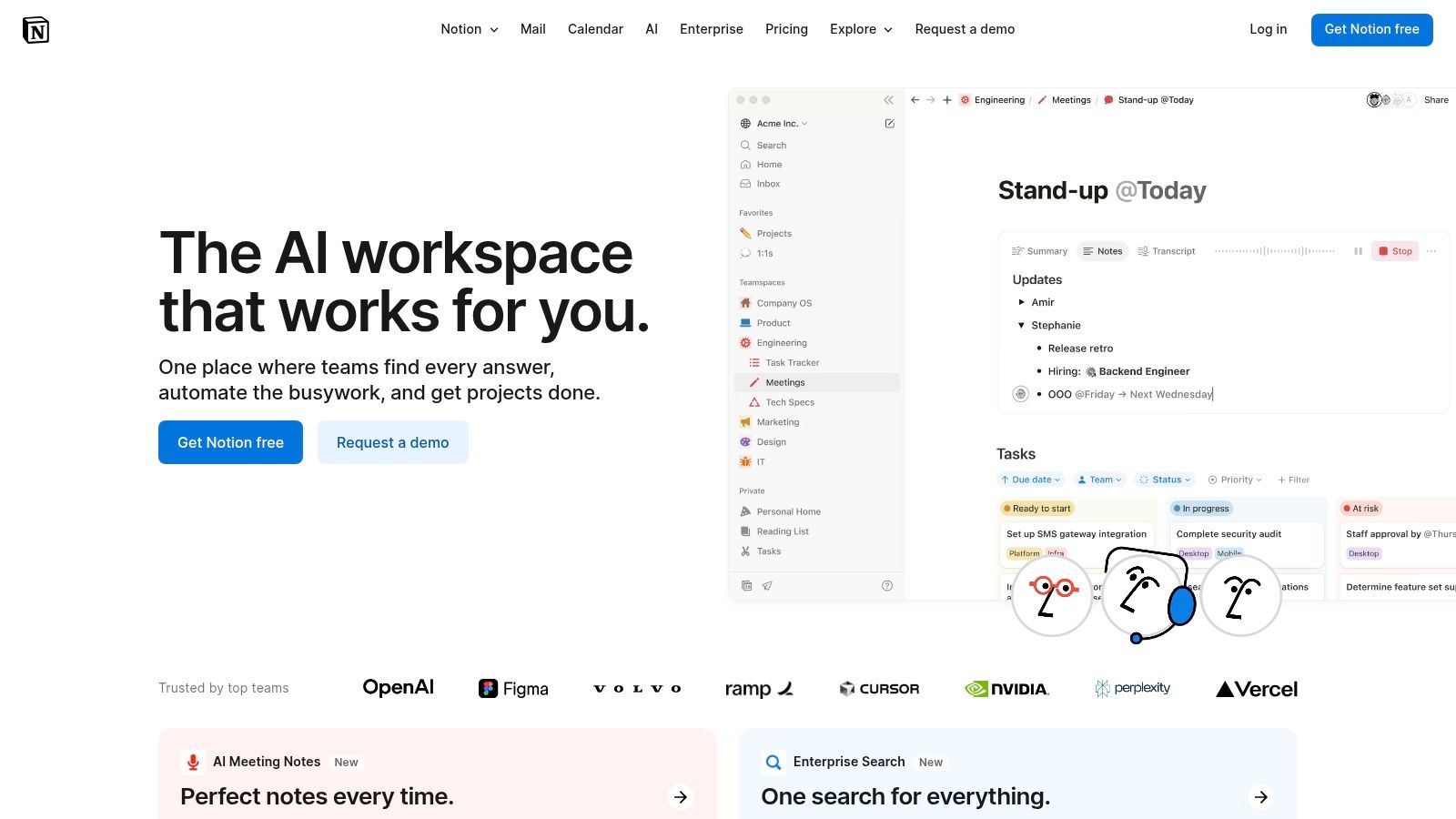
Notion is a uniquely flexible, all-in-one workspace that consolidates notes, documents, wikis, and project management into a single, interconnected platform. It replaces scattered docs and tools with a unified system where remote teams can create, organize, and share knowledge seamlessly. For distributed teams, its power lies in building a central source of truth, such as a company wiki or project hub, that everyone can access and contribute to asynchronously.
What makes Notion stand out among the best collaboration tools for remote teams is its database functionality, which allows you to create custom workflows for everything from content calendars to CRM systems. Its modular, block-based editor lets you build pages with incredible precision, embedding everything from text and images to Kanban boards and calendars. This adaptability is especially beneficial for marketing and creative agencies looking to streamline their processes; you can discover more about using Notion for creative workflow management.
Key Features & Pricing
Notion offers a generous free plan for individuals and tiered pricing for teams, with advanced collaboration and security features in paid plans.
Feature
Free Plan
Plus Plan ($10/user/mo)
Business Plan ($18/user/mo)
Collaborative Workspace
Yes, with limited block trial
Yes, unlimited blocks
Yes, unlimited blocks
Page History
7-day
30-day
90-day
Guests
Up to 10 guests
Up to 100 guests
Up to 250 guests
Security & Compliance
Standard
Standard
SAML SSO, private teamspaces
Pros: The platform is incredibly flexible, allowing teams to build custom solutions for almost any workflow. Its utility as a knowledge base or company handbook is second to none, and a massive template library helps new users get started quickly.
Cons: The sheer flexibility can be overwhelming, and setting up complex systems requires significant planning. Without strong governance, a large workspace can become disorganized over time.
Best for: Teams of any size that need a central hub for documentation, knowledge management, and lightweight project tracking, especially those with creative or complex workflows.
Miro is a visual collaboration powerhouse, transforming the traditional whiteboard into an infinite digital canvas for remote and hybrid teams. It excels at facilitating brainstorming sessions, mapping out complex workflows, and planning agile projects. For remote teams, Miro bridges the physical gap by creating a shared space where ideas can flow visually, allowing for real-time co-creation as if everyone were in the same room. The platform’s vast library of templates ensures teams can jump straight into productive work, from user story mapping to retrospective meetings.
What truly makes Miro one of the best collaboration tools for remote teams is its focus on engagement and integration. Built-in features like video chat, timers, and voting tools empower facilitators to run structured and interactive workshops. Its deep integrations with platforms like Jira, Asana, and Azure DevOps allow teams to sync their visual plans with their project management software, ensuring a seamless workflow from ideation to execution and keeping everyone aligned.
Key Features & Pricing
Miro offers a capable free plan for small teams, with paid plans that unlock advanced collaboration and security features for growing businesses.
Feature
Free Plan
Starter Plan ($10/user/mo)
Business Plan ($20/user/mo)
Editable Boards
3 boards
Unlimited
Unlimited
Templates
Core templates
Custom templates
Custom templates
Integrations
Basic app integrations
Jira, Confluence, Asana & more
Jira, Confluence, Asana & more
Security & Collaboration
Anonymous board viewers
Private boards, video chat
SSO, advanced user management
Pros: The platform provides a best-in-class experience for remote workshops and visual collaboration with an intuitive interface. It scales effectively from a free, individual-use tier to a full enterprise solution with advanced governance.
Cons: Very large and complex boards can sometimes cause performance issues on less powerful devices. Certain key security and compliance features are only available as paid add-ons to the Business plan.
Best for: Agile development teams, UX/UI designers, product managers, and any remote team that relies heavily on visual brainstorming, strategic planning, and collaborative workshops.
monday.com brands itself as a "Work OS," a platform designed to manage virtually any type of workflow or project. For remote teams, its strength lies in its highly visual and customizable "boards," which can be adapted for everything from content calendars and sales pipelines to complex development sprints. This flexibility allows different departments, like marketing and operations, to build systems that work for them while still providing a unified view for leadership.
What makes monday.com one of the best collaboration tools for remote teams is its ability to centralize information and automate routine tasks. You can set up automations like "When status changes to 'Done,' notify the project manager," which cuts down on manual updates and keeps everyone in sync across time zones. Its multiple view options, including Kanban, Gantt, and Calendar, allow team members to visualize work in the way that makes the most sense to them, improving clarity and accountability.
Key Features & Pricing
monday.com has a tiered pricing model based on features and user count, with a free plan for individuals and a 14-day trial for paid plans. Note the minimum seat requirement for paid tiers.
Feature
Free Plan (Up to 2 seats)
Basic Plan ($9/seat/mo)
Standard Plan ($12/seat/mo)
Boards
3 boards
Unlimited
Unlimited
Item Limit
Up to 1,000 items
5,000 items
50,000 items
Views
Kanban view only
Standard views
Timeline, Gantt, Calendar
Automations & Integrations
None
250 actions/mo
250 actions/mo each
Pros: The platform is incredibly configurable and can be molded to fit almost any team's specific workflow. Its strong visualization tools make it easy to track progress and report to stakeholders.
Cons: The requirement of a minimum of 3 seats on paid plans can be a barrier for smaller teams. More advanced and essential features, like time tracking and advanced automations, are locked behind the more expensive Pro and Enterprise plans.
Best for: Operations, marketing, and project management teams that need a highly customizable and visual platform to manage complex, multi-stage projects and day-to-day tasks.
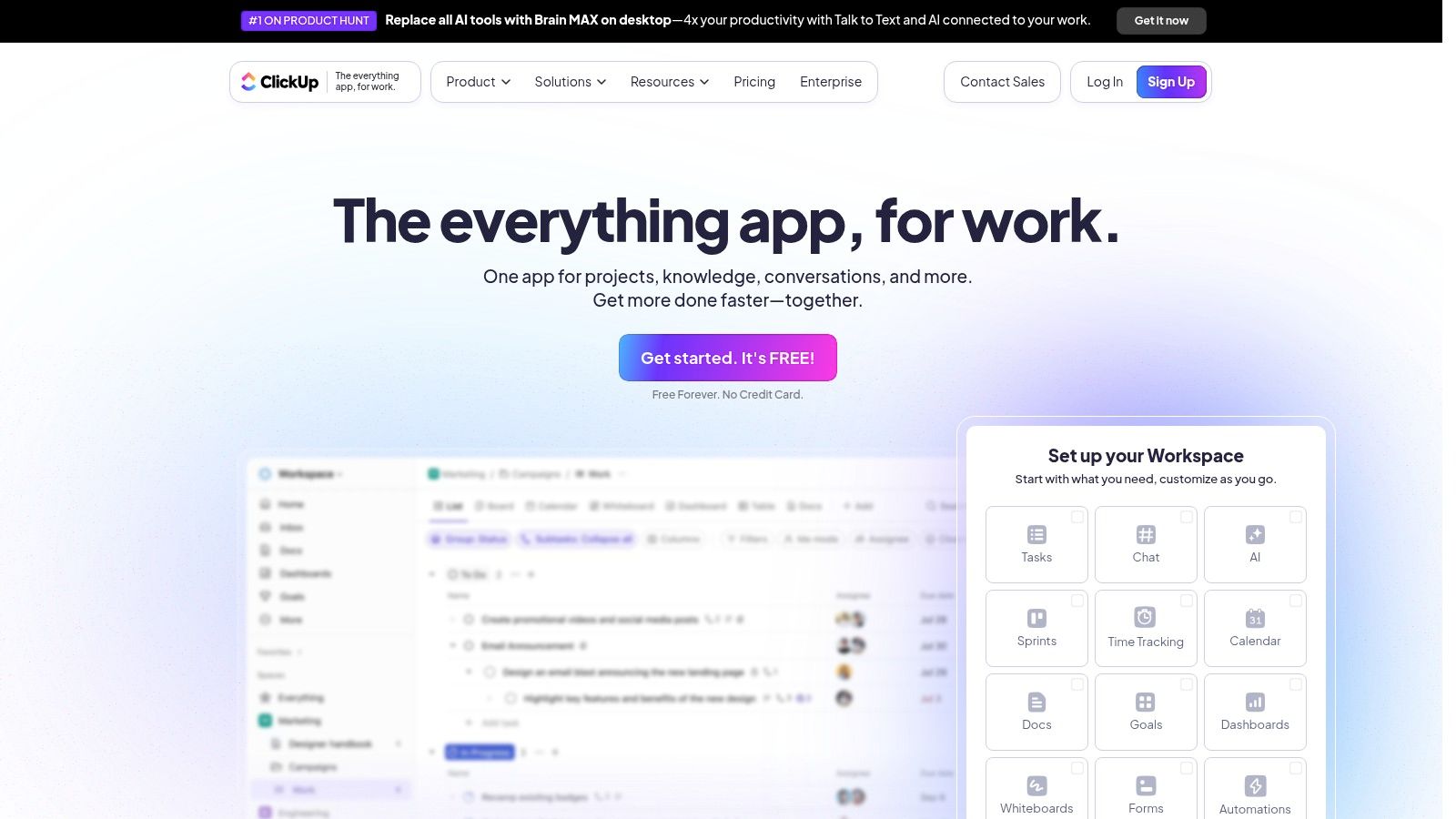
ClickUp positions itself as the "one app to replace them all," aiming to consolidate tasks, documents, goals, and communication into a single, unified workspace. For remote teams, this all-in-one approach is a major advantage, as it minimizes the need to switch between different applications, reducing context switching and keeping all project-related information in one place. Its powerful hierarchical structure lets teams organize work from a high-level portfolio view down to granular subtasks.
What makes ClickUp one of the best collaboration tools for remote teams is its extreme customizability. You can visualize tasks in over 15 different ways, including lists, boards, calendars, and Gantt charts, allowing each team member to work in a view that suits them best. Integrated features like Docs, Whiteboards, and Chat are directly linked to tasks, creating a deeply connected workflow. Powerful automations and an extensive template library help streamline repetitive processes, saving valuable time for distributed teams.
Key Features & Pricing
ClickUp offers a generous free plan and scalable paid tiers. Optional AI add-ons are available at an additional cost per user.
Feature
Free Forever
Unlimited ($10/user/mo)
Business ($19/user/mo)
Task Management
Unlimited tasks, 100MB storage
Unlimited storage & integrations
Advanced automations & time tracking
Views
100 uses of Gantt & Timeline
Unlimited Gantt & Timeline views
Advanced dashboards & workload management
Docs & Whiteboards
Limited use (3 Whiteboards)
Unlimited Whiteboards
Advanced permissions & features
Guests & Permissions
5 guests
Permissions for guests
Custom roles & permissions
Pros: The platform is incredibly feature-rich, providing immense value even on its lower-priced plans. It effectively centralizes task management, documents, and communication, which helps reduce tool sprawl.
Cons: The sheer number of features and customization options can be overwhelming for new users, leading to a steep learning curve. The cost can also increase with optional AI add-ons.
Best for: Teams looking for a highly customizable, all-in-one project management and productivity hub that can scale from simple task lists to complex, cross-departmental workflows.
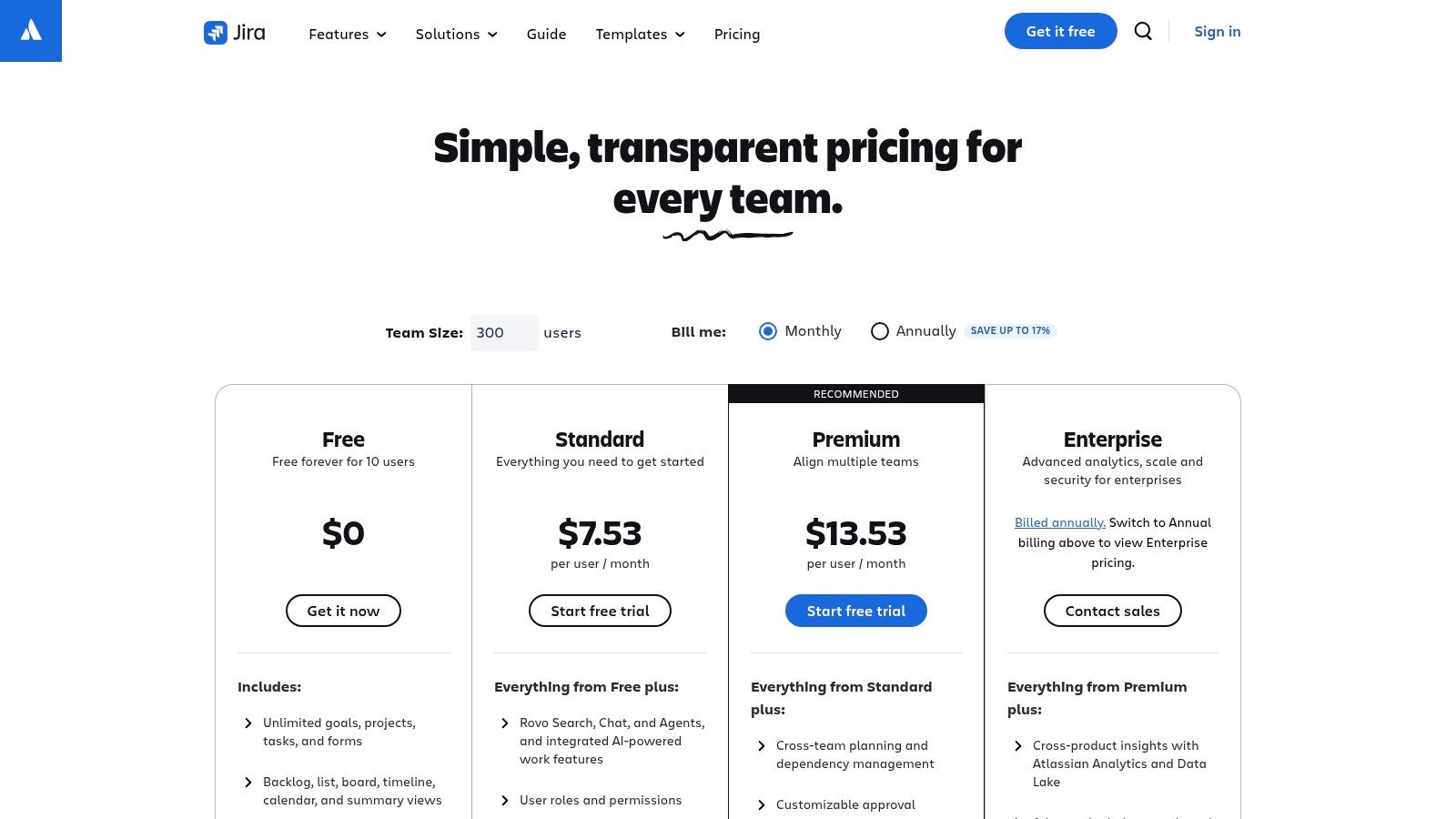
Atlassian offers a powerful duo for structured collaboration with Jira for project management and Confluence for knowledge management. Jira is the industry standard for agile teams, providing Scrum and Kanban boards, detailed roadmaps, and customizable workflows that give engineering and product teams unparalleled visibility into their work. For remote teams, this structured approach ensures everyone knows what tasks they own, what the priorities are, and how their work contributes to larger project goals.
What makes the Atlassian suite one of the best collaboration tools for remote teams is the seamless integration between Jira and Confluence. Teams can plan projects in Jira and then build out detailed documentation, meeting notes, and project requirements in Confluence, linking everything together for a single source of truth. This combination is especially effective for complex projects where clear documentation is as critical as task tracking. Its robust security and governance features also make it a trusted choice for larger organizations.
Key Features & Pricing
Atlassian provides a free tier for small teams and scalable paid plans for growing businesses, with pricing varying by product and user count.
Feature
Free Plan (Up to 10 users)
Standard Plan (From $8.15/user/mo)
Premium Plan (From $16/user/mo)
Jira (Scrum/Kanban Boards)
Included
Included
Included
Confluence (Knowledge Base)
Included
Included
Included
Automation
100 global/multi-project rules
40,000 rules/mo
100,000 rules/mo
Security & Support
Community Support
Business hour support
24/7 Premium support, IP Allowlisting
Pros: Deep and robust features specifically designed for agile and DevOps methodologies. The rich marketplace allows for extensive customization, and enterprise-grade security options are available.
Cons: The learning curve can be steep, and the initial setup is more complex than lighter tools. Pricing can become complicated with different user tiers and add-ons.
Best for: Software development, product management, and IT teams that need a highly structured and powerful system for managing complex projects and documentation.
AI content & image generation, auto-post/like/comment ✨
Canva-like editor, role/task delegation 👥
💰 Affordable, 7-day free trial
Solo creators to large marketing teams 👥
Self-hosting, open-source ★★★★✨
Slack
Channels, Slack Connect, audio/video huddles
Familiar UX, extensive integrations
Costs rise with users 💰
Remote teams, businesses 👥
Real-time collaboration ★★★★
Microsoft Teams
Chat, meetings, Office 365 integration
Integrated with MS apps
Competitive in 365 bundle 💰
Enterprises, SMBs 👥
Enterprise compliance ★★★★
Zoom
HD video meetings, team chat, whiteboard
Easy guest access
Add-ons add cost 💰
Startups to enterprises 👥
Reliable video + hardware integration ★★★
Google Workspace
Docs/Sheets/Slides + Meet & Chat
Best real-time co-authoring
Simple per-user pricing 💰
Remote-first teams 👥
Gemini AI & security ★★★★
Asana
Task views, portfolios, AI automation
Clear task visibility
Seat-based 💰
SMBs to enterprises 👥
Mature project mgmt ★★★★
Trello
Boards, cards, unlimited Power-Ups
Easy to learn, flexible
Affordable tiers 💰
Lightweight teams 👥
Visual, simple ★★★
Notion
Docs, databases, wikis + AI add-on
Flexible knowledge workflows
Varies by plan 💰
Knowledge bases, remote teams 👥
All-in-one workspace ★★★★
Miro
Infinite canvas, templates, video, diagramming
Best for workshops, visual collab
Free to enterprise tiers 💰
Remote & agile teams 👥
Visual collaboration leader ★★★★
monday.com
Custom boards, dashboards, automations
Highly configurable
Min. 3 seats, can cost more 💰
Marketing, operations, PM teams 👥
Strong visualization ★★★
ClickUp
Tasks, docs, goals, whiteboards with AI add-ons
Centralizes docs & tasks
Add-ons raise cost 💰
All team sizes 👥
Feature-rich all-in-one ★★★★
Atlassian (Jira/Confluence)
Agile boards, workflows, knowledge mgmt, security
Rich ecosystem
Variable by tier & add-ons 💰
Product & engineering teams 👥
Agile & DevOps focus ★★★★
Choosing the Right Tools to Empower Your Team
Navigating the vast landscape of digital collaboration platforms can feel overwhelming, but finding the right combination of tools is a game-changer for any distributed workforce. As we've explored, the best collaboration tools for remote teams are not a one-size-fits-all solution. Your ideal technology stack is deeply personal to your organization's unique DNA, its workflows, culture, and future ambitions.
We've covered a wide spectrum of solutions, from the powerhouse all-in-one ecosystems like Microsoft Teams and Google Workspace to specialized project management titans like Asana, monday.com, and ClickUp. Each brings a distinct philosophy to the table, whether it’s the fluid, conversation-driven environment of Slack or the highly structured, developer-centric world of Atlassian's Jira and Confluence. The key takeaway is that no single tool can solve every problem. True remote work excellence comes from building a thoughtful, integrated "collaboration stack."
Your Action Plan for Selecting the Right Tools
The journey from reading this list to implementing a successful toolset requires a strategic approach. It's not just about picking the platform with the most features; it's about choosing the one that your team will actually use and benefit from.
Here are the critical next steps to take:
Audit Your Current Processes: Before you can move forward, you need to understand where you are. Map out your team's most common workflows. Where are the communication bottlenecks? What tasks are consuming too much time? Identify the specific problems you are trying to solve.
Define Your Core Needs: Based on your audit, create a checklist of non-negotiable requirements. Do you need robust video conferencing, detailed task dependencies, a central knowledge base, or specialized social media management features? Prioritize these needs into "must-haves" and "nice-to-haves."
Involve Your Team: This is the most crucial step. The best tool is useless if your team resists adopting it. Create a small "pilot group" of team members from different departments to test your top 2-3 choices. Gather their honest feedback on usability, features, and how each platform impacts their daily work.
Leverage Free Trials: Nearly every tool on this list offers a free trial or a freemium plan. Use them extensively. Don't just click around; try to replicate a real project from start to finish within the trial period to understand its true capabilities and limitations.
Final Considerations for a Seamless Transition
Once you've made a decision, implementation becomes the next hurdle. Remember that introducing new software is a process of change management.
Prioritize Integration: Ensure your chosen tools can connect with each other and with the software you already use. A well-integrated stack feels seamless, whereas a disconnected one creates more work.
Start Small and Scale: Don't try to implement every feature of a powerful tool like Notion or ClickUp on day one. Start with the core features that solve your most pressing problems and gradually introduce more advanced functionalities as your team gets comfortable.
Provide Clear Training: Host a kickoff meeting, create simple documentation or video tutorials, and establish a clear "champion" for the new tool who can answer questions. A smooth onboarding process is essential for long-term adoption.
Ultimately, the goal is to find tools that become an invisible, supportive framework for your team's success. The right software fades into the background, removing friction and empowering your team to focus on what truly matters: creativity, innovation, and impactful work. By investing time in a thoughtful selection and implementation process, you're not just buying software; you're building a more connected, efficient, and empowered remote team ready for any challenge.
For teams managing multiple social media channels, consolidating client feedback, and streamlining content approval is a unique challenge. Postiz is designed specifically for this workflow, acting as your central command center for social media collaboration. See how you can simplify your process by trying Postiz today.
Build a small business content marketing strategy that drives real growth. Learn to create content that converts, measure ROI, and connect with your audience.
A detailed breakdown of the pattern interrupt strategy for AI UGC video content, the two-layer structure that converts viewers into customers, and how to automate multi-platform distribution with Postiz across 28+ social channels.
Compare top social media management tools like Hootsuite, Buffer, Sprout Social, Later, and Loomly to simplify scheduling, analytics, and team collaboration.