In the last two weeks, Postiz has grown from $20K to $54K MRR. That growth came almost entirely from one kind of user: developers and founders who stopped shopping for a scheduler and started asking how they could put scheduling inside their own product.
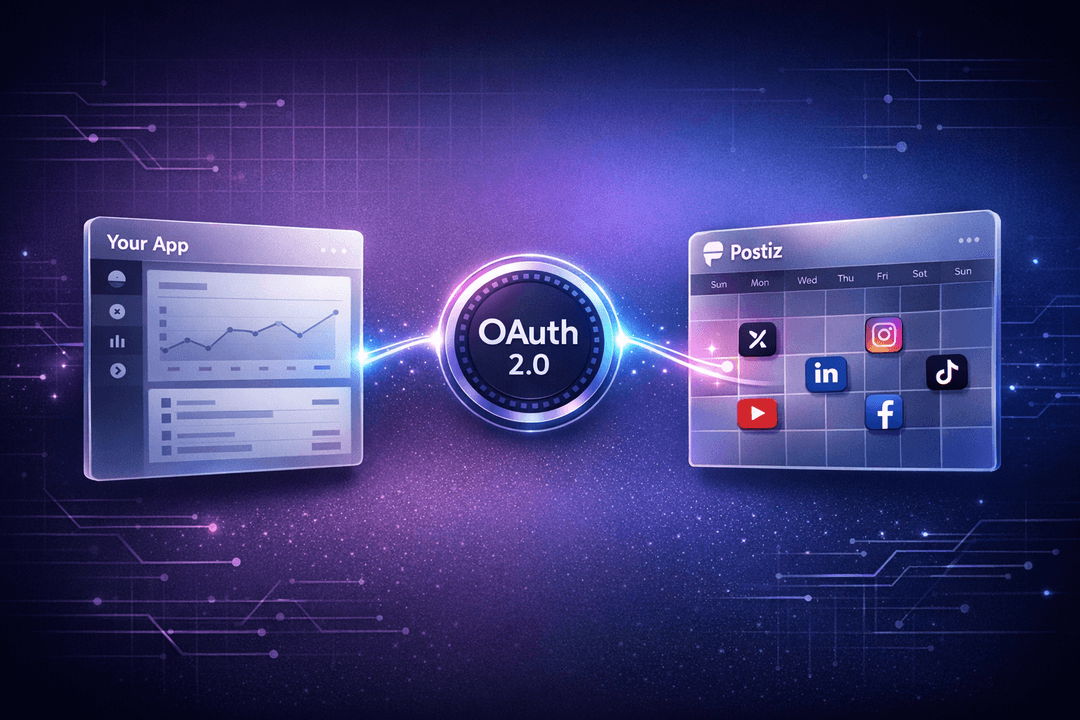
That question is what pushed us to ship Direct Postiz Integration: a proper OAuth 2.0 flow that lets any app — AI agent, content studio, TikTok generator, SaaS dashboard — act on behalf of a Postiz user. Your users connect their Postiz account to your product in one click, and from that point on your app can schedule posts, list integrations, and pull analytics on their behalf.
Here’s the quick pitch, straight from the announcement:
Announcing the Postiz OAuth implementation — Direct Postiz Integration.
Why OAuth changes what you can build on top of Postiz
Until now, if you wanted to automate posting through Postiz, you used an API key tied to your account. Perfect for a single creator running a content engine on their own schedule. Not great if you’re building a multi-tenant product where every user needs their own social channels connected.
With Direct Postiz Integration, the model flips. Your product doesn’t hold anyone’s API key. Users approve your app inside Postiz, and you get an access token scoped to their organization. Think of it the way Slack apps or Google Workspace apps work — except the thing being connected is a full social media scheduling stack covering X, LinkedIn, Instagram, TikTok, YouTube, Threads, Reddit, Facebook, Pinterest and more.
A few product shapes this opens up:
AI agent builders — ship an agent that plans a content calendar, then actually publishes it, without ever touching a social platform API yourself.
AI video and UGC generators — the moment a clip finishes rendering, schedule it to the creator’s TikTok, Shorts and Reels with one call.
Niche community tools — let members schedule posts from inside your app instead of shoving them off to another dashboard.
Agencies and white-label scheduling — embed a social media scheduler directly into your client portal.
Analytics and reporting SaaS — read post-level performance data from the same token that published the post.
How the flow works, end to end
If you’ve implemented “Sign in with Google” before, there’s nothing surprising here. It’s the standard OAuth 2.0 Authorization Code flow:
User clicks Connect with Postiz in your app.
Your app redirects them to Postiz’s authorization page.
They approve or deny. Postiz redirects them back to your app with a short-lived code.
Your server exchanges the code for an access_token.
You call the Postiz Public API with that token, and every action is performed as the user.
The access token doesn’t expire. If the user ever wants to cut you off, they can — from Settings → Approved Apps in their Postiz dashboard. That revocation model is deliberate: users stay in control, and your product doesn’t have to implement refresh-token bookkeeping.
Manage all your social media in one place with Postiz
Before you can redirect anyone, you need a client ID and secret. Inside your Postiz dashboard, go to Settings → Developers → Apps and create a new OAuth application. You’ll fill in:
App Name — shown to users on the consent screen.
Description — optional, but worth writing because it’s the pitch users read before clicking Authorize.
Profile Picture — optional, and also shown on the consent screen.
Redirect URL — the endpoint in your app that Postiz will send the user back to after they approve or deny.
Save the app and Postiz shows you two credentials: a Client ID that starts with pca_ and a Client Secret that starts with pcs_. The secret is only shown once — copy it into your secrets manager immediately. If it ever leaks, rotate it from the same screen; that invalidates the old secret without touching existing user tokens.
The whole setup takes about thirty seconds:
Creating an OAuth app: Settings → Developers → Apps.
Step 2: Send the user to the authorize URL
When a user taps your “Connect with Postiz” button, redirect them to:
The state value is technically optional, but treat it as mandatory. Generate a random string per request, stash it in the session, and check it when Postiz redirects back. It’s your only defense against CSRF during the handshake.
Postiz shows the user a consent screen branded with the name, description and picture you configured. On approval, they’re bounced back to your redirect URL with ?code=…&state=…. On denial, you get ?error=access_denied instead — handle both cases.
Step 3: Exchange the code for a token
The authorization code is short-lived (10 minutes) and single-use. Exchange it server-side — never from the browser, because it requires your client secret:
Store the access_token encrypted alongside the user record in your database. The cus field is a Stripe customer ID if you need it for billing flows, and id is the organization the user authorized you against.
The full Node.js example
Here’s the whole dance in one Express handler so you can see how little code this actually is:
That’s the entire surface area of the handshake. Prefer a typed client? The official @postiz/node SDK accepts the same token anywhere it accepts an API key.
What the token unlocks
Every endpoint on the Postiz Public API takes the OAuth token in exactly the same place an API key would go — the Authorization header. Nothing else changes. That means you get the full automation surface from day one:
GET /public/v1/integrations — list the channels the user has connected (X, LinkedIn, Instagram, TikTok, YouTube, Reddit, Threads, and more). Use this to show “post to…” checkboxes in your UI.
POST /public/v1/posts — schedule posts across one or many channels at a given time, with platform-specific settings (thread vs. single, community vs. profile, first comment, etc.).
GET /public/v1/posts — list scheduled and published posts.
DELETE /public/v1/posts/:id — cancel or tear down a scheduled post.
GET /public/v1/analytics/:integration — platform-level analytics for a connected channel.
GET /public/v1/analytics/post/:postId — per-post performance data.
POST /public/v1/upload and POST /public/v1/upload-from-url — push media into Postiz before attaching it to a post.
A typical AI agent flow ends up looking like: generate → upload the media → create a post with scheduledAt set to the user’s best posting time → poll analytics a day later to feed back into the model. Four HTTP calls, no platform SDKs, no rate-limit headaches, no token refreshing.
A real example: login with Postiz on Agent Media
We eat our own dog food. Agent Media, our AI UGC video tool, uses Direct Postiz Integration both for authentication and for scheduling. A user clicks Login with Postiz, approves once, and from then on Agent Media can render a UGC video and push it onto the user’s scheduled calendar without asking for anything else:
Agent Media using Postiz OAuth for sign-in and scheduling.
The same pattern works for any app where the natural unit of work eventually turns into a social post — keyword research tools, podcast clippers, newsletter-to-thread converters, product launch assistants. You skip building account management and social platform plumbing; Postiz handles both.
Ship it, then tell us
If you build something on top of Direct Postiz Integration, send it over. We actively promote new OAuth integrations to the Postiz community — featured spots in our changelog, social channels, and newsletter. The more useful apps live in the Postiz ecosystem, the better the product gets for everyone on it.
Start building
If you want to put AI-powered social media scheduling, content automation, and analytics inside your product without building a dozen platform integrations from scratch, create a Postiz account, head to Settings → Developers → Apps, and spin up your first OAuth client. The OAuth 2.0 reference and the full Public API docs walk through every endpoint in detail.
The tooling is waiting. We’re watching to see what you ship.
The 2026 Pinterest strategy creators are actually seeing growth from: real keyword research, three targeted boards, six pins per post, and a one-week scheduling rotation. Here is the full playbook — and how to automate it with an AI social media agent.