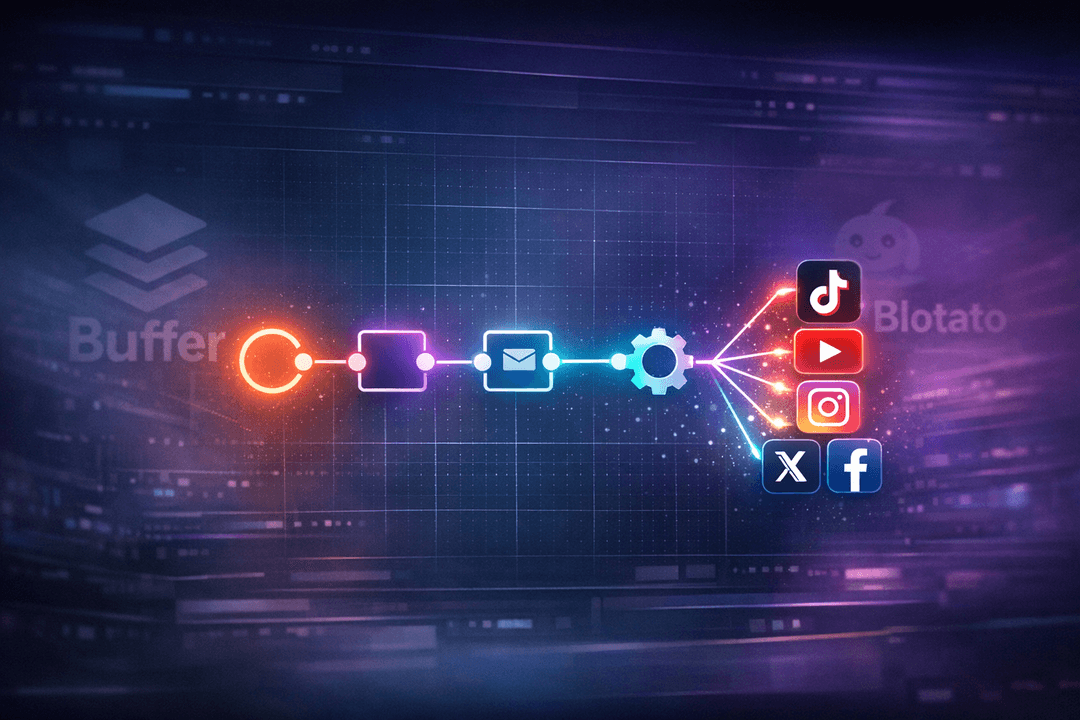
A Creator Left His AI Agents Running for 14 Days. They Generated Thousands of Views Without Him.
Ziwen, a developer and creator behind Hypercho, woke up one morning to a dashboard full of numbers that didn’t make sense. Thousands of views across a channel he hadn’t touched in two weeks. No uploads. No manual edits. No late-night Premiere Pro sessions. Just his AI agents, quietly clipping his long-form videos and posting them to social media on autopilot.
“I forgot my agents were clipping my videos and now I have thousands of views and it feels illegal,” he wrote on X, sharing his full breakdown of the system. What followed was a viral thread bookmarked over 300 times by people wanting to replicate his setup.
This isn’t science fiction. It’s a real social media automation pipeline that runs on a $49/month stack, built with open-source tools, local processing, and a scheduling platform called Postiz. Here’s how the whole system works, and how you can build something similar.
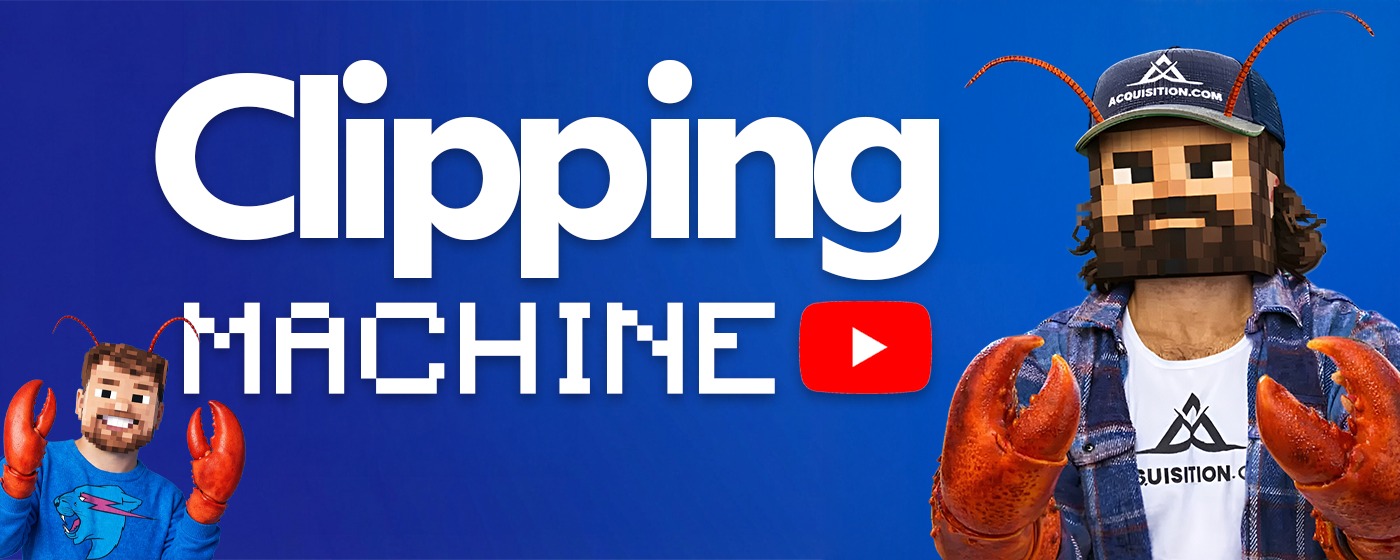
Why Most Creators Fail at Short-Form Content
Ziwen had tried manual clipping before. Twice, actually. His first attempt with Premiere Pro lasted six days. The second try, using a paid SaaS clipping tool, made it to nineteen. Both times, the same thing killed his momentum: what he calls the “Zero View Trap.”
The pattern is familiar to anyone who’s tried to grow a short-form channel. You open your analytics dashboard every morning, see three views on yesterday’s clip, and realize you have to do the whole thing again. The emotional cost compounds faster than the content ever could. Willpower runs out before the algorithm kicks in.
His insight was simple but powerful: discipline fails, but systems don’t. Instead of trying to out-work the algorithm, he built a machine that out-waits it. A Mac Mini sitting on his desk that picks clips, writes hooks, and schedules posts to multiple platforms while he focuses on building his startup.
This approach to social media auto posting removes the human bottleneck entirely. The system doesn’t get discouraged by low view counts. It doesn’t take weekends off. It just keeps running the playbook, adjusting based on performance data.
The Architecture: Four Components That Run Without You
Ziwen’s system breaks down into four distinct roles, each handled by a different part of the pipeline:
- Scout – Finds viral-worthy moments in long-form videos using what Ziwen calls “Intel Logic.” The agent analyzes trending topics, view velocity, and hashtags before deciding which source videos are worth clipping.
- Muscle – Handles the actual clipping and formatting for vertical video. This runs locally on the Mac Mini using FFmpeg, yt-dlp, and Whisper for transcription, saving thousands in cloud processing costs.
- Soul – Writes hooks and captions for each clip, then schedules them for posting around the clock.
- Evolve – The self-correcting loop. The agent checks view counts, identifies what worked, and physically rewrites its own posting strategy based on performance data.
The total monthly cost? $49. That breaks down to roughly $20 for the AI model (MiniMax M2.7 for strategic reasoning) and $29 for Postiz Standard, which handles the automated social posting across every connected platform.
How Postiz Fits Into the Automation Stack
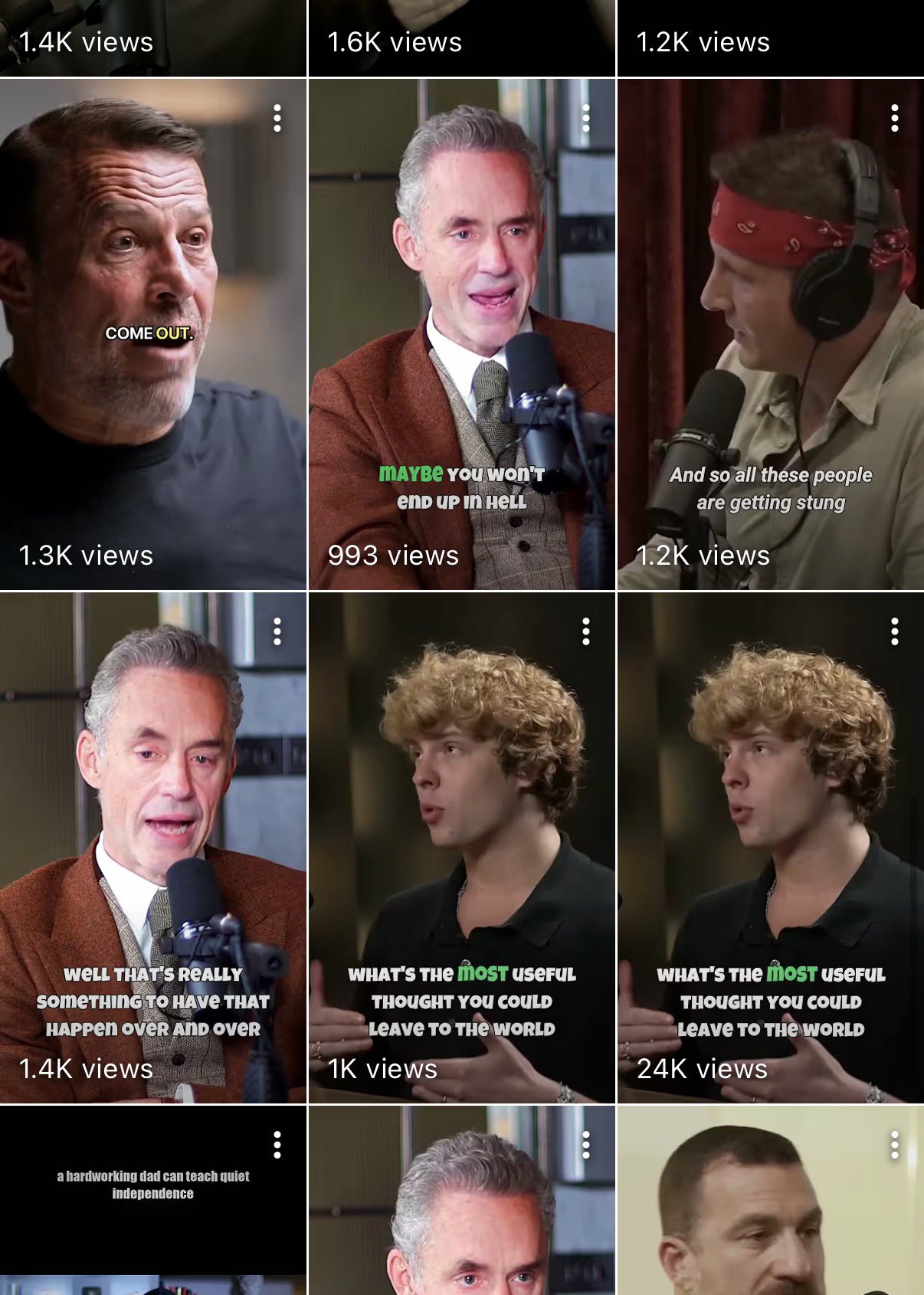
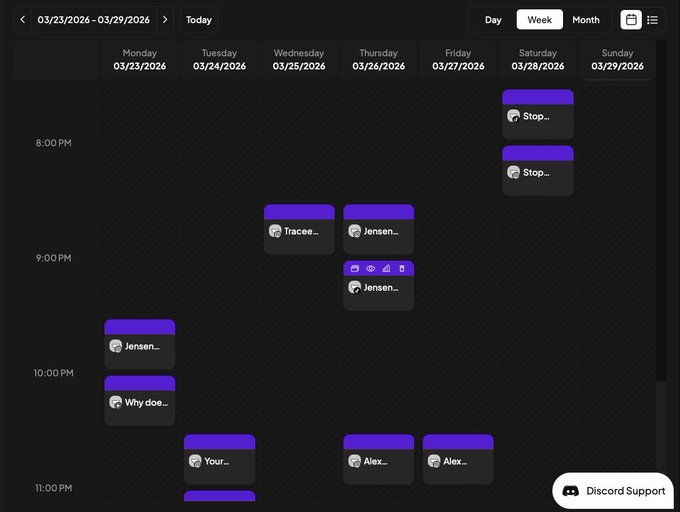
The critical piece that ties everything together is the scheduling and distribution layer. This is where Postiz comes in. While the local agents handle intelligence gathering and video processing, Postiz serves as the “bridge” that gets content from the pipeline onto actual social media platforms.
Here’s how it works technically. Once Ziwen’s clipping agent produces a finished video in the /final directory, the system uses the Postiz CLI to upload and schedule it:
# Upload the finished clip
RESULT=$(postiz upload ./clips/final/clip_001.mp4)
VIDEO_URL=$(echo "$RESULT" | jq -r '.path')

# Schedule it to TikTok
postiz posts:create \
  -c "The hook text goes here #Shorts #AI" \
  -s "2026-04-17T14:00:00Z" \
  -m "$VIDEO_URL" \
  -i "tiktok-integration-id"

# Cross-post to YouTube Shorts and Instagram Reels
postiz posts:create \
  -c "Same clip, different platform" \
  -s "2026-04-17T15:00:00Z" \
  -m "$VIDEO_URL" \
  -i "youtube-id,instagram-id"
The Postiz CLI accepts multiple integration IDs in a single command, which means one clip can be scheduled across TikTok, YouTube Shorts, Instagram Reels, X, and more with a single call. The CLI outputs JSON, so it integrates cleanly into shell scripts and AI agent workflows.
For more advanced setups, Postiz also exposes an MCP (Model Context Protocol) server. If you’re running an AI agent framework like Claude or any MCP-compatible client, the agent can directly call Postiz tools to list connected accounts, check platform-specific rules (character limits, required settings), and schedule posts, all through natural language commands.
# MCP setup in your AI agent config
{
  "mcpServers": {
    "postiz": {
      "url": "https://api.postiz.com/mcp/your-api-key"
    }
  }
}
With this connected, an AI agent can say “schedule this clip to my TikTok at 2pm tomorrow” and Postiz handles the rest: uploading, formatting, and queuing the post through its temporal workflow system for reliable background publishing.
The Self-Correcting Loop: Why This System Gets Smarter Over Time
Most automation is a hamster wheel. Post the same type of content on the same schedule, regardless of what’s working. Ziwen’s system includes something more interesting: an evolution layer.
The evolver.py script acts as a “Senior Editor” that reviews performance data after each experiment. It runs a verdict system with two outcomes:
- KEEP – If the experiment (new caption style, different hook logic, adjusted posting time) beats the current baseline in views and retention, the change gets integrated permanently. The
baseline.json file updates, and the new approach becomes the standard.
- KILL – If the change underperformed, the agent discards the mutation and reverts to the previous strategy using backup files.
There’s also a safety mechanism Ziwen calls the “Circuit Breaker.” If the agent fails three experiments in a row (three consecutive KILLs), it pauses all new experiments and demands human review. This prevents the agent from spiraling into a hallucination loop where it keeps trying progressively worse ideas.
The baseline.json file tracks the agent’s evolution over time. You can literally watch it grow from version 1 (generic posting strategy) to version 50+ (a highly optimized approach tuned to your specific audience and platform). Every successful experiment gets logged with its performance improvement percentage.
This kind of adaptive social media automation software is what separates a posting bot from a genuine content engine. The system doesn’t just execute; it learns.
The Warm-Up Protocol: Why You Can’t Skip the First Week
One detail from Ziwen’s breakdown that most people will overlook is the warm-up phase. Platforms like TikTok, Instagram, and YouTube use environmental fingerprinting in 2026. They can detect when an account exists only to post automated content.
The solution is a manual warm-up period before any automation kicks in. For the first seven days, the agent stays off. You’re the pilot.
Days 1-3: The “Consumer” Persona. Log in manually two to three times a day. Spend 30 minutes scrolling the feed. Watch videos in your niche to completion (this trains the algorithm on what audience to show your content to). Like three to five videos and leave one or two genuine comments.
Days 4-7: The “Active Member” Persona. Follow three to five top creators in your space. Leave one thoughtful comment on a trending video daily. Use the search bar to look up keywords related to your niche. This builds a behavioral profile that looks human.
Day 8: The Soft Launch. Post one video. No external links in your bio or description (external links on a fresh account are a major bot flag). Have your “supporter” accounts watch the video twice and leave a question to seed engagement signals.
After the first few videos consistently cross 1,000 views, you can start scaling the posting frequency. Week two: one post per day. Week three: two posts per day. Steady state: three posts per day. Ziwen warns against exceeding four. In 2026, high volume often gets penalized as low quality.
Local vs. Cloud: Choosing Your Clipping Strategy
Ziwen’s architecture offers two paths for the actual video processing, and the choice depends on your hardware and budget.
Option A: Local Processing ($0 per clip). The Mac Mini downloads the full source video, runs Whisper for transcription, generates a manifest.json with timestamps and captions, splits the video into clips, adds styled captions, and outputs final files to the /final directory. The benefit is zero per-clip cost and total control over every pixel. The trade-off is processing time, roughly 60 minutes of transcription for a 3-hour podcast using Whisper-Small on an M4 chip.
Option B: Cloud API Processing (fast turnaround). If you have a subscription to a clipping service like Opus Clip, Wayin Video, or Vugola AI, the agent sends the source URL directly to their API instead of downloading the video. The server returns finished clips, and the agent performs a quality check before passing them to Postiz for scheduling. Zero CPU usage on your end, but you’re paying for API credits.
The key insight is that even with cloud processing, the intelligence layer still matters. Without the Scout component filtering which videos are worth clipping, you’d burn through your monthly API credits in two days. The agent uses AI to decide which AI is worth paying for.
Building Your Own $49/Month Content Engine
If you want to replicate this setup, here’s the full stack breakdown:
- The Brain: An AI agent framework (open-source, $0). This orchestrates the pipeline, decides what to clip, and manages the posting schedule.
- The Muscle: FFmpeg + yt-dlp + Whisper, all running locally ($0). These handle video downloading, transcription, and clip generation.
- The Soul: MiniMax M2.7 or a similar AI model (~$20/month). This writes hooks, generates captions, and powers the strategic reasoning layer.
- The Bridge: Postiz Standard ($29/month). This handles uploading, scheduling, and cross-platform distribution.
The Postiz API makes the integration straightforward. Here’s a complete script that an agent could run to process and schedule a batch of clips:
#!/bin/bash
# Process all clips in the /final directory and schedule them

CLIPS_DIR="./clips/final"
INTEGRATION_IDS="tiktok-id,youtube-id,instagram-id"
HOUR=9

for clip in "$CLIPS_DIR"/*.mp4; do
  # Upload the clip
  UPLOAD=$(postiz upload "$clip")
  URL=$(echo "$UPLOAD" | jq -r '.path')

  # Generate a schedule date (stagger by 4 hours)
  SCHEDULE="2026-04-17T${HOUR}:00:00Z"
  HOUR=$((HOUR + 4))

  # Create the post across all platforms
  postiz posts:create \
    -c "AI-generated hook for $(basename "$clip" .mp4)" \
    -s "$SCHEDULE" \
    -m "$URL" \
    -i "$INTEGRATION_IDS"

  echo "Scheduled: $(basename "$clip") at $SCHEDULE"
done
For teams that want even tighter integration, the Postiz REST API supports the full lifecycle: listing connected integrations, uploading media, creating scheduled posts, managing drafts, and pulling analytics data to feed back into the evolution loop.
# List all connected social accounts
curl -X GET "https://api.postiz.com/public/v1/integrations" \
  -H "Authorization: your-api-key"

# Create a scheduled post with media
curl -X POST "https://api.postiz.com/public/v1/posts" \
  -H "Authorization: your-api-key" \
  -H "Content-Type: application/json" \
  -d '{
    "type": "schedule",
    "date": "2026-04-17T14:00:00.000Z",
    "posts": [{
      "integration": { "id": "your-tiktok-id" },
      "value": [{ "content": "Your caption here", "image": [] }],
      "settings": { "__type": "tiktok" }
    }]
  }'

# Pull analytics to feed the evolution loop
curl -X GET "https://api.postiz.com/public/v1/analytics/post/POST_ID" \
  -H "Authorization: your-api-key"
What Makes This Different From “Just Using a Scheduling Tool”
Scheduling tools have existed for years. What Ziwen built is fundamentally different because the automation covers the entire pipeline, not just the posting step.
A traditional workflow looks like this: watch source video, identify good moments, open editing software, clip and format, write caption, open scheduling tool, upload and schedule, check analytics, repeat. Every step requires human attention, and every step is a point where you can lose momentum.
The automated pipeline compresses this into: agent watches, agent clips, agent writes, agent schedules, agent analyzes, agent improves. The human only intervenes when the circuit breaker fires (three failed experiments in a row) or during the initial warm-up phase.
The results speak for themselves. Thousands of views accumulated across 14 days with zero human input. Not because the content was lucky, but because the system posted consistently, analyzed what worked, and refined its approach on every iteration.
This is the difference between a tool and a system. Tools need operators. Systems need architects. Once designed, they compound.
Start Building Your Automated Content Engine Today
Ziwen’s $49/month stack proves that you don’t need a massive budget or a full production team to maintain a presence across multiple social platforms. You need the right architecture: intelligent selection, local or cloud processing, adaptive strategy, and reliable distribution.
Postiz handles the distribution layer with its API, CLI, and MCP integrations, giving your AI agents a direct pipeline to every major social platform. Whether you’re building a clipping machine, an AI content studio, or a simple cross-posting workflow, Postiz provides the scheduling infrastructure that makes social media automation actually work.
Try Postiz free and start automating your social media posting today. Connect your platforms, set up the API or CLI, and let your content engine run while you focus on building what matters.