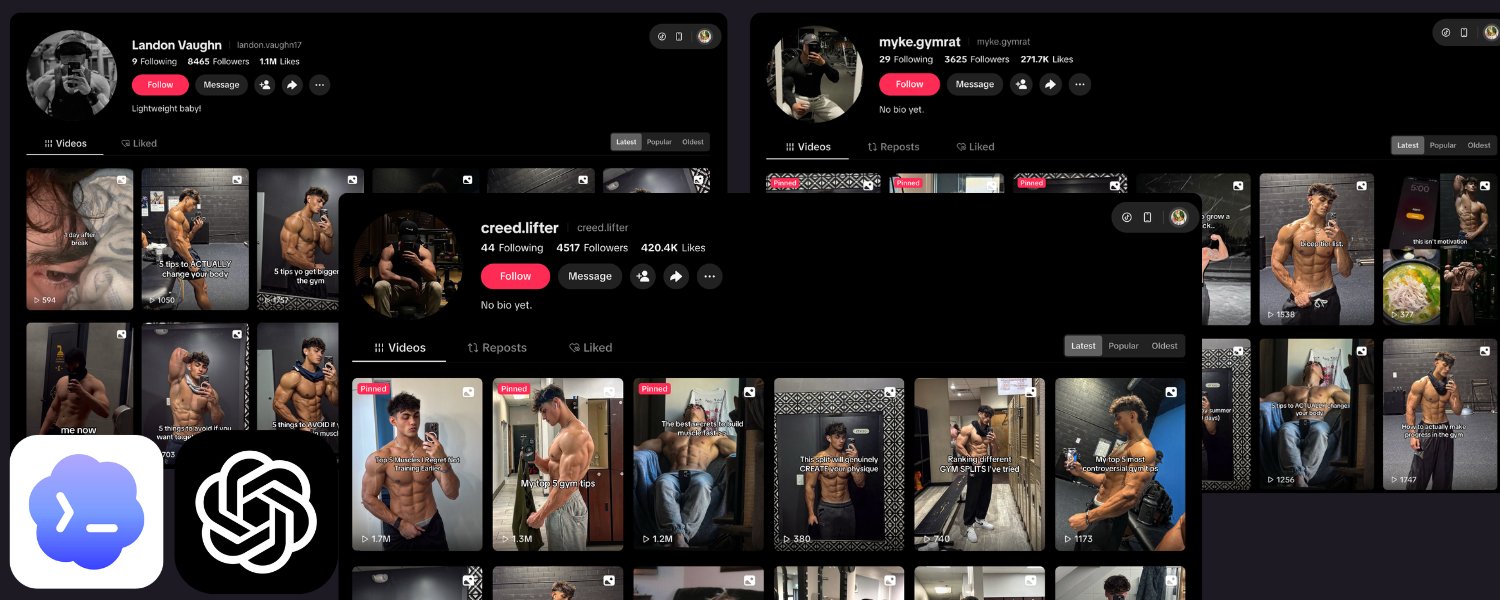
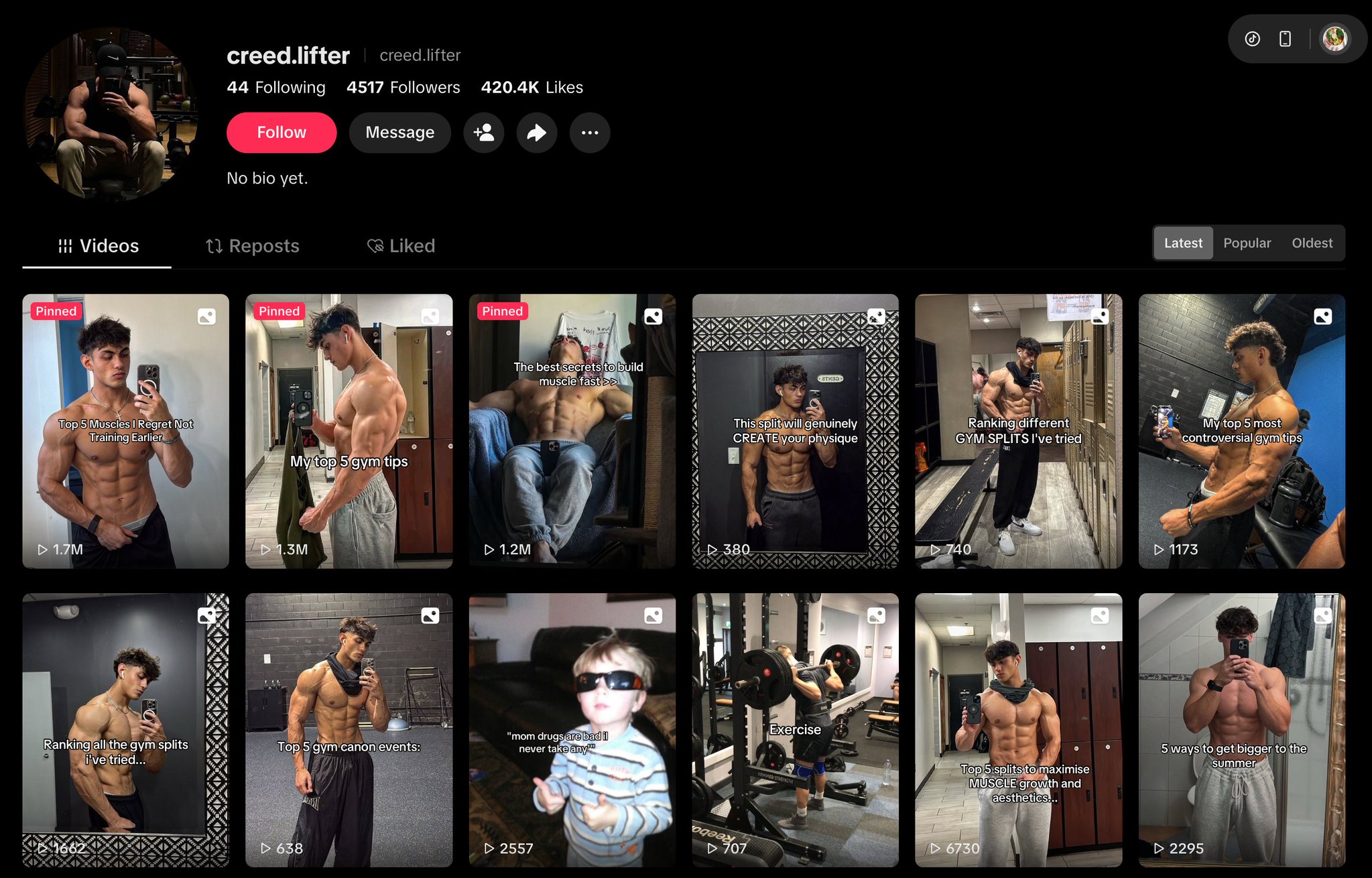
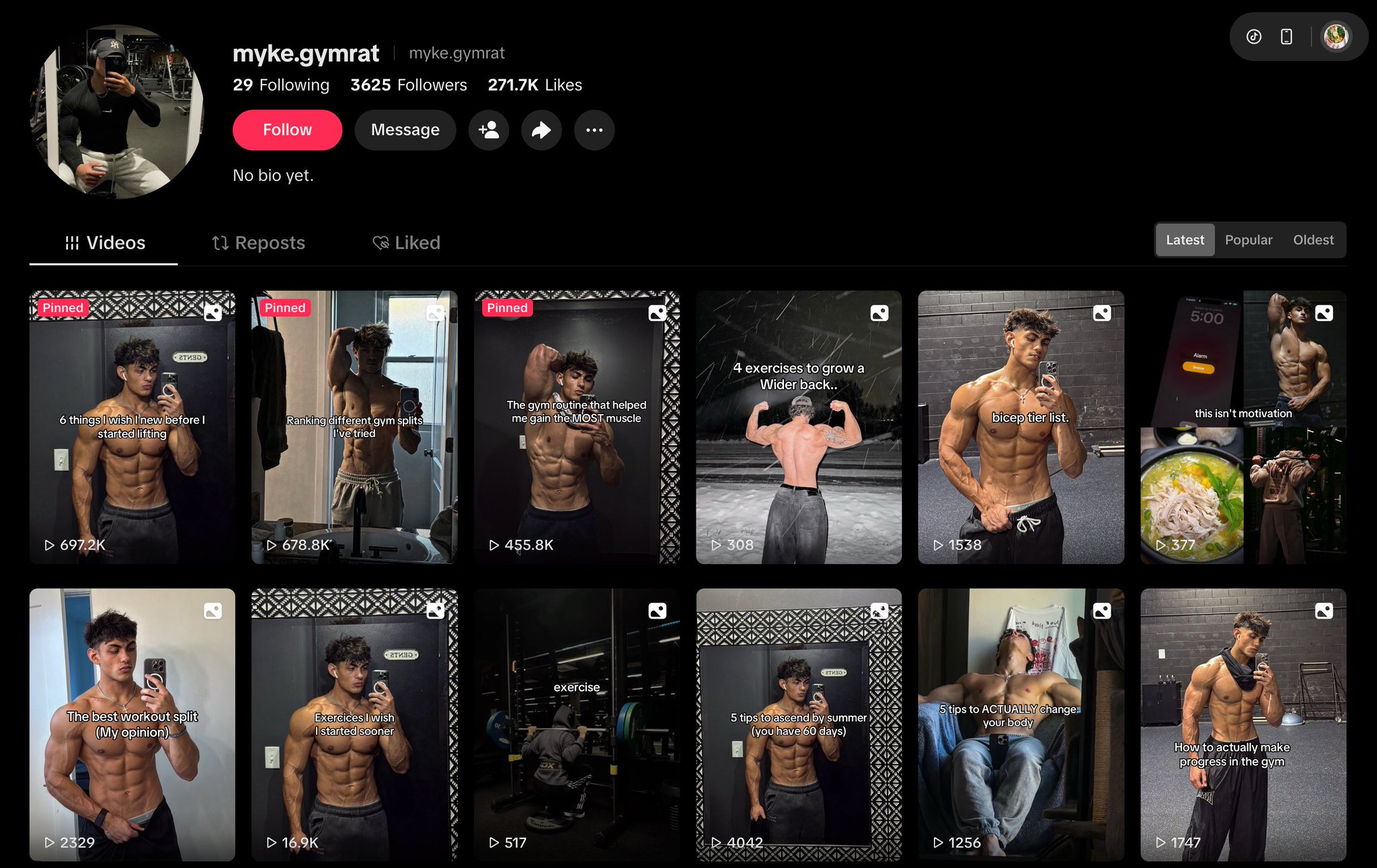
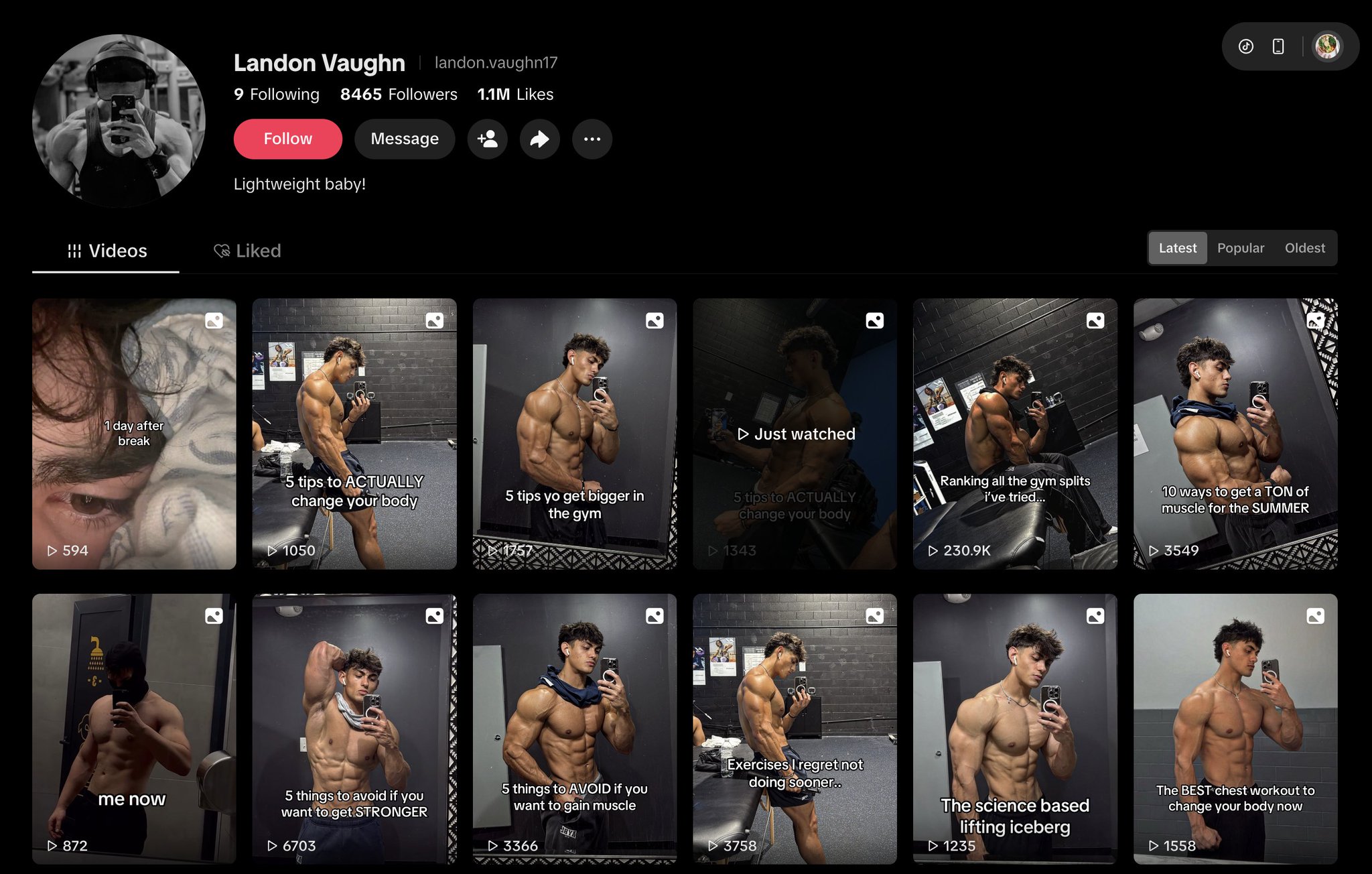
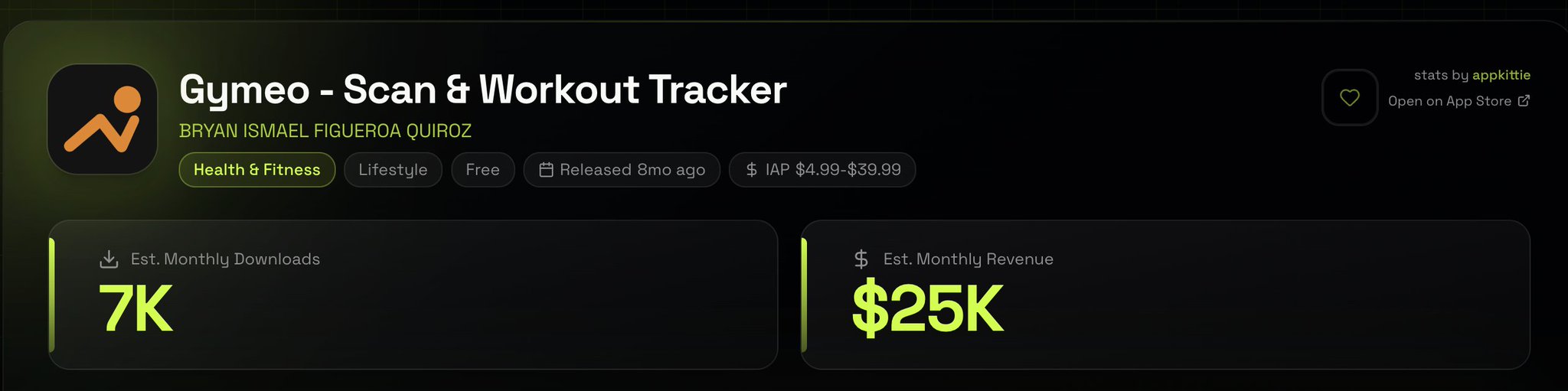
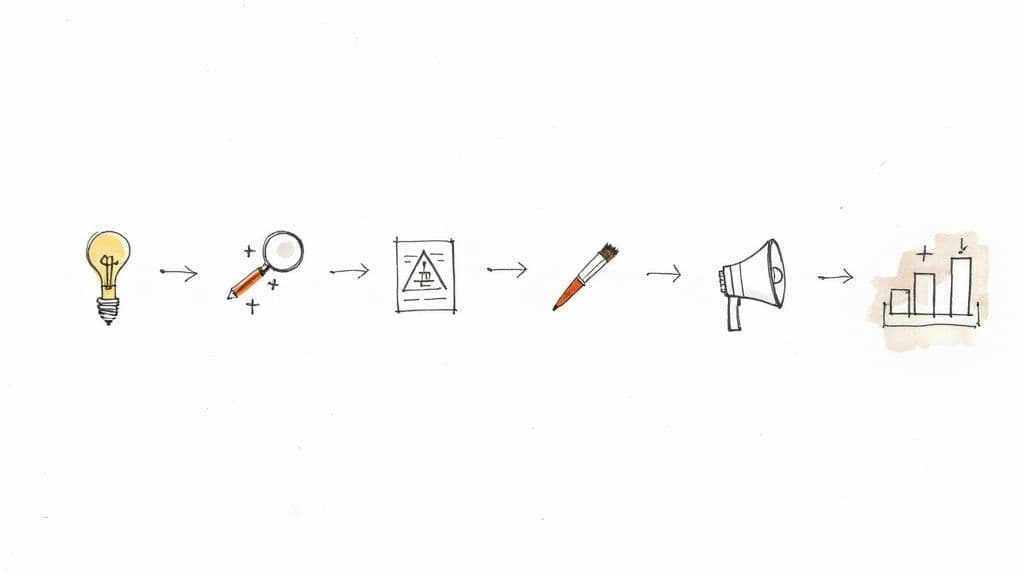
Indie hacker Alex Nguyen recently shared the exact pipeline he uses to push 30–50 TikTok slideshows out every single day — across multiple accounts, while he sleeps. It is one of the cleanest blueprints for TikTok slideshow automation that has surfaced in 2026, and it pulls together four pieces that finally became reliable at the same time: GPT-5.5 in Codex, ChatGPT Images 2.0, Pinterest scraping, and Postiz for posting.
This article walks through his story, the technical decisions behind it, and how anyone can rebuild a similar setup today — including the specific Postiz endpoints, agent calls, and MCP tools that make the “post at scale” piece work without getting accounts banned.
Why slideshows beat video right now
Alex’s first observation: TikTok is heavily boosting slideshows in 2026. He pulled examples from a handful of accounts riding that wave and noticed something obvious in hindsight — slideshows have roughly 10% of the production cost of video and, on his accounts, were outperforming video posts by 3–4x in reach.
Video needs editing, b-roll, UGC actors, captions, music sync. A slideshow needs five to ten images, a hook, and a CTA. The algorithm treats them like videos. The economics are not even close.
The bottlenecks that used to make this hard to automate were:
Finding formats that consistently work without manually scrolling and reverse-engineering
Generating on-brand images with consistent characters, text, and visual style across slides
The cost of generating 7–8 AI images per post when you are pushing 30+ posts a day
Posting at scale across many accounts without getting flagged or shadowbanned
According to Alex, GPT-5.5 in Codex solved the first one. ChatGPT Images 2.0 solved the second. A hybrid Pinterest + AI strategy crushed the third. And Postiz — the agentic scheduler with an official TikTok Content Posting API integration — solved the fourth.
The “copy the format, not the content” strategy
Before any code, Alex makes a useful distinction. A viral slideshow has three layers:
The format — hook slide, setup, payoff, CTA. The skeleton.
The visual language — fonts, layout, color treatment, image style.
The content — the actual topic, niche, message.
Layer 1 is free to copy. Nobody owns “curiosity gap hook, 5 points, save this” — that is just copywriting. Layer 2 you adapt to your own brand. Layer 3 stays original to your niche. Get this distinction wrong and you get ratio’d. Get it right and you ride an algorithm wave that is already proven to convert.
Alex’s data-collection step is intentionally cheap: a Fiverr VA for $5 grabs 100 top-performing slideshows from his niche over the past 30 days, screenshots every slide, and dumps them into a folder. That becomes the visual reference set for the whole pipeline.
Manage all your social media in one place with Postiz
Step 1 — Reverse-engineer formats with GPT-5.5 in Codex
This is where GPT-5.5 changes things. With native vision and computer-use, you can drop ten slideshow screenshots into Codex and have it analyze the structure, extract a templating pattern, and output a reusable JSON schema. Alex’s prompt looks roughly like this:
I'm attaching 10 screenshots from a viral TikTok slideshow.
Analyze the structure and extract:

1. The hook pattern (slide 1 only): emotional trigger + curiosity gap
2. The payoff pattern (middle slides): content delivery structure
3. The CTA pattern (final slide): action request
4. Visual layout: text placement, image-to-text ratio, font weight
5. Pacing: how information is dripped across slides

Output as a JSON schema I can feed into an image generation pipeline.
Fields must include: slide_number, role, text_template,
visual_style_notes, image_prompt_template.
What comes back is a structured object he can save and reuse forever:
{
  "format_name": "curiosity_ranked_list",
  "total_slides": 7,
  "slides": [
    {
      "slide_number": 1,
      "role": "hook",
      "text_template": "Nobody talks about {topic} but...",
      "visual_style_notes": "Bold white text on dark moody photo, bottom third",
      "image_prompt_template": "Cinematic {scene}, dark atmospheric lighting..."
    }
  ]
}
That schema is the asset. Save it as fitness_curiosity_v1.json and reuse it forever. Build up a library of 20–30 of these and the result is effectively infinite content variations on proven structures. According to Alex, the reason GPT-5.5 beats earlier models here is that it actually reasons across the whole slideshow as a narrative arc instead of describing each slide in isolation.
Step 2 — The hybrid image strategy that cuts cost by ~85%
This is the single biggest cost lever in the pipeline. ChatGPT Images 2.0 can generate eight images from a single prompt with character and object continuity — which is genuinely game-changing — but at production quality, a 7-slide deck costs around $0.70–1.00. At 30 slideshows a day, that is $600–900 a month just on image generation.
The hybrid trick: split the slideshow into roles and use the right tool for each.
Slide 1 (hook) — generate with Images 2.0. The hook needs a custom scene that exactly matches the topic. Worth the spend.
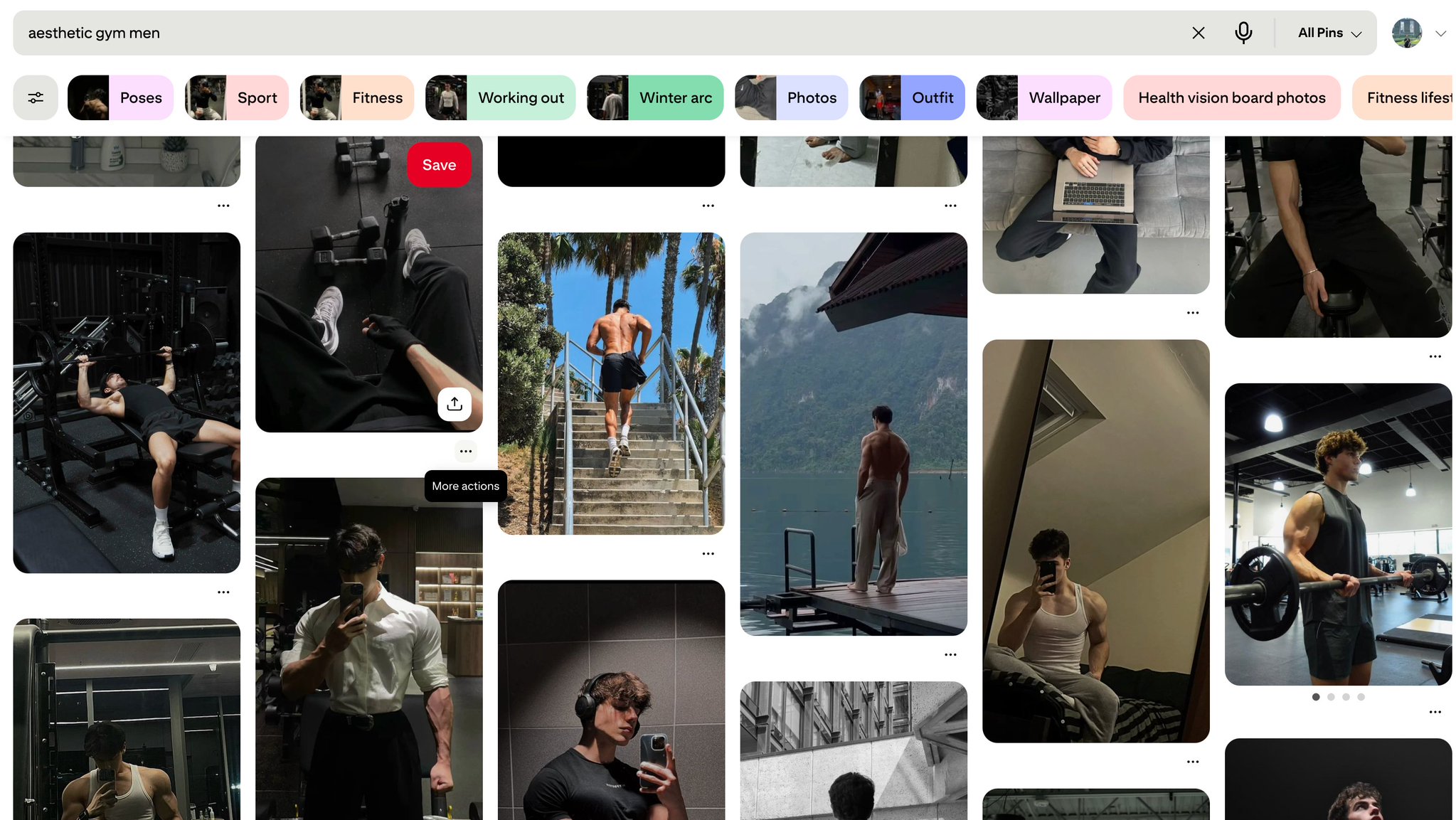
Slides 2–6 (payoff) — pull from a pre-scraped Pinterest library tagged by mood, color, and subject. Composite the text overlay locally with Sharp + Canvas.
Slide 7 (CTA) — Pinterest image or a reused template background.
Alex’s numbers: cost drops from ~$1.00 per slideshow to ~$0.15. At 30 a day, that is $135/month instead of $900/month. And in his experience, visual quality often improves — Pinterest is already human-curated for aesthetic appeal.
A few caveats he calls out: avoid recognizable public figures or visible brand watermarks, color-grade locally to keep a consistent palette across slides, rotate the library aggressively so the same image does not show up in ten different posts, and tag aggressively when scraping so the matcher can pick the right mood for each slide.
Step 3 — The text compositor (Sharp + Canvas)
This is the layer that takes a Pinterest image and makes it look like a branded TikTok slide. Pure Node.js, runs cleanly inside Codex CLI.
Alex specifically uses @napi-rs/canvas instead of the older canvas package because it has no cairo/pango system dependencies, which means Docker and Railway deploys actually work without surprise build failures.
A couple of details worth keeping: text is stroked first and then filled, so the outline never overlaps the glyphs. The base image is always resized to a true 1080×1920 (TikTok 9:16) before compositing. And the gradient overlay is what makes white text actually readable on busy Pinterest backgrounds.
Step 4 — The post queue (BullMQ + Redis)
This is what chains the compositor to the posting layer with retries and rate limits. Two queues, two workers — composite first, then post.
The two settings that matter most here: concurrency: 2 on the composite worker because Sharp is memory-heavy and you will OOM if you run it wide-open, and limiter: { max: 10, duration: 60_000 } on the post worker so you never hit the TikTok API faster than 10 posts per minute. Composite gets 3 retries; posting gets 5 with exponential backoff because real-world networks are flaky.
Step 5 — Posting at scale with Postiz
This is where the whole pipeline becomes a real product instead of a script. Alex’s reasoning for picking Postiz over the alternatives:
Agent access on every plan — MCP server, CLI, and public API, no per-seat pricing
Multi-tenant by design — comfortably runs 50+ TikTok accounts from one instance
Uses TikTok’s official Content Posting API. Unofficial posting is what gets accounts banned
Has a real public REST API, a CLI, and an MCP server — so the queue worker, a cron job, or an AI agent can all talk to it
The Standard plan is $29/month for 5 channels. Connecting TikTok business accounts via the official Content Posting API takes 1–3 weeks for approval, which is the only real lead time in the pipeline.
Talking to Postiz from the queue worker — REST API
The easiest way to wire the queue’s post worker to Postiz is the public REST API. Endpoint:
POST https://api.postiz.com/public/v1/posts
Authorization: your-api-key
Content-Type: application/json
The payload for a TikTok slideshow looks like this:
Two things to know before you start firing requests at it. First: TikTok requires publicly-accessible HTTPS media URLs, so you must upload your composited slides to Postiz (or your own CDN) first — local file paths or pre-signed S3 URLs that expire mid-post will fail. Second: the public API runs at 30 requests per hour, but each call can schedule many posts, so the practical ceiling is much higher than it looks.
Or: hand the whole thing to an agent via MCP
If the queue is overkill for what you are building, Postiz exposes an MCP server with eight tools that any AI agent (Claude, ChatGPT, Cursor) can call directly:
integrationList — list connected TikTok accounts and their IDs
integrationSchema — fetch TikTok’s posting rules and settings schema (so the agent knows what fields are required)
schedulePostTool — schedule a post with platform-specific settings
generateVideoTool — generate AI videos for posts (Image Text Slides, Veo3)
An agent loop that mirrors Alex’s pipeline looks like: call integrationList to find connected TikTok accounts, call integrationSchema with platform="tiktok" to learn the required fields, generate or composite the slides, then call schedulePostTool to schedule. No queue, no worker, no Redis — just an agent running the whole loop on a cron.
Or: drive it from the terminal with the Postiz CLI
For prototyping or one-off batches, the Postiz CLI is the fastest path. Install once and authenticate:
Using the fitness niche config and curiosity_ranked_list_v1 format:
1. Generate 5 fresh topic ideas not used in the last 30 days
2. For each, fill the slide template with on-brand copy
3. For slide 1, generate prompt and queue Images 2.0 generation
4. For slides 2-7, query Pinterest library by tags and pick matches
5. Queue everything in BullMQ pipeline
6. Schedule posts via Postiz to 3 active fitness accounts,
   spaced 4 hours apart
According to Alex, GPT-5.5 in Codex reliably completes this end-to-end. Earlier models would drop context past 3–4 chained operations.
One caveat worth flagging: GPT-5.5 is not yet available via API key auth — only via the Codex app, CLI, and IDE extension on a ChatGPT subscription. For a fully autonomous pipeline today, GPT-5.4 over the API is the practical fallback. Alex runs his orchestration through Codex CLI on a cron until the rollout finishes.
What a typical 2am cron run looks like
When Alex’s cron fires at 2am ICT:
The job pulls active niches from Postgres
For each niche, GPT-5.5 (via codex exec) generates 5 slideshow topics
Each topic creates a BullMQ job
The image worker makes 1 call to Images 2.0 for slide 1, plus 6 lookups against the Pinterest library for the rest
The compositor worker overlays branded text on every image
The finished slideshow is posted to the Postiz queue
Postiz spaces the TikTok Content Posting API calls evenly across the day
By 8am, 15–20 fresh slideshows are scheduled across accounts for the next 24 hours
What this pipeline does not solve
To Alex’s credit, he is upfront about the limits:
Originality. If your niche is oversaturated with AI slideshows, you will look like everyone else. The moat is niche selection and format variation, not raw volume.
TikTok bans. Follow the API limits, do not stuff hashtags, and never repost identical content across accounts. Two of his accounts got shadowbanned in 6 months — both from hashtag greed, not from the automation itself.
Monetization. Slideshow views do not convert like videos. You need a funnel: slideshow → bio link → landing page → product. Without the funnel, vanity metrics only.
Brand depth. This workflow is optimized for scale, not for a deeply personal brand. If your goal is authentic long-term audience connection, AI-generated slideshows actively work against you. Match the tool to the goal.
The takeaway
Six months ago, this pipeline was theoretically possible but practically broken. Image models could not do text, could not maintain continuity across slides, and automation meant gluing five APIs together with hope.
What changed: GPT-5.5 made the orchestration reliable. Images 2.0 made the visual output production-ready. Pinterest scraping made the unit economics work. Postiz filled the posting gap with a multi-tenant scheduler that actually uses TikTok’s official API.
If you want to build something similar, start with the format library, then the Pinterest library, then the compositor and queue, then the orchestrator on top. Do not try to go from zero to 50 accounts in a week — most of the failure modes only surface at volume.
Try Postiz for your own automation
The posting layer is the part most builders underestimate — it is also the part that decides whether your accounts survive past month two. Postiz handles the TikTok Content Posting API, multi-account orchestration, scheduled queuing, and AI agent integration via MCP, and plans start at $29/month after a 7-day free trial.
If you want to skip straight to the agent loop, point Claude or any other MCP-compatible client at https://api.postiz.com/mcp with your API key and let it schedule posts directly. Spin up Postiz here and start shipping slideshows by tomorrow.
Tired of guessing? Learn how to calculate, track, and prove your social media ROI with real-world examples and actionable strategies that show real impact.