Juggling multiple social media accounts can be a job and a half. Between content creation, post scheduling, engaging with audiences, and performance analysis, it’s easy to feel like you’re drowning in a sea of digital responsibilities. But here’s the good news: you don’t have to have a huge budget to streamline your workflow. The right tools will help you automate repetitive tasks, give you profound insight, and free your time to do what is really important-grow your brand.
This guide cuts through the noise: we have tried and compiled a definitive list of the best free social media management tools available today. Whether you are a solo creator, a small business owner, or a marketing team, you’ll find a solution here that fits your specific needs. If your business needs more robust support than any tool can provide, professional social media management services will offer tailored strategies with hands-on execution.
Our goal is to help you make an informed choice fast. In the case of each platform, we provide a thorough breakdown covering key features, practical use cases, and honest limitations. You’ll find direct links and screenshots for seeing precisely how each tool works. This resource is designed to help you find that perfect free platform that lets you take control of your social media strategy once and for all.
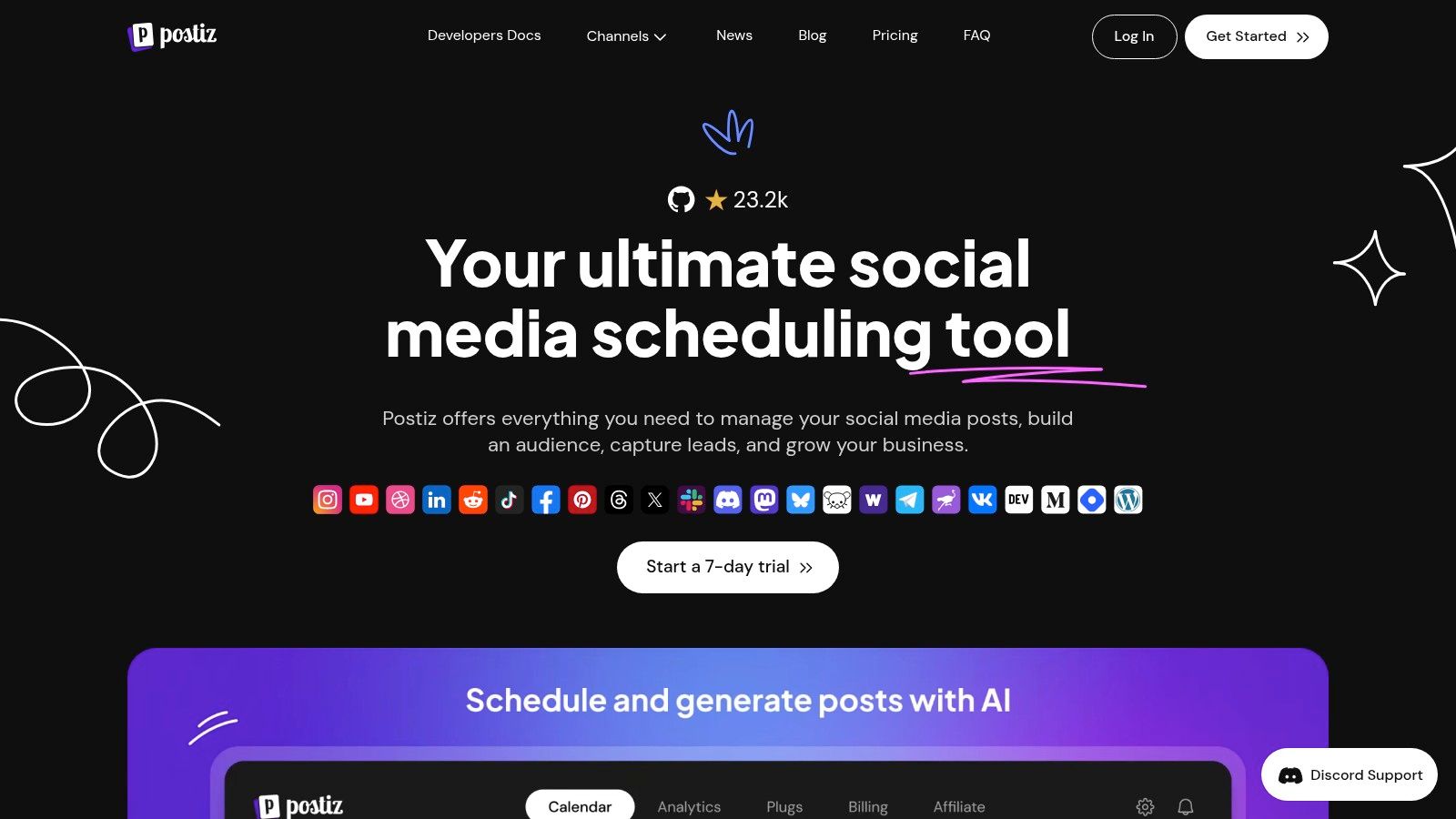
1. Postiz: The Ultimate AI-Powered and Agent-Ready Platform
Postiz remains at the forefront among free social media management tools, offering an all-encompassing, one-stop-shop that seamlessly integrates AI-powered content creation with AI agent access on every plan. This unique combination places it as an attractive choice for users, from solo creators to agencies, who need a tool that handles the entire lifecycle of social media, from ideation to analytics within one single, unified dashboard. Whether you’re planning posts or using an Instagram post scheduler to keep your visual content consistent, Postiz brings everything together in one place.
The most striking feature of Postiz is the smart set of AI assistants. These affordances go beyond simple scheduling into creating compelling post copies, constructing striking image features, and even brainstorming content ideas within the platform. This significantly streamlines the creative process for busy teams and people by saving invaluable time.
Key Features & Use Cases
Postiz consolidates the core tools into one and offers a seamless workflow that boosts productivity and collaboration.
AI Content & Image Generation: Instantly overcome creative blocks. Use the AI writer to draft engaging captions for a new product launch or generate a set of unique images for a holiday campaign-all from within the app.
Unified Content Calendar: Manage your Instagram, Facebook, Twitter, LinkedIn, and more from one intuitive calendar. This is ideal for agencies coordinating multiple client accounts or businesses maintaining a consistent multi-platform presence.
AI Agent Access: With an MCP server, a CLI, and a public API on every plan, Postiz lets Claude, ChatGPT, Codex, or OpenClaw draft and schedule posts while you approve them. This represents a powerful feature in the world of social media management.
Robust Collaboration Tools: Easily assign tasks, leave comments, and manage approval workflows. In-house marketing teams can use this to ensure brand consistency and facilitate smoother content reviews before publication.
Why It’s Our Top Choice
Postiz has a very generous free plan that includes its core AI features and scheduling. It’s easy to use, with a clean UI suitable for beginners, yet still advanced functionality and an open-source option for power users and technical teams alike. This is an exceptional solution, offering the perfect mix of accessibility, power, and data autonomy.
Buffer has long been a go-to because of its simplicity and reliability, making it one of the best free social media management tools for getting up and running. Through its intuitive, clean interface, users can connect up to three social channels and begin scheduling content in minutes.
The free plan really shines in the integrations department, though. You can connect tools like Canva, Dropbox, and Zapier on the free tier, which is a huge boon to creators and small businesses working to build a lean marketing stack. Access to Buffer’s AI Assistant on the free tier enables rapid content repurposing and ideas for posts. The main limitation of the free plan, however, is the restriction to 10 scheduled posts per channel.
Key Features & Limitations
Feature
Details on Free Plan
Connected Channels
Up to 3 (e.g., Facebook, Instagram, LinkedIn)
Scheduled Posts
10 posts per channel at any given time
Users
1
Core Tools
AI Assistant, Scheduling, Landing Page Builder
Integrations
Canva, Dropbox, Google Drive, Zapier, IFTTT
Best For: Solo entrepreneurs and content creators looking for a simple yet reliable scheduler with great third-party integrations.
Pros:
Extremely easy-to-use interface that’s quick to master.
Reliable mobile apps and browser extension for scheduling on the go.
Helpful integrations (Canva, Zapier) are included in the free version.
Cons:
The 10-post scheduling limit per channel can be restrictive for active accounts.
No engagement or inbox management features on the free plan.
Meta Business Suite is the most powerful free social media management tool for anyone focused purely on Facebook and Instagram. As the official, native platform, it provides unparalleled access to features like Reels scheduling, product tagging, and A/B testing for posts directly within its interface. There are no third-party permissions or workarounds needed.
The suite consolidates your Facebook Page and Instagram account into a single dashboard, offering a unified inbox, content calendar, and robust analytics. Unlike other free tools, it doesn’t cap the number of posts you can schedule, letting you plan content weeks in advance. While it’s a definitive solution for Meta-owned platforms, its primary drawback is that it offers no support for other networks like LinkedIn or X, formerly known as Twitter.
Best For: Businesses and creators whose social media strategy is centered exclusively on Facebook and Instagram and who need access to the latest native features.
Pros:
Completely free with no post limits or feature restrictions.
Direct integration ensures immediate support for new formats like Reels.
Unified inbox simplifies community management across both platforms.
Cons:
Strictly limited to Meta platforms; cannot manage other social networks.
The interface can occasionally be buggy or slow to load.
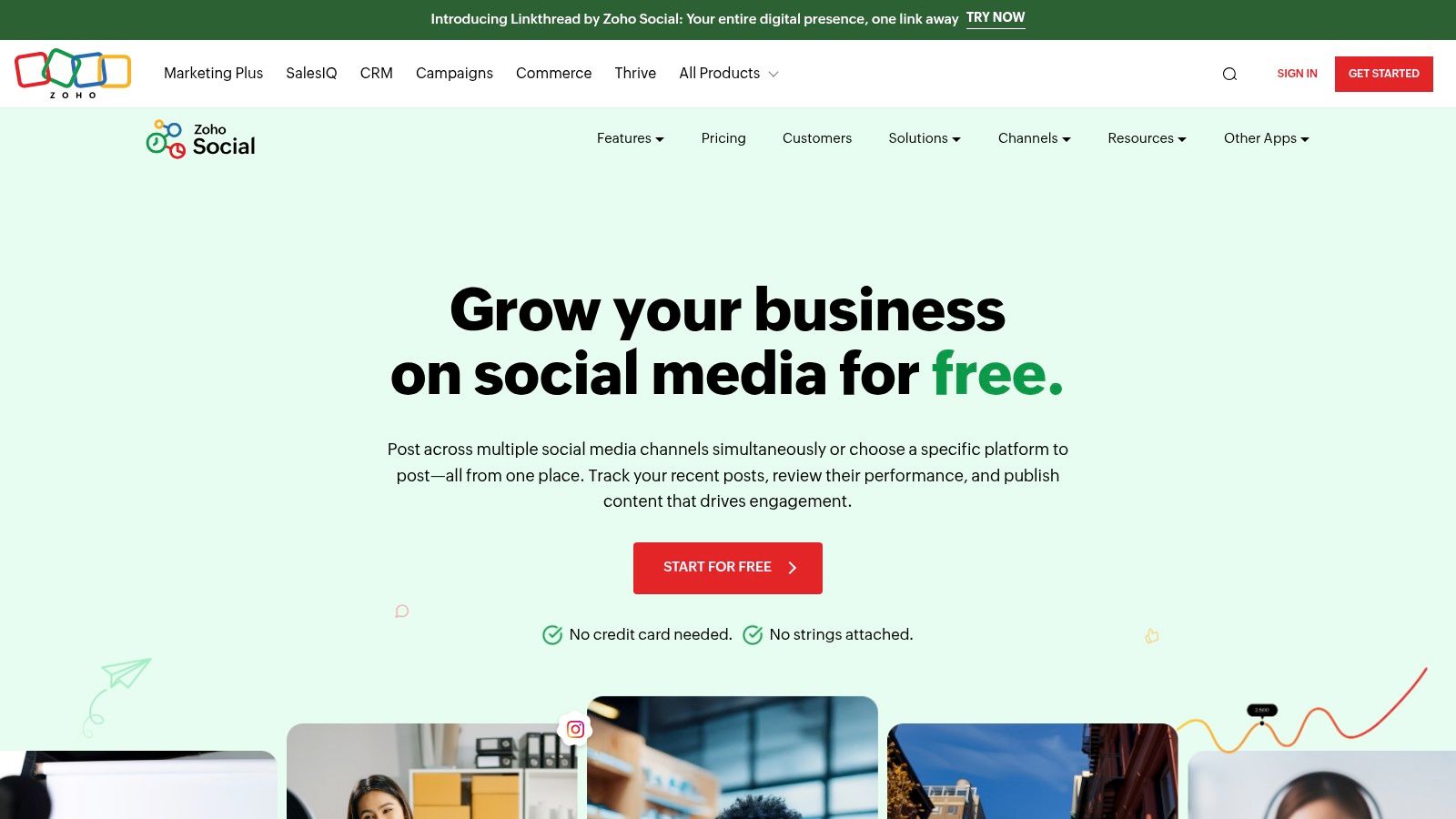
Zoho Social boasts one of the most generous free social media management tools available for individuals who are managing a single brand. You can connect a wide range of networks from one dashboard, such as Facebook, Instagram, LinkedIn, X (Twitter), and even Google Business Profile, placing this tool as a powerful centralized hub.
What sets Zoho’s free plan apart is that there is not a strict monthly post cap, and users can publish to their channels as they see fit. This, along with the zShare browser extension, makes it super easy to curate and share content you find online. While the free tier is comprehensive for publishing, more advanced features such as detailed analytics, team collaboration, and content approvals are reserved for paid plans, thus giving an enterprise a clear upgrade path as it grows.
Key Features & Limitations
Feature
Details on Free Plan
Connected Channels
1 Brand (Facebook Page, Instagram, LinkedIn Profile/Page, X, Google Business Profile)
Scheduled Posts
Unlimited publishing
Users
1
Core Tools
Publishing Calendar, URL Shortener, zShare Browser Extension
Integrations
Limited on free plan; expands with paid tiers
Best for: Freelancers and small business owners who manage a single brand and need to publish consistently across multiple major platforms, without post limits.
Pros:
No monthly post limit, offering great flexibility for active accounts.
Supports a broad range of social networks, including Google Business Profile.
The browser extension and mobile apps are convenient for on-the-go management.
Cons:
Strictly limited to one user and one brand on the free plan.
Lacks analytics, engagement monitoring, and team features.
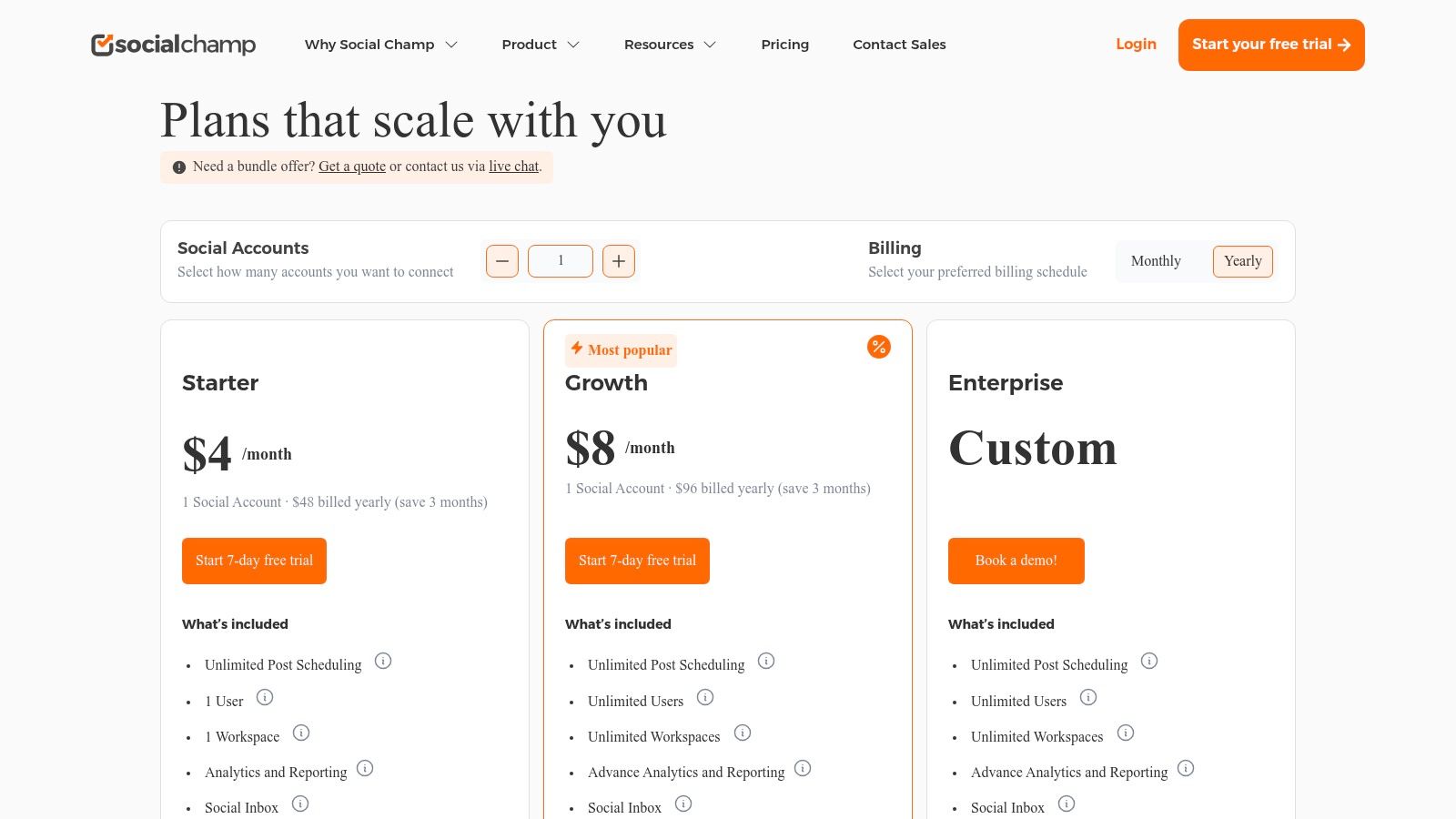
Social Champ enters the scene as modern and one of the most versatile free social media management tools, particularly for users active on up-and-coming platforms. Its free plan surprisingly has a lot to offer, like bulk scheduling and a social inbox, which are usually reserved for paid tiers on other platforms. This makes it an awesome choice for managers who need to streamline their workflow without a budget.
It supports an impressive array of networks, including newer ones like TikTok, Threads, and Bluesky, alongside all the major players, ensuring you can manage your entire presence from one dashboard. While the free plan limits you to a total of 15 scheduled posts per account, its inclusion of efficiency-boosting tools makes it a standout option for those managing multiple social media accounts.
Key Features & Limitations
Feature
Details on Free Plan
Connected Channels
Up to 3 (e.g., Instagram, TikTok, Threads)
Scheduled Posts
15 posts per channel at any given time
Users
1
Core Tools
Bulk Scheduling (up to 15 posts), Social Inbox
Platform Support
Facebook, Instagram, LinkedIn, TikTok, YouTube, Threads, Mastodon, Bluesky, Pinterest, X, and more
Best for social media managers and small teams who seek effective scheduling and basic engagement tools across a wide variety of platforms, including new and emerging ones.
Pros:
Rare inclusion of bulk scheduling and a social inbox on the free tier.
Exceptional platform coverage, supporting modern networks like Threads and TikTok.
Very affordable paid plans make it easy to scale as your needs grow.
Cons:
The 15-post limit can be quickly reached on active accounts.
Advanced analytics and social listening features are behind a paywall.
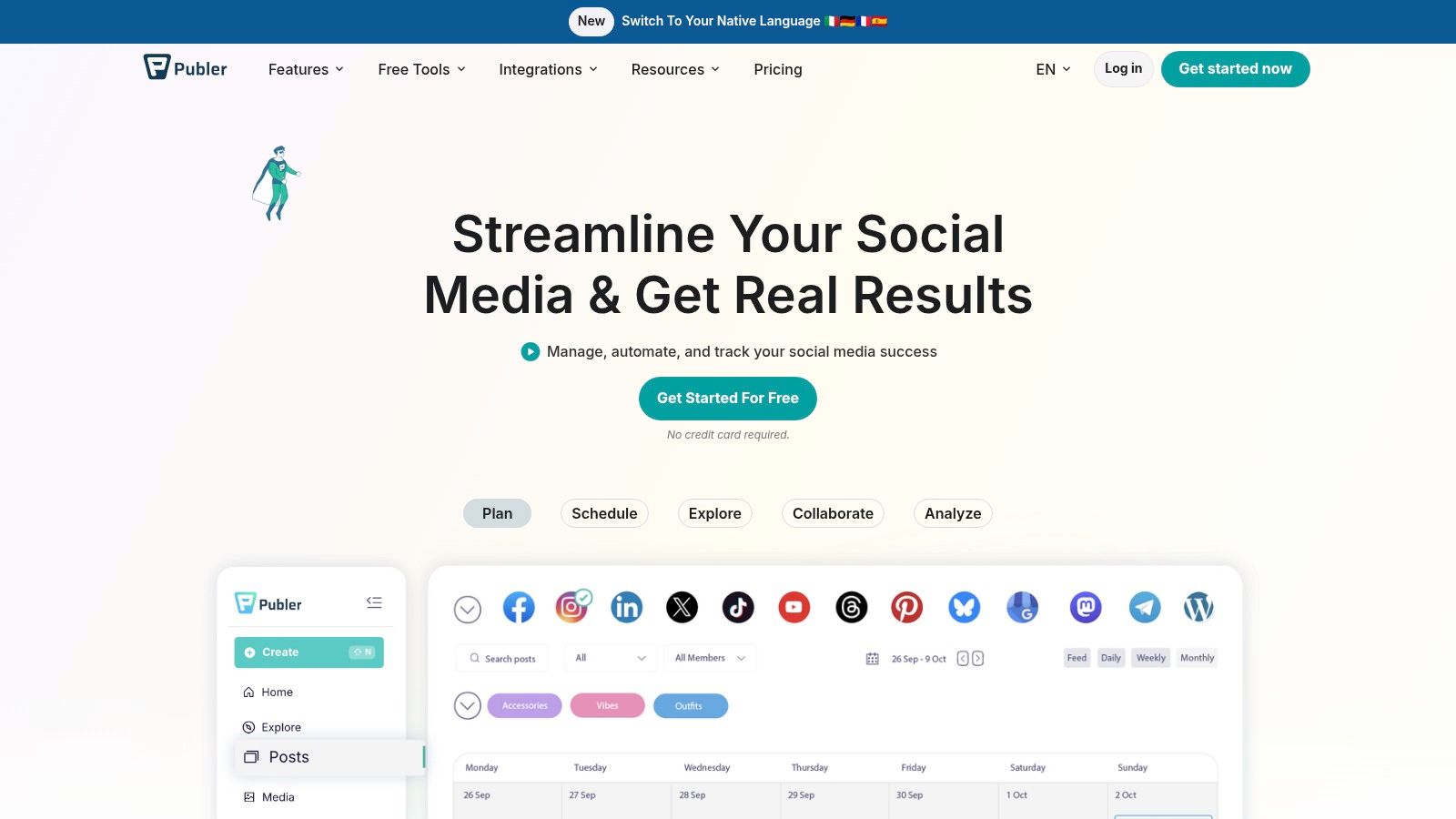
Publer is a fast-rising free social media management tool praised for its user-friendly design and generous feature set. It offers a clean and lightweight scheduling experience that feels less overwhelming compared to some larger platforms, with the added benefit of requiring very little learning to get effective use out of it.
The free plan lets you connect up to three social accounts and manage them within a single workspace. What is remarkable with Publer is that it includes a free link-in-bio tool, usually locked behind the paywall. While the free tier doesn’t include X (formerly Twitter) due to API costs, the queue limits and draft storage are practical for managing a consistent content calendar on other key networks.
Key Features & Limitations
Feature
Details on Free Plan
Connected Channels
Up to 3 (e.g., Facebook, Instagram, Pinterest)
Scheduled Posts
10 queued posts per account
Users
1
Core Tools
Scheduling, Link in Bio, 25 drafts, 24-hour post history
Integrations
Limited on free plan; premium includes Canva & more
Best For: Beginners and small businesses who need a simple, cost-effective scheduler and want a built-in link-in-bio tool without an extra subscription.
Pros:
Simple and transparent pricing model as your needs grow.
Includes a handy Instagram link-in-bio tool on the free plan.
Offers free trials for premium features to test them out.
Cons:
No support for X/Twitter on the free tier.
Post history is limited to 24 hours, restricting performance review.
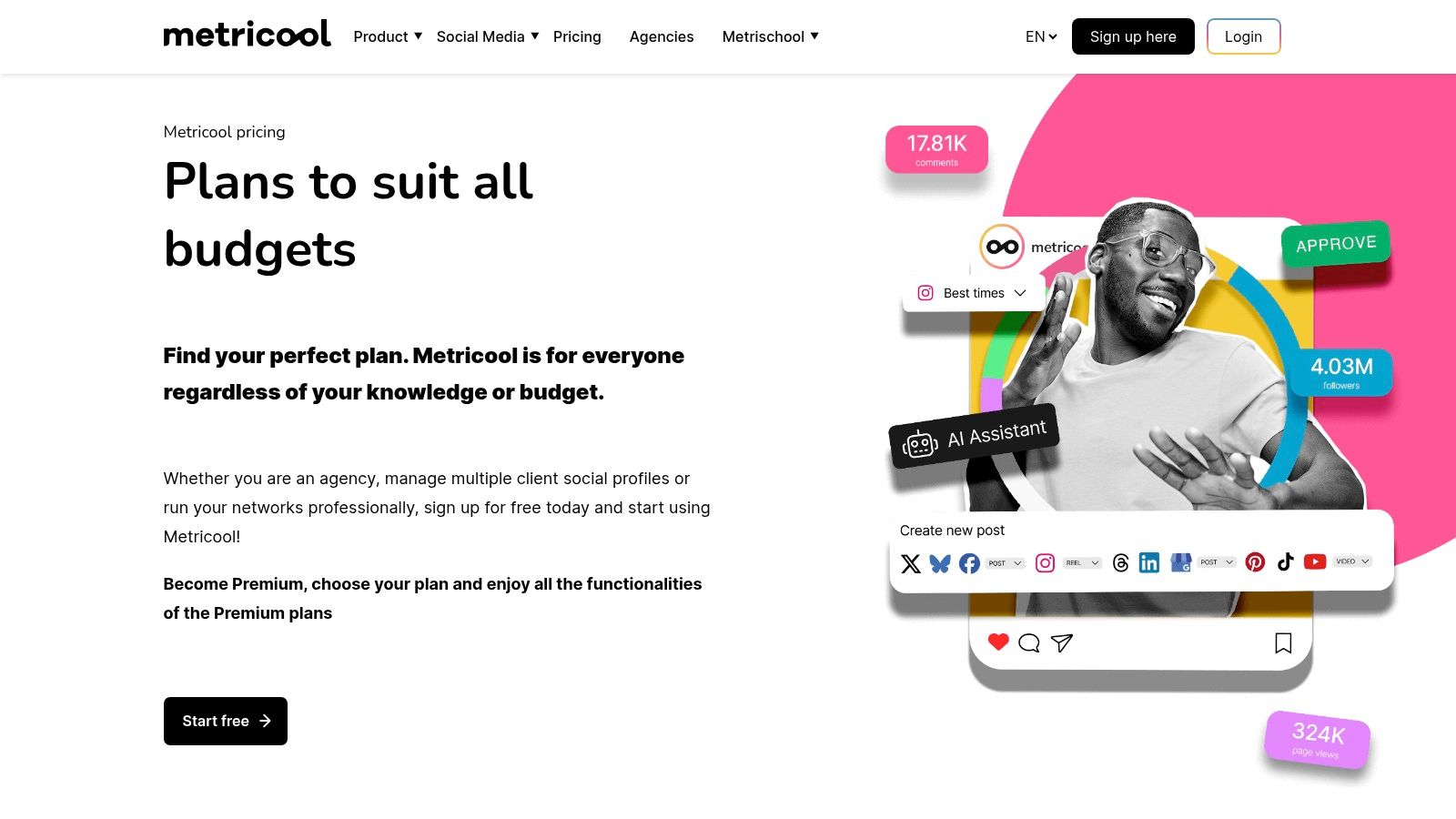
Metricool is unique in that it offers an all-in-one platform, combining scheduling with rich analytics, even on its free plan. It’s one of a few free social media management tools that’ll give you a unified dashboard in which you can manage one brand, track competitors, and view performance data without paying a dime. That unified approach will save you some time by keeping publishing and analysis in one place.
The free plan generously includes 50 scheduled posts per month, along with analytics and three months of historical data, which is more comprehensive than most competitors. It even includes a basic AI assistant to help create content. The main negative is that support for some key networks, such as LinkedIn and X, requires paid add-ons, so the free version is best for those with a main focus on Instagram, Facebook, and TikTok.
SocialInsider reports that access to historical analytics improves content optimization decisions by over 25% compared to tools without performance tracking.
Key Features & Limitations
Feature
Details on Free Plan
Connected Channels
1 brand (across multiple platforms)
Scheduled Posts
Up to 50 posts per month
Users
1
Core Tools
Analytics (3 months history), AI Assistant, Competitor Analysis
Integrations
LinkedIn and X require paid add-ons
Best For: Data-driven solo marketers and small businesses that need deep analytics and competitor insights along with their scheduling tool.
Pros:
Unified dashboard for publishing, analytics, and competitor insights.
Strong analytics capabilities are included in the free version.
Easy upgrade path for advanced features and multi-brand management.
Cons:
LinkedIn and X (Twitter) support requires paid add-ons.
The 50-posts-per-month cap can be restrictive for very active accounts.
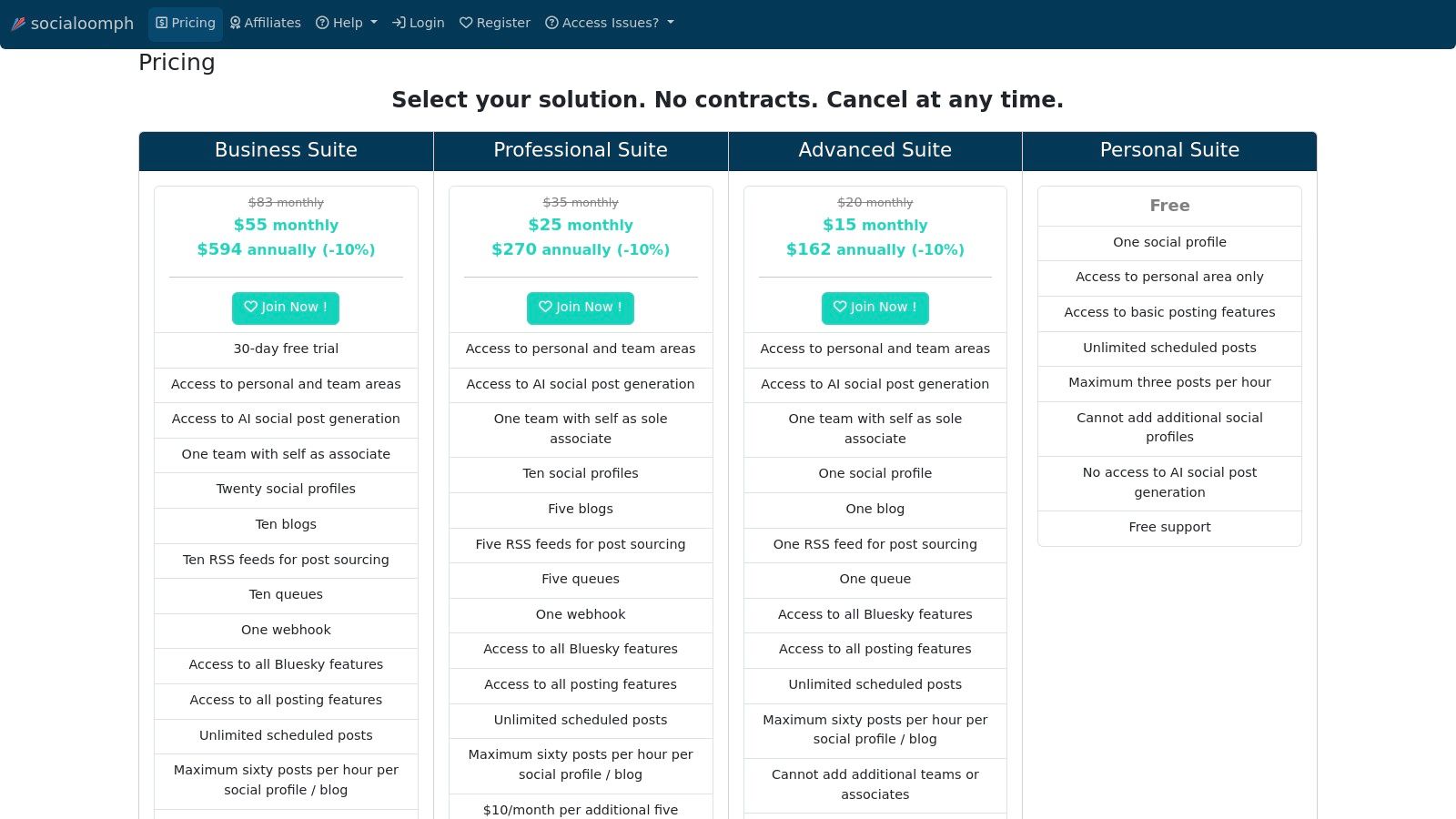
SocialOomph was one of the pioneers in the field of social media automation, offering a utilitarian but powerful service. It boasts one of the most unusual free social media management tools, tailor-made for those specific users who have to schedule a lot of content for one social profile and do not want to hit a post limit. Its interface is a bit less modern-looking than that of its rivals; however, its functionality is sound and straightforward.
The remarkable thing about the free plan is that it offers unlimited post scheduling. You can add as many posts to your queue as you want, although the platform rate-limits them to three posts per hour. This is a huge advantage for evergreen content strategies where a user wants to “set it and forget it” for one primary account. There are no fancy AI or analytics tools on the platform like newer apps have; this one sticks to pure scheduling performance.
Key Features & Limitations
Feature
Details on Free Plan
Connected Channels
1
Scheduled Posts
Unlimited (rate-limited to 3 posts/hour)
Users
1
Core Tools
Basic Post Scheduling
Integrations
None on the free plan
Best For: A solo user or blogger seeking to automate a lot of evergreen content for one major social media profile.
Pros:
Unlimited scheduled posts on the free plan is a rare and powerful feature.
A long-standing platform known for its reliability and consistency.
Simple, no-frills interface focuses purely on scheduling tasks.
Cons:
The user interface feels dated compared to modern alternatives.
Free plan is strictly limited to one social profile.
Lacks an integrated social inbox, analytics, or AI assistance.
IFTTT is not a classic scheduler, but it finds its place in this list as one of the most powerful free social media management tools to automate tasks. It works on a very simple basis: if something happens with one app (called a trigger), then an action in another app should be performed. It helps you create your own workflows, such as sharing your new Instagram posts automatically as native Twitter photos or adding your YouTube uploads to a Pinterest board.
Its strength lies in connecting services that don’t normally talk to each other, acting as the digital glue for your marketing stack. The free plan limits you to just two custom “Applets,” but with unlimited runs, it’s perfect for a couple of high-priority, set-and-forget automations. Whereas power users will need one of the paid plans for more complex, multi-step workflows, this free tier gives people a fantastic entry point into no-code social media automation.
Key Features & Limitations
Feature
Details on Free Plan
Connected Channels
Connects hundreds of services (social media, IoT, etc.)
Scheduled Posts
N/A (Automation-based, not scheduling)
Users
1
Core Tools
2 active Applets (automations) with unlimited runs
Integrations
Massive directory including all major social platforms, smart home devices, and productivity apps
Best For: Marketers and content creators looking to automate specific, repetitive, cross-posting tasks that other tools can’t handle.
Pros:
Incredibly simple and powerful tool for automating cross-posting.
Access to a huge ecosystem of services and pre-built automation recipes.
Can complement other schedulers by filling in automation gaps.
Cons:
The free tier’s limit of just two applets is very restrictive.
Reliability can sometimes depend on the stability of third-party APIs.
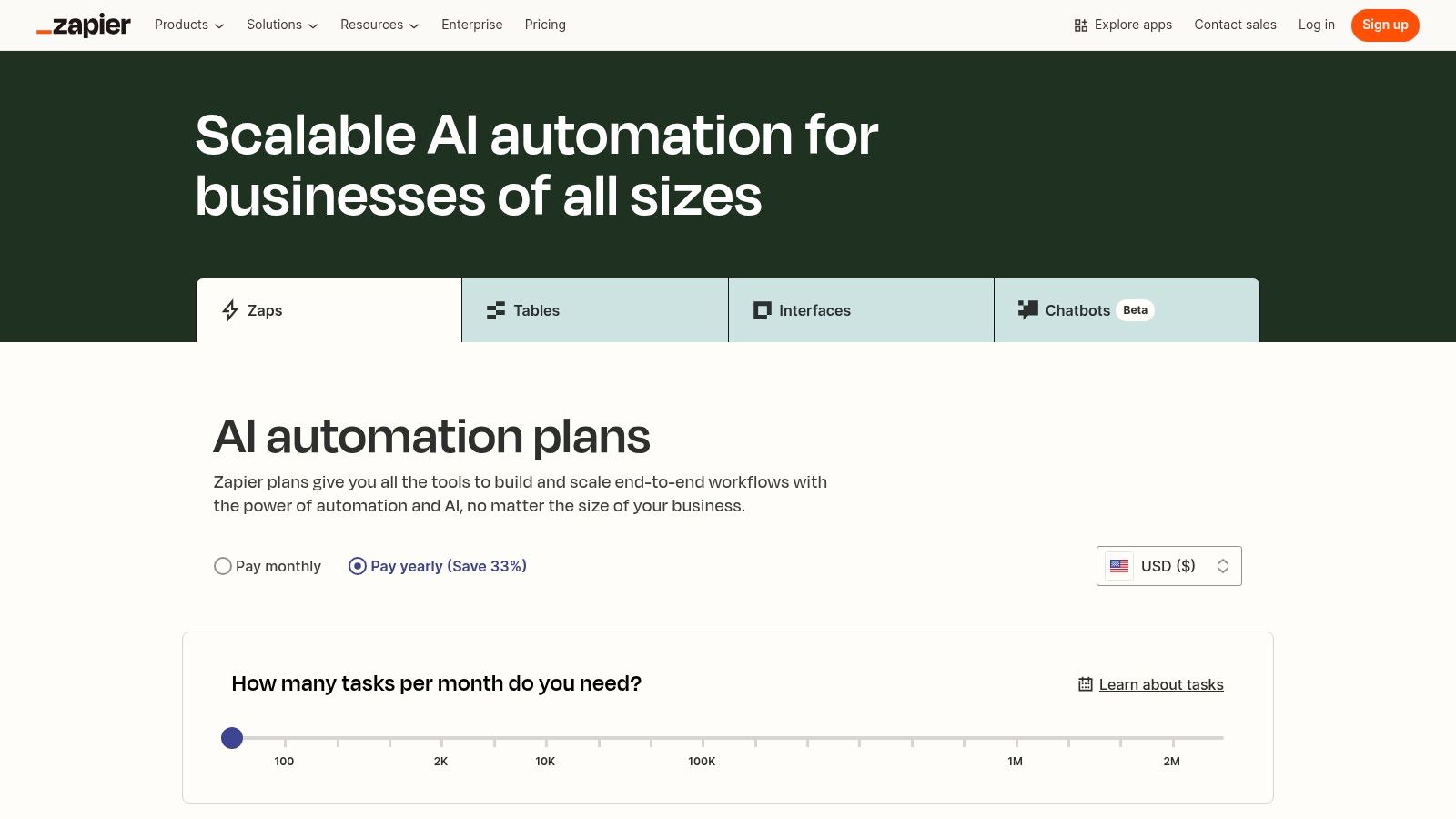
While not a true scheduler, Zapier is one of the most powerful free tools for social media management to automate tasks you would otherwise have to do manually. It connects thousands of apps, allowing custom workflows called Zaps to be created, which publish content automatically. You can create a Zap from an RSS feed that simply shares a new blog post to your Twitter or LinkedIn profile, for example.
The free plan allows for unlimited two-step Zaps, which are ideal for simple “if this, then that” automations. That makes it an ideal supplementary tool to fill in the gaps that other platforms can’t. Still, that 100 tasks-per-month limit can be spent rather fast, but with its huge app ecosystem and reliability, it is a must-have resource to build a connected social media workflow. Learning about social media automation tools will unlock even more potential.
Zapier data indicates that most small teams rely on fewer than five automations for core publishing workflows, making the free tier sufficient for basic needs.
Key Features & Limitations
Feature
Details on Free Plan
Connected Channels
Connects to thousands of apps, including all major social networks
Automation
100 tasks per month, unlimited Zaps
Users
1
Core Tools
Two-step Zaps, 15-minute update time
Limitations
No multi-step Zaps, paths, or filters
Best for: Tech-savvy marketers and businesses looking to automate content sharing from other platforms such as blogs, YouTube, or e-commerce stores to their social media channels.
Pros:
Massive library of app integrations, offering near-limitless automation possibilities.
Unlimited Zaps on the free plan allow for setting up many different workflows.
Extremely reliable for automating basic publishing tasks.
Cons:
The 100-tasks-per-month limit is restrictive for high-volume accounts.
Free plan only allows simple two-step automations.
Vista Social is an all-in-one platform, housing agency-level features in a tool accessible for individuals and small businesses. While most of the attention goes to its powerful paid tiers, it has a functional free plan that is very well placed to serve as an entry point, thus making it one of the more robust free social media management tools for those planning to scale. Its free plan lets you connect a few social profiles and schedule a limited number of posts.
What sets Vista Social apart is its future-facing feature set, even at the free level. You get a unified content calendar and media library, which forms the backbone of planning. As you grow, its paid plans add powerful tools like social listening, review management, and advanced reporting, giving you a clear, affordable upgrade path without having to switch platforms.
Key Features & Limitations
Feature
Details on Free Plan
Connected Channels
Up to 3
Scheduled Posts
15 posts per profile per month
Users
1
Core Tools
Content Calendar, Media Library, Universal Inbox
Integrations
Canva, Dropbox, Pexels, and more
Best for creators and small businesses seeking a free tool with a distinct, powerful, and affordable scaling path into advanced features like review management and social listening.
Pros:
Offers a clear and valuable upgrade path to advanced features.
Includes a universal inbox even on the free plan for basic engagement.
Modern interface that is easy to navigate.
Cons:
The free plan’s post limit is monthly, not a rolling queue like some competitors.
Many of its best features (listening, reviews, AI) are locked behind paid tiers.
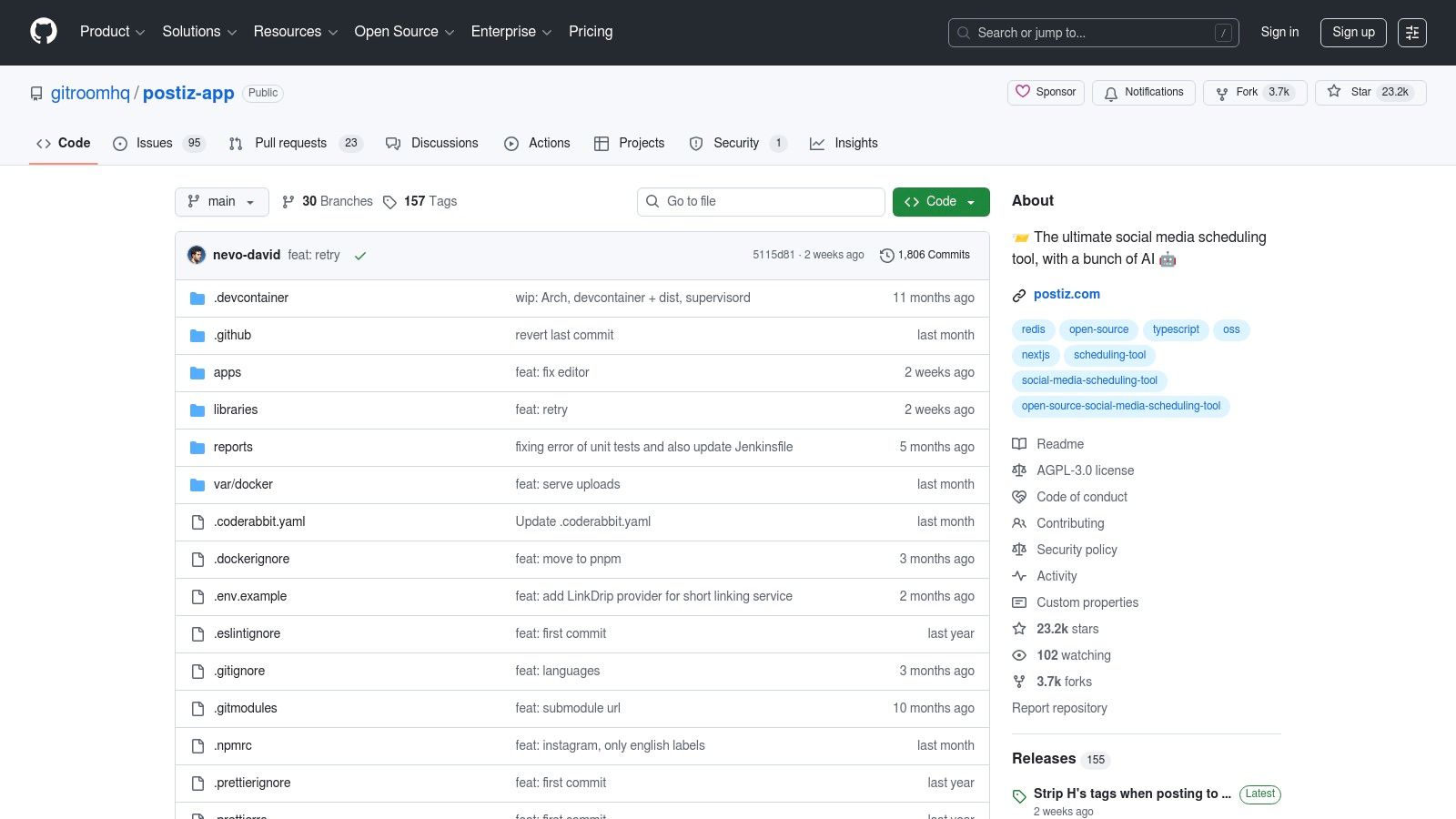
Postiz is a powerful, agent-ready platform for teams that want AI agents to handle their social media scheduling. It is a hosted platform, so there is nothing to install or maintain. This approach eliminates recurring fees and all privacy concerns, making it one of the most cost-effective and secure free social media management tools available.
It boasts of the comprehensive support for various platforms, both modern ones such as Threads, Bluesky, and Mastodon, and traditional ones. Frequent updates and a public API make it highly adaptable. The primary trade-off of this can be seen in the initial setup: you need to know technologies like Docker and manage API keys.
Key Features & Limitations
Feature
Details on Free Plan
Connected Channels
Unlimited (Supports Instagram, Facebook, TikTok, LinkedIn, X, and more)
Scheduled Posts
Unlimited
Users
Evolving team support (initially designed for single users)
Core Tools
Scheduling Calendar, Drafts, Basic Analytics, API Access
Integrations
Direct API connections; extensibility depends on user skill
Best For: Developers, tech-savvy marketers, and privacy-conscious organizations who prefer a one-time setup over monthly subscriptions.
Pros:
7-day free trial, then plans from $29 per month.
Highly flexible and extensible, with support for a wide range of social networks.
Provides maximum privacy and data control.
Cons:
Requires significant technical knowledge for installation and ongoing maintenance.
Features can be less polished than commercial alternatives and may require tinkering.
Tool for Your Needs From single-window suites like Vista Social and Zoho Social to the powerhouse automator that is Zapier, and the laser-focused efficiency of Meta Business Suite, no stone has been left unturned. And while it might be daunting to consider the myriad options available, the bottom line is simple: there is no “best” tool. The right choice for you depends completely on your specific goals, workflow, and resources.
Navigating this selection is all about matching features to your specific needs. A solo creator focused on a few visual platforms will have very different needs compared to a small business looking for broad reach across numerous networks. Your perfect tool will be the one which minimizes friction in your daily tasks and empowers you to focus on creating great content-not just schedule it.
Research from Gartner shows that tool adoption success depends more on workflow fit than feature count, reinforcing the importance of choosing based on real operational needs.
Your Decision-Making Checklist
Cut through the noise to find your ideal fit by considering these critical factors. The answers to these questions will narrow the list and point you toward the most effective solution for your situation.
Your Primary Platforms: Are you heavily invested in the Meta ecosystem (Facebook and Instagram)? The native Meta Business Suite might provide everything you need without added complexity. If you need to manage a wider array of networks like LinkedIn, X (formerly Twitter), or even Mastodon, platforms like Social Champ or Publer offer broader connectivity.
Your Content Volume: How frequently do you need to post? Free plans often come with monthly post limits. If you have a high-volume strategy, a tool with a generous free tier like Zoho Social is essential. For scheduling driven by AI agents, Postiz offers unparalleled freedom.
Your Need for Data: Is performance tracking a priority? If you rely on analytics to refine your strategy, a data-rich tool like Metricool is a clear winner. Its comprehensive reports provide insights that many other free plans lack.
Your Technical Skillset: Are you comfortable with concepts like self-hosting or setting up integrations? If so, Postiz or automation recipes with IFTTT can unlock powerful, customized workflows. If you prefer a plug-and-play experience, user-friendly interfaces from Buffer or Vista Social are a safer bet.
Your Actionable Next Steps
Don’t get caught in analysis paralysis. The best next step you can take is to begin experimenting. Take one or two tools from the above list that seemed to most closely align with your answers from the checklist above. Sign up for their free plans and put them to the test for a week. This is an invaluable hands-on experience.
Very soon, you’ll know which interface feels more intuitive for you and which limitations you can put up with. Invest a little time in this trial phase, and you will save countless hours in the long term. Gained efficiency allows you to create a more consistent, more engaging, and in the end, more successful social media presence without stretching your budget
Ready for a tool that grows with you? Postiz offers a 7-day free trial and AI agent access on every plan. Start scheduling your content smarter and faster by exploring what Postiz can do for you today.