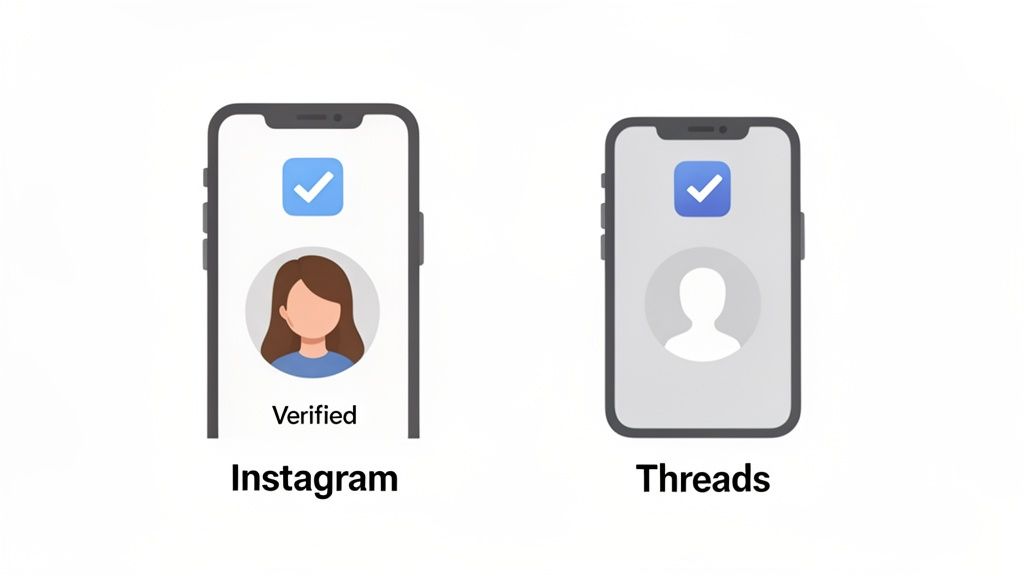
Getting verified on Threads with that coveted blue checkmark is a goal for many creators and brands. But here's the key thing to understand right away: there is no separate application process for Threads. Your verification status on Threads is directly tied to your Instagram account. If you want the blue check on Threads, you have to get verified on Instagram first.
This guide will walk you through the entire process, explaining what verification means, what Meta's requirements are, and how you can increase your chances of success.
What Does Verification on Threads Mean?
That little blue badge next to a username on Threads isn't just for show. It's Meta's official stamp of approval, confirming that an account is the authentic presence of the public figure, celebrity, or global brand it claims to represent.
For creators, businesses, and public figures, this verification is a powerful tool. It instantly builds trust with your audience, enhances your credibility, and helps distinguish your official profile from fan accounts, impersonators, or parody pages. In a crowded digital space, the blue check signals that you are a legitimate and notable voice.
The tight integration between Instagram and Threads is fundamental. When you create a Threads profile, your username, followers, and—most importantly—your verification status are carried over seamlessly. While Threads has its own unique, text-focused culture, it operates within the established Instagram ecosystem. If you're exploring different text-based platforms, our comparison of Bluesky vs. Threads provides more context.
Verification Requirements and Eligibility
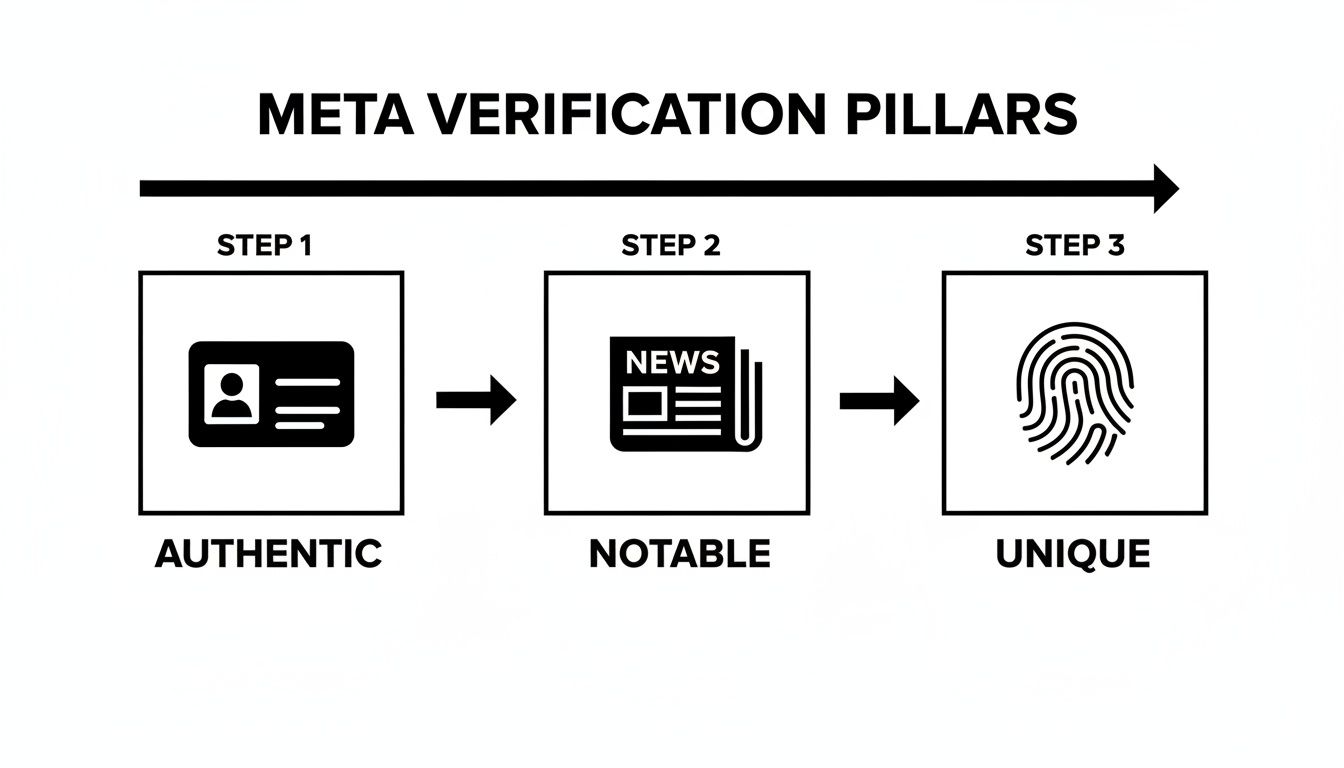
Before you can even think about getting verified on Threads, you must first meet Meta's strict verification criteria on Instagram. The review team doesn't look at your Threads activity; they evaluate your Instagram profile based on four key pillars: Authentic, Unique, Complete, and Notable.
Let's break down what each of these requirements means for your application.
The Four Pillars of Meta Verification
To be eligible for verification, your Instagram account must satisfy all of the following conditions.
Authentic: Your account must represent a real person, a registered business, or a legal entity. You'll need to prove this with official documentation, such as a government-issued photo ID (like a driver's license or passport) for an individual, or business documents (like tax filings or articles of incorporation) for a company.
Unique: The account must be the one-and-only presence of the person or business it represents. Meta typically only verifies one account per person or brand, with exceptions for language-specific accounts. This rule means that general interest accounts, fan pages, or meme accounts are not eligible.
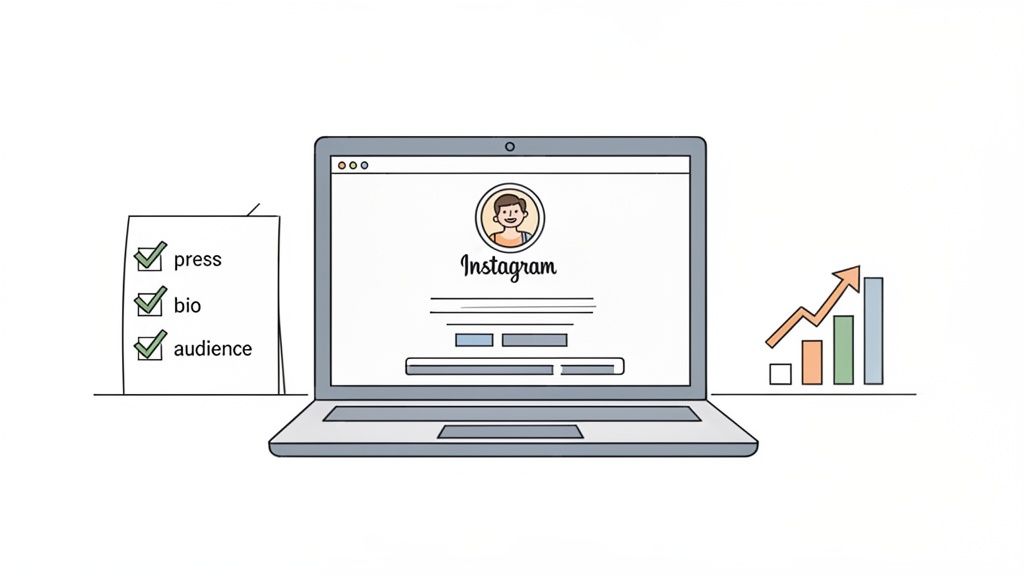
Complete: Your Instagram profile must be public, have a bio, a profile picture, and at least one post. Applying with a private or incomplete profile is a guaranteed rejection. For help optimizing your profile, our guide on how to turn on insights on Instagram can be a useful resource.
Notable: This is the most challenging requirement. Your account must represent a well-known, highly searched-for person, brand, or entity. Meta looks for evidence that you've been featured in multiple, independent, and legitimate news sources. Paid or promotional content is explicitly not considered.
Manage all your social media in one place with Postiz
The "notable" requirement is where most applications fail. Follower count is not a primary factor; you can have hundreds of thousands of followers and still be denied if you lack significant press coverage. Conversely, an academic or journalist with a smaller following might be verified if their work is regularly featured in major publications.
To prove notability, you must provide links to articles from credible, independent news outlets.
What counts as a credible source?
Major national or international news organizations (e.g., The New York Times, BBC, The Guardian).
Established digital publications with strong editorial standards.
What does NOT count?
Press releases.
Sponsored articles or any paid content.
Mentions on personal blogs or other social media profiles.
Content from your own website.
The verification team is trained to distinguish between earned media and paid PR. They are looking for organic proof that the public is genuinely interested in you or your brand.
Step-by-Step Guide to Getting Verified on Threads
Since Threads verification is dependent on Instagram, the entire application process takes place within the Instagram app. Follow these steps to submit your request.
1. Locate the Verification Request Form in Instagram
First, you need to find the application form. It's located deep within your Instagram settings.
Open the Instagram app and go to your Profile.
Tap the menu icon (three horizontal lines) in the top-right corner.
Select "Settings and privacy."
Scroll down to the "For professionals" section and tap "Creator tools and controls" (or "Business tools and controls" for business accounts).
Near the bottom of the list, tap "Request verification."
You are now on the official application screen. This is where you will build your case to prove you meet Meta's criteria.
2. Submit Your Identity and Proof of Notability
The application form has two main sections.
Part 1: Confirm Your Authenticity
This step is about proving you are who you say you are. You will need to provide your full name and upload a clear photo of an official document.
For Individuals: Use a government-issued photo ID like a driver's license or passport.
For Businesses: Use official business documents like tax filings, articles of incorporation, or a recent utility bill.
Pro Tip: Ensure the name on your document perfectly matches the name on your Instagram profile to avoid an automatic rejection.
Part 2: Demonstrate Your Notability
This is the most critical part of the application. You must show that you are a public figure of interest.
Select a Category: Choose the category that best describes your account (e.g., News/Media, Sports, Music, Creator).
Describe Your Audience (Optional): Briefly explain who follows you and why they are interested in your account.
Provide Links: Submit up to five links to news articles or other media that feature you or your brand. Choose your strongest, most reputable sources. Remember, paid or promotional content will not be considered.
Once you've filled out the form and attached your documents and links, tap "Submit." Meta will review your application and notify you of their decision, typically within a few days to a few weeks. If your Instagram account is verified, the blue check will automatically appear on your Threads profile. With Threads projected to grow significantly—check out the latest Threads statistics—having that verified status is more valuable than ever.
Common Reasons Verification Requests Get Rejected
Receiving a rejection notice from Meta can be disappointing, but it's important to understand why it happened. Most rejections are due to a few common mistakes, all of which can be addressed before you reapply.
Lack of Notability: This is the number one reason for rejection. The links you provided were likely not from sufficiently credible sources, or they were identified as paid or promotional content.
Paid or Promotional Content: Submitting links to sponsored posts, press releases you wrote, or "advertorial" content is an instant red flag. Meta is explicit that this type of content does not count toward notability.
Incomplete Profile: Applying with a private account, no profile picture, an empty bio, or no posts is a surefire way to get denied. Your profile must be public and appear active and professional.
Weak News Sources: Links from obscure blogs, personal websites, or new publications without established authority carry very little weight with reviewers.
Incorrect Documents: A mismatch between the name on your ID and your profile name, or submitting the wrong type of business document, can lead to a rejection on authenticity grounds.
If your request is denied, you can submit a new one after 30 days. Use this time to actively address the weaknesses in your previous application.
Tips to Improve Your Chances of Getting Verified
Getting verified isn't just about filling out a form; it's about building a strong, credible online presence before you apply. Here are actionable tips to strengthen your case.
1. Optimize Your Instagram Profile for Authority
Your Instagram bio is the first thing a reviewer sees. Make it professional and clear.
Be Specific: Instead of "Entrepreneur," use a title like "Founder of [Your Company] | Author of [Your Book]."
Use a Professional Link: Link to your official website, a major news feature about you, or your professional portfolio—not another social media profile.
Have a High-Quality Profile Photo: A clear, professional headshot for individuals or a crisp logo for brands is essential.
2. Actively Seek Earned Media Coverage
Don't wait for the press to find you. Proactively build your portfolio of media mentions.
Pitch story ideas to journalists in your niche.
Offer yourself as an expert source for articles.
Create newsworthy content, like original research or data reports, that media outlets will want to cover.
Collaborate with other notable figures in your industry.
Remember, the goal is earned media, not paid placements.
3. Build a Genuine Community
While follower count isn't an official requirement, an engaged community is a strong indicator of influence. Focus on creating high-quality content that sparks conversation. Learning how to create engaging social media content is a great way to attract an authentic following and boost your profile's authority.
Differences Between Threads Verification and Instagram Verification
There is essentially no difference between Threads verification and Instagram verification. The blue checkmark on Threads is a direct reflection of your verification status on Instagram.
Single Application Process: You apply for verification once, through Instagram.
Mirrored Status: If you are verified on Instagram, your Threads profile automatically gets the blue badge. If you lose your verification on Instagram, you will also lose it on Threads.
Meta Verified: The paid subscription, Meta Verified, also applies to both platforms. Subscribing on Instagram will give you a blue check on both your Instagram and Threads profiles.
FAQs
Here are answers to some of the most frequently asked questions about getting verified on Threads.
How long does the verification process take?
The review process can take anywhere from a few days to several weeks. Meta does not provide a specific timeline. If you are denied, you must wait 30 days before you can apply again.
Do I need a certain number of followers to get verified?
No, there is no official minimum follower requirement for traditional verification. Meta's focus is on notability, which is demonstrated through press coverage from credible sources, not follower count.
Is Meta Verified the same as the traditional blue check?
No. They look the same, but they represent different things.
Traditional Verification (Blue Check): Earned by being a "notable" public figure. It's a badge of authenticity and public interest.
Meta Verified (Subscription): A paid monthly service that confirms your identity with a government ID. It proves you are who you say you are but does not signify notability.
Can I lose my verification badge?
Yes. Meta can remove your verification badge if you violate their Terms of Use or Community Guidelines, provide misleading information during the application process, or change your account in a way that no longer meets the verification criteria.
Conclusion
Getting verified on Threads begins and ends with your Instagram account. The process requires you to build a strong, credible online presence that meets Meta's strict criteria for authenticity, uniqueness, completeness, and most importantly, notability. Focus on optimizing your profile, securing genuine press coverage, and building an engaged community. By treating the application as the final step in a longer journey of establishing your public profile, you significantly increase your chances of earning that coveted blue check.
Ready to build a powerful and credible presence on Threads and beyond? Postiz offers the tools you need to schedule content, analyze performance, and engage your audience effectively, all from one streamlined dashboard. Start creating and managing your social media strategy with ease at https://postiz.com.
Learn how financial advisors can use social media to build trust, stay compliant, attract younger investors, and turn online engagement into real clients.